

Photo Studio

Social Media Ideas for Photo Studios: Real Content for More Bookings

Stop posting random photos. Get practical social media ideas for photo studios that actually build trust and book clients. No fluff, just operator-tested tactics.

5 min read Updated Jul 20, 2026 Used by 1,000+ businesses
Social Media Ideas for Photo Studios: Real Content for More Bookings
BrandZillaBrandZilla EditorialReviewed by marketing operators

You’re halfway through a marathon editing session, your coffee is cold, and you realize you haven’t posted to Instagram in six days. The panic sets in, you find a random 'pretty' shot from last month, throw a couple of hashtags on it, and call it a day. We’ve all been there, and frankly, it’s why most studio social media accounts look like ghost towns or disorganized digital scrapbooks.

The problem isn't a lack of talent; it's that most social media ideas for photo studios focus on the art rather than the business. Your clients aren't photographers. They don't care about your f-stop or your new mirrorless sensor. They care about whether you can make them look professional, whether their kids will cry during the session, and if you’re worth the premium price you charge.

Reality check: Most people are intimidated by professional photo shoots. If your content only shows flawless, finished results, you aren't solving their anxiety—you're accidentally fueling it. Show the mess, show the process, and show that you’re a human being who is easy to work with.

Quick tips

1

Optimize your bio for local search.

Your bio should clearly state your city and the type of photography you do so people know you're for them immediately.

2

Hook them with a problem.

The first 3 seconds of a video or the first sentence of a caption must stop the scroll by addressing a specific pain point.

3

Repeat your best advice.

Post the same 5-10 'pillar' ideas every few months. New followers haven't seen them, and old followers have forgotten.

4

Use specific calls to action.

Instead of 'Book now,' try 'Click the link to see our current session availability for October.'

Stay consistent without hiring a social media manager

A simple weekly content system that keeps your business visible and trusted online — no daily improvisation.

No spam. Unsubscribe anytime.

Content That Destroys Customer Anxiety

The biggest hurdle for a potential client is the 'What do I wear?' and 'Will I look awkward?' phase. Your social media should act as a FAQ that solves these problems before they even book. Use these ideas to show you are the guide they need.

What actually works: Put your best advice in a 30-second video. People trust a voice and a face more than a block of text.

  1. The 'What to Wear' Flatlay: Lay out a coordinated outfit on your studio floor and explain why it works on camera (textures vs. busy patterns).
  2. The Posing Evolution: Show a 'before' (how a client naturally stands) and an 'after' (how you directed them to chin down, shoulders back) to show the value of your direction.
  3. Location Scouting: If you do on-location shoots, post a photo of a 'boring' spot (like a parking garage or messy park) and then the final stunning shot taken there.
  4. The Client Prep Checklist: A simple graphic listing the 3 things to do the night before a shoot (hydrate, steam the clothes, get sleep).
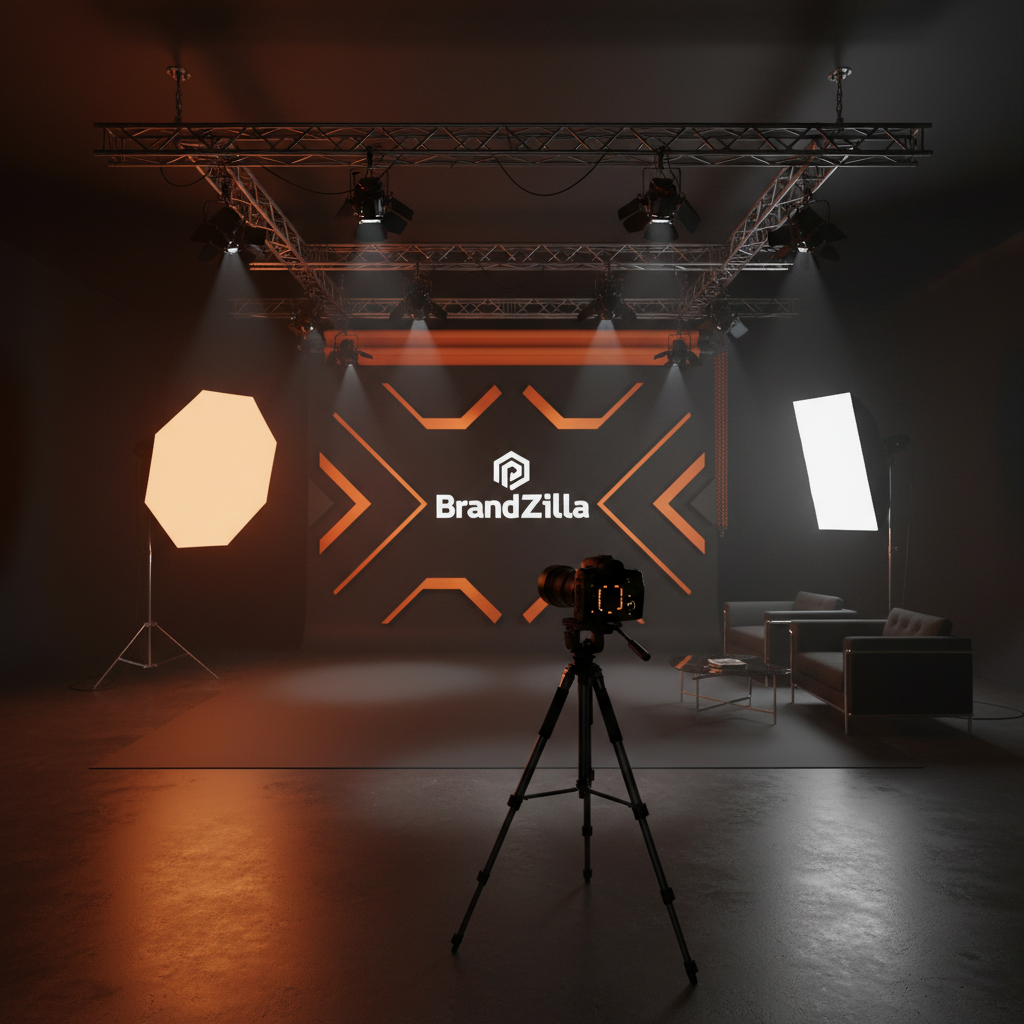
  5. The Gear Explanation (the simple version): Show your lighting setup and explain—in plain English—how it makes skin look better than a ring light ever could.
Example 1

Video: '3 tips for choosing the right colors for your headshots.'

Example 2

Graphic: 'My 5-step process from booking to gallery delivery.'

Example 3

Photo: A side-by-side of a softbox light vs. overhead office lighting.

Example 4

Caption: 'Why professional makeup for a shoot is actually an investment in your final result.'

Example 5

Carousel: 'The most popular backdrops in the studio this month.'

Show the Reality of the Studio Experience

People don't just buy photos; they buy the experience of being in your studio. If they don't know what it looks like inside, they are less likely to step through the door.

Local business example: A studio in Chicago posted a video showing exactly where to park and which buzzer to hit. It became their most-saved post because it solved a real-world stressor for new clients.

  1. The Walkthrough: A handheld video starting from the front door, through the lounge, to the shooting area.
  2. The 'Work in Progress' Screen: A time-lapse of you editing a session. It shows the 'magic' and the effort that goes into the final product.
  3. The Prop Shelf: Show off your chairs, stools, or newborn wraps. It helps clients visualize their own session.
  4. The Cleanup: A fast-motion video of you resetting the studio after a big shoot. It shows you’re busy and professional.
  5. Meet the Team: Even if it’s just you and a part-time editor, introduce the humans. People book people.
Example 1

Reel: Moving the lights and prep for a morning session.

Example 2

Photo: Your coffee mug next to your editing console at 9 PM.

Example 3

Video: 'Where to park when you arrive at [Studio Name].'

Example 4

Caption: 'My favorite corner of the studio and why it has the best light at 2 PM.'

Example 5

Photo: A client's toddler playing with a studio prop between takes.

Building Proof and Authority

Social proof is the most powerful tool you have. But instead of just saying 'I'm a great photographer,' let the client results and stories do the heavy lifting.

Quick win: Don't just post the 'hero shot.' Post the third-best shot and talk about the genuine moment that happened when it was taken.

  1. The 'Why They Came In' Story: Post a headshot and explain the client was starting a new business and needed to feel confident.
  2. The Anniversary/Maternity Update: Repurpose a shoot from a year ago with a 'Look at them now' update. It shows long-term relationships.
  3. The Unboxing: If you sell physical products like albums or canvases, film yourself opening one for a client. The tactile nature of the product is a huge selling point.
  4. Testimonial Overlays: Take a snippet of a Google review and overlay it on a photo from that specific session.
  5. The 'Oops' Moment: A funny outtake (with client permission). It makes your studio feel approachable and fun.
Example 1

Carousel: 5 different people, 5 different styles, all shot in the same week.

Example 2

Video: Flipping through a high-end wedding album.

Example 3

Photo: A client seeing their photos on the big screen for the first time.

Example 4

Caption: 'From 'I hate having my photo taken' to 'I can't believe that's me.' This is why I do this.'

Example 5

Graphic: A star-rating review with a photo of the family in the background.

Copy-paste AI prompt pack

Drop these straight into your post — or generate fresh ones with BrandZilla.

Captions

  • Changing a backdrop seems simple, but it completely shifts the mood. Here is how we went from 'corporate' to 'creative' in 5 minutes for [Client Name].
  • The #1 question I get: 'What do I do with my hands?' Don't worry, my job is to direct you so you never have to guess. Here’s a look at how we pose for a natural feel.
  • Sneak peek from today’s session! We caught that split second where the kids actually laughed at my terrible jokes. Worth it.

Hooks

  • Watch how we turned this tiny corner of the studio into a high-end set.
  • 3 things you should never wear to a family photo session.
  • Why your 'professional' selfie is actually hurting your brand.

Hashtags

#photostudiolife#behindthelens#localbusinessowner#portraitphotography#headshotstrategy#smallbusinessmarketing#studiophotography#clientexperience

Questions business owners actually ask

Real objections from real operators — answered straight.

BrandZillaBrandZilla EditorialReviewed by marketing operators

Free tools to keep you consistent

Quick utilities for the moments between full posts.

Most businesses stop posting after 2 weeks

BrandZilla gives small businesses a simple weekly content system — so you stay visible, build trust, and get more enquiries without hiring a social media manager.

More for Photo Studio

Same topic, other industries

From the blog