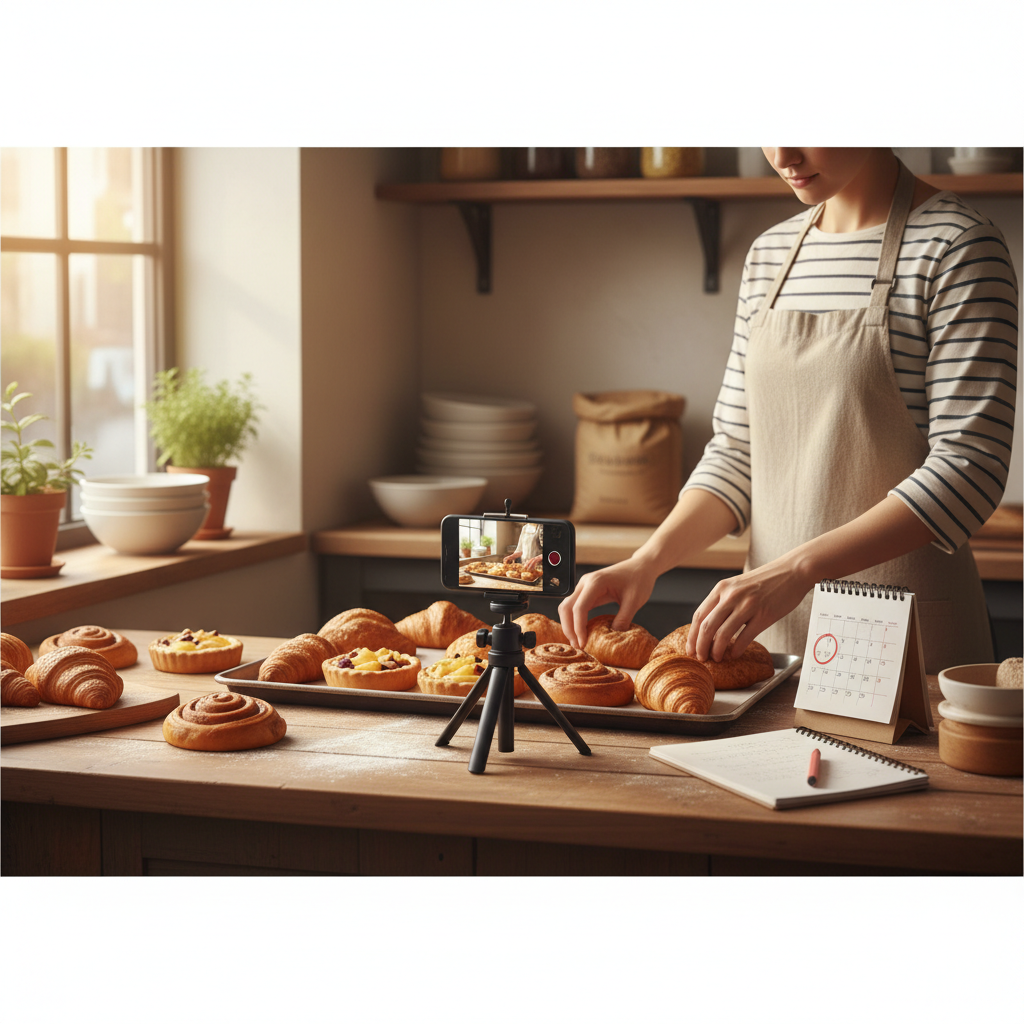
A Realistic 3‑Hour Weekly Content System for Small Businesses
If you only have 3 hours a week to post, this playbook turns one anchor piece into a five-post weekly rhythm that builds trust, keeps you visible, and brings customers without daily grind.
7 min read
BrandZilla EditorialReviewed by marketing operators· Updated Nov 7, 2026· 7 min read
Small business owners say the same thing: I know I should post more, but I don’t have time, and when I do post it disappears in a day.
That’s the real problem — not creative block. It’s a system that fits your schedule, not a content sprint you can’t keep up with.
This guide gives a predictable, repeatable routine that takes about 3 hours per week. It’s for shops, salons, cafés, tradespeople, and anyone who runs a local business with a tiny marketing budget and one tired staff member handling the posts.
You’ll get exact workflows, copy-paste captions, a repurpose matrix, and a tracking checklist to keep you consistent.
The weekly constraint: why 3 hours is the right ceiling
If you’re a two-person business or a solo owner, three hours a week is realistic. Any more and the work bumps into service hours; any less and you won’t build momentum.
This system uses one anchor piece (photo, short video, or mini-blog) and turns it into five distinct posts across the week. The goal: stay visible, build trust, and prompt bookings or walk-ins — without daily improvisation.
Reality check: Most small businesses post 3x then quit. Consistency beats creativity 9 times out of 10.
The 3‑hour weekly workflow (exact time blocks)
Schedule two short sessions: a 2-hour content session + a 1-hour scheduling session.
Weekly content session — 2 hours (Monday morning)
20 minutes: Quick planning and topic choice (use the 5-question checklist below).
40 minutes: Create your anchor piece (take photos, record a 30–60s video, or write a 300-word post).
30 minutes: Produce two repurposes (short video cut, quote graphic, or testimonial capture).
30 minutes: Write five captions and choose CTAs.
Scheduling session — 1 hour (Wednesday afternoon)
40 minutes: Batch schedule posts across platforms (use one scheduling tool or native scheduling).
20 minutes: Quick engagement window (reply to comments and note follow-up leads).
This is the minimum viable routine — you can expand later, but don’t skip the scheduling session.
The 5-question checklist (use each Monday)
Who am I talking to this week (new customers, repeat visitors, event attendees)?
What service or product do I want to move this week?
What is one helpful fact or behind-the-scenes moment I can show?
Which customer can I ask for a picture or short quote?
What single CTA do I want for the week (book, call, stop by, sign up)?
Quick win: Repurpose one customer review into a 3-post mini series this week.
The 5-post weekly rhythm (what to post and exact captions)
The system uses one anchor and four repurposes. Post timing: Tue, Thu, Sat, Sun, Mon (light frequency, local-traffic-friendly).
Anchor post — Tuesday: In-depth value or behind-the-scenes (photo or 45s video)
Caption template: "We make [product/service] for people who [audience]. Today we’re showing how we [specific step]. Want one? Book a spot this week → [link/phone]."
Example: "We bake eggless challah for families who want Sunday brunch without leftovers. Today we’re folding in the glaze — here’s the 3-step trick. Want one for Sunday? Call us at 555-0123."
Quick tip — Thursday: A single, useful tip or FAQ
Caption: "Quick tip: [one-liner]. If you want a demo, stop by Thursday between 3–5pm."
Social proof — Saturday: Customer photo or short testimonial
Caption: "Meet [first name], who chose [service]. 'Short quote.' Thanks, [first name]! Want in? We’ve got slots on Saturday morning."
Offer or local event tie — Sunday: Weekend special or local shoutout
Caption: "Weekend deal: [offer]. Bring this post and get [discount]. Valid Sun only."
Micro-story — Monday: Quick story about the team or process (30–60 words)
Caption: "Behind the counter: [one sentence about team]. We're open 9–5 — walk-ins welcome."
This mix keeps content varied and focused on bookings.
Repurpose matrix: one anchor → five outputs (exact steps)
Start with one anchor asset (e.g., 60s video).
Cut: 3x 10–15s clips for reels/stories.
Quote: Pull a 1-line tip and turn into a graphic (use phone photo + text overlay).
Caption: Expand a line from the anchor into a testimonial post.
CTA post: Use the last 15s as an offer announcement.
FAQ: Write a 2-sentence answer to the most common question in the comments.
Time allocation: recording anchor 40 min, clips 15 min, graphic 15 min, captions 20 min = 90 min total (fits the 2‑hour session with planning).
Common mistake: Treating Instagram captions like tweets — context outperforms one-liners for local businesses.
The exact content calendar (copy into Google Calendar)
Post schedule: Tue 10am (anchor), Thu 2pm (tip), Sat 9am (testimonial), Sun 11am (offer), Mon 4pm (team micro-story)
Use consistent times so your local customers learn when you appear.
Where to save this stuff (minimal tool stack)
Camera: your phone. Use the rear camera for better quality.
Editing: phone editing app (CapCut or the phone’s built-in editor).
Scheduling: the native Facebook/Instagram scheduler and one free scheduler for elsewhere.
Storage: a single Google Drive folder with subfolders: Anchors, Clips, Graphics, Captions.
Tracking: one Google Sheet with columns: Week, Anchor idea, Platforms, CTA, Leads, Notes.
A simple folder system beats a dozen apps.
Scripts you can use (copy-paste)
Asking a customer for permission (in-person): "Hi, I’m trying to show how our [product/service] looks. Would you mind a quick photo I can share? I’ll tag you if you like. If not, I can use initials."
Short video script (45s):
0–5s: Hook: "We bake the only gluten-free sourdough in town."
5–25s: Show process: two quick steps or close-ups.
25–40s: Result and price: "Here’s the loaf — $8. Pick up today."
40–45s: CTA: "Call 555-0123 or swing by."
Caption CTA to drive bookings: "Want one tomorrow? DM us 'BREAD' or call 555-0123."
Steal this template: "We help [audience] [outcome] without [pain]. Here's how →"
Mini-example: Barbershop that treated 3 hours like oxygen
The shop: Two-barber shop in Portland. Starting point: 8 bookings/day average.
Action: They used this system for 8 weeks, creating one anchor video per week and following the 5-post rhythm. They spent 2 hours Monday and 1 hour Wednesday.
Result: Walk-ins and online bookings rose to 18/day on average within 8 weeks. Most bookings came from the Saturday testimonial post and the Monday micro-story. They tracked leads in a single sheet and adjusted offers after week 4.
Why it worked: repeatable rhythm, focused CTAs, and showing real customers instead of staged ads.
Local business example: A bakery in Brooklyn moved from 2 walk-ins/day to 11 by posting one behind-the-counter reel each morning.
Practical metrics to track (weekly)
Posts published: 5
New inquiries from posts: numeric
Bookings attributed to posts: numeric
Time spent: should be ~3 hours
Notes: what worked, what didn’t
This simple tracking tells you when to keep a format or drop it.
Practical shortcut: You can build this system manually — or use BrandZilla to stay consistent without hiring a social media manager.
How to scale without losing your local voice
Keep the same rhythm and raise frequency only when you have capacity.
Outsource repetitive tasks (scheduling, minor edits) but keep the planning and on-camera work in-house.
Reuse high-performing anchors for a month with small tweaks (new caption, new clip).
If you scale too fast you’ll lose the local details that build trust: names, street landmarks, team quirks.
When this actually brings customers (real expectations)
Most local businesses start seeing a steady increase in inquiries after 6–8 weeks if they stick to the plan. Some see immediate spikes from a testimonial or timely offer, but the reliable payoff is consistency.
If you don’t see results by week 8, review your CTA clarity and the tracking sheet — make sure people know exactly what to do next.
What to do next (one-week sprint)
Monday: pick your first anchor topic and block 2 hours.
Wednesday: schedule three posts and engage for 20 minutes.
Track inquiries in a single Google Sheet.
Do that for four weeks and compare week 1 vs week 4 inquiries.
Final thought
A small, realistic system wins. Three focused hours a week, one anchor piece, and a 5-post rhythm will keep your business visible and trusted without burning you out. If you want a shortcut to stay consistent, a tool like BrandZilla can plug into this routine — but the work that brings customers is the plan and follow-through.
The real objections — answered straight, no fluff.
BrandZilla Editorial Team
SMB MarketingContent Strategy
Practical playbooks written and reviewed by people who actually run content programs for small and local businesses — not generic AI output. Every guide is pressure-tested against what real operators do on Instagram, Facebook, LinkedIn and Google.
Used by 1,000+ businessesLast updated Nov 7, 20267 min read
Get weekly content ideas for your business
Join business owners getting practical, ready-to-post BrandZilla content prompts every week. No spam.