

Photo Studio

Reels Ideas for Photo Studios: Win More Clients with Video

Stop overthinking your social media. Get practical, high-converting Reels ideas for photo studios that you can film between client sessions today.

3 min read Updated Jul 9, 2026 Used by 1,000+ businesses
Reels Ideas for Photo Studios: Win More Clients with Video
BrandZillaBrandZilla EditorialReviewed by marketing operators

If you’re running a studio, your "to-do" list is already screaming at you. Between culling 2,000 raw files from Saturday’s wedding and chasing down a client who hasn't paid their invoice, filming a dance for Instagram is the last thing on your mind. But here’s the reality: Instagram is the new storefront window, and if yours looks dusty, people keep walking.

You don't need a film crew to make Reels. You already have the most expensive equipment and the best lighting in the building. Generating reels ideas for photo studios doesn't have to mean following cringe trends—it means showing people how you make them look like the best version of themselves.

Reality check: Most people are terrified of being photographed. Your Reels shouldn't just show "pretty pictures"—they should show how comfortable and easy it is to work with you. Control the nerves, and you'll win the booking.

Quick tips

1

Embrace the Handheld Shake

You don't need a gimbal for everything. Sometimes a raw, handheld 'behind-the-scenes' feel is more authentic and relatable.

2

Prioritize Helpful over Trendy

Trends die in 48 hours. Educational content about posing lives forever. Aim for an 80/20 split in favor of helpful content.

3

Film Your Screen, Not Just Your Face

If you’re editing in Lightroom, pull up the 'Compare' view and film it with your phone. It’s the easiest Reel you’ll ever make.

4

Use Instagram’s Built-in Tags

Always use the 'Add Topics' feature on Instagram to tag 'Photography' and 'Small Business' so the right people see your work.

Stay consistent without hiring a social media manager

A simple weekly content system that keeps your business visible and trusted online — no daily improvisation.

No spam. Unsubscribe anytime.

Showing the 'Vibe' of Your Space

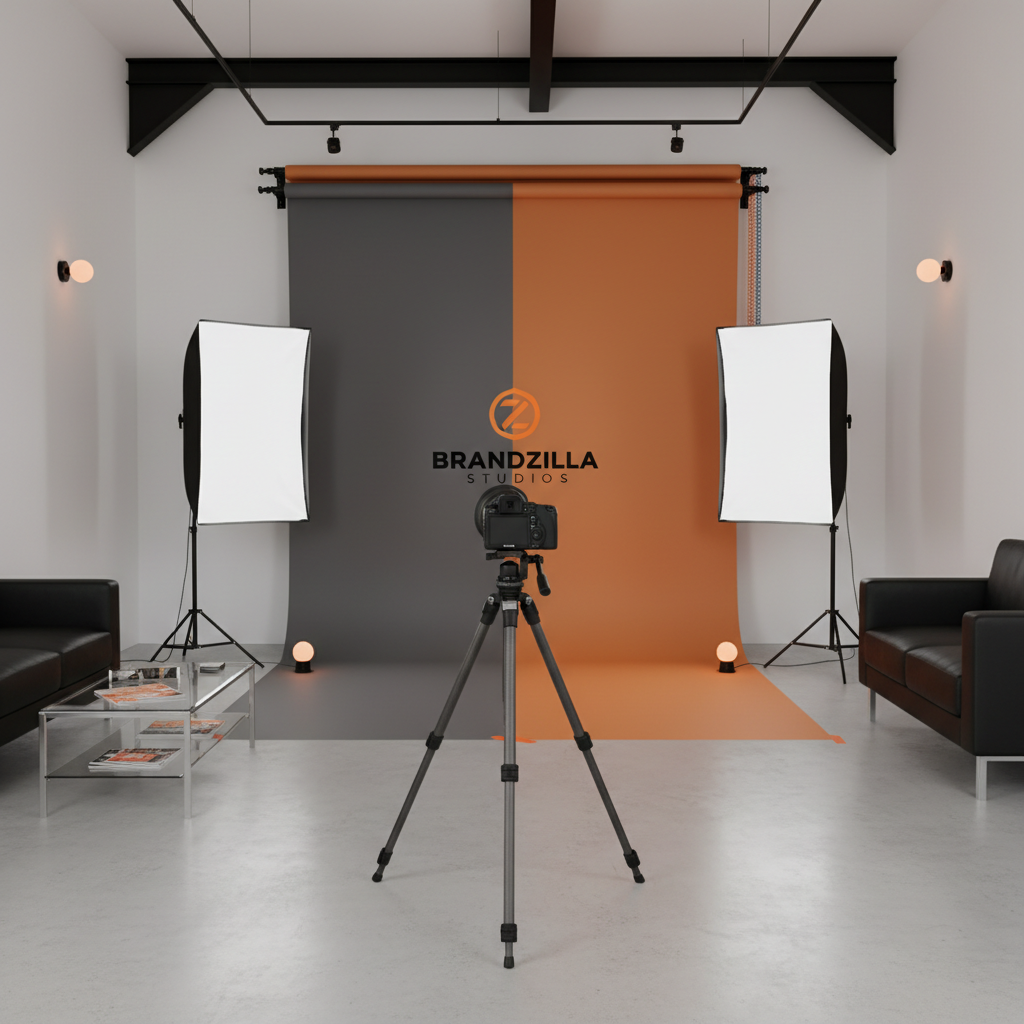
People don't just buy photos; they buy the experience of not feeling awkward in front of a stranger. Use Reels to bridge that gap. Show them the "scary" lights aren't that scary.

Quick win: Next time you set up a backdrop, prop your phone in the corner and record a 10-second time-lapse. It shows you're a pro who knows their gear.

Example 1

The 'Outfit Change' Transition: A client steps behind a curtain in sweats and 'pops' out in their formal wear.

Example 2

The Lighting 'Reveal': Start with a pitch-black studio, then turn on your key light, fill light, and hair light one by one.

Example 3

Gear Bag Dump: Show exactly what’s in your bag for a typical portrait session—clean and organized looks best.

Example 4

The 'Welcome' Tour: A literal walk-through from your front door to the shooting space so they know where to park and sit.

Example 5

The Refreshment Station: Showing off the snacks, water, or coffee you provide makes the studio feel like a VIP experience.

The 'Expert Advice' Playbook

Educating your clients makes your job easier. If they come prepared, the photos are better, and they’re happier. Use Reels to answer the questions you get asked in every single discovery call.

Local business example: A family photographer in Chicago posts a Reel titled 'What to wear for fall photos' featuring three specific color palettes that don't clash with the city's architecture.

Example 1

'Top 3 Poses for People Who Hate Their Hands': Show quick, natural ways to position hands during a headshot.

Example 2

'The Best Colors for Our Grey Backdrop': Show a split screen of what different colors look like against your signature studio wall.

Example 3

'How to Prep Your Toddler': 3 tips for parents to ensure their kids aren't having a meltdown at the 4 PM session.

Example 4

'Glass or No Glass?': Showing how you handle glare for clients who wear spectacles.

Example 5

'Wardrobe Mistakes to Avoid': A quick 'Yes/No' series showing why tiny patterns might moiré on camera.

Proving Your Value with Results

This is where you showcase the transformation. The "Before" is the raw, unedited, slightly messy reality; the "After" is the polished masterpiece. This builds incredible trust in your technical skill.

What actually works: Keep your 'Before' clips slightly longer than the 'After' clips. It builds a tiny bit of tension before the big reveal.

Example 1

The 'Focus Peak' Reel: Screen-record your camera's back screen as you hit focus on a client’s eyes, then cut to the final edit.

Example 2

RAW vs. Edited: A simple side-by-side showing how you enhance colors without making people look like plastic.

Example 3

The 'Magic Eraser' Moment: A fast-motion screen recording of you retouching out a stray hair or a distracting exit sign.

Example 4

Client Reaction: Catch the 3 seconds of a client seeing their favorite shot on the tethering monitor for the first time.

Example 5

The Printing Process: If you offer physical prints, film the moment a high-end canvas or album is unboxed for a client.

Copy-paste AI prompt pack

Drop these straight into your post — or generate fresh ones with BrandZilla.

Captions

  • 'POV: You finally booked that headshot session you’ve been putting off for two years. 📸 (It wasn’t actually scary, promise.)'
  • 'Lighting is 90% of the magic. Here is how we turned a rainy Tuesday into a golden hour glow in the studio. ✨'
  • 'Watch a 1-hour branding session turn into 3 months of content for this local business owner. Efficiency is the name of the game.'

Hooks

  • 3 things I wish every client knew before their shoot...
  • Watch me turn this messy studio into a high-end set in 10 seconds.
  • Stop posing like this! Try this instead...
  • The secret to getting kids to smile in family photos? It's not 'cheese.'

Hashtags

#photostudiolife#behindthelens#photographybusinesstips#studiophotography#brandingsession#portraitphotographer#creativestudio#smallbusinessmarketing#instareelsforphotographers

Questions business owners actually ask

Real objections from real operators — answered straight.

BrandZillaBrandZilla EditorialReviewed by marketing operators

Free tools to keep you consistent

Quick utilities for the moments between full posts.

Most businesses stop posting after 2 weeks

BrandZilla gives small businesses a simple weekly content system — so you stay visible, build trust, and get more enquiries without hiring a social media manager.

More for Photo Studio

Same topic, other industries

From the blog