

Interior Designer

The 30-Day Social Media Content Calendar for Interior Designers

Stop staring at a blank screen. Get a practical 30-day social media content calendar for interior designers designed to build trust and land high-end clients.

4 min read Updated May 29, 2026 Used by 1,000+ businesses
The 30-Day Social Media Content Calendar for Interior Designers
BrandZillaBrandZilla EditorialReviewed by marketing operators

Most interior designers treat social media like a portfolio, but your grid shouldn't just be a museum of finished rooms. Clients don't just buy your taste; they buy your process, your problem-solving skills, and the relief of knowing you won't leave them with a lumpy sofa or a botched kitchen layout. The struggle isn't finding things to say—it's finding the time to say them between site visits and vendor fires.

This calendar isn't about fluff. It’s designed to bridge the gap between "that's a pretty picture" and "I need to hire this person." We’re focusing on moving followers through the funnel—from initial inspiration to the realization that they can’t pull off a cohesive remodel without your professional eye.

Reality check: A perfectly curated grid with no personality is just a digital brochure. People hire designers they like and trust. Stop hiding behind the professional photography and start showing the messy middle of your projects.

Quick tips

1

Keep it raw on Stories.

Don't edit your site-visit photos to look like Pinterest. The raw, slightly gritty look proves you're actually on the ground doing the work.

2

Use scannable captions.

People scan social media; they don't read it. Use bullet points in your captions for '3 steps' or '5 tips' to keep them engaged.

3

The 1-in-5 CTA rule.

In every 5 posts, explicitly state how someone can hire you or book a discovery call. Don't assume they know.

4

Shoot the details.

When you finish a project, take 50 photos of details (handles, corners, lighting). These can be used as 'filler' content for months.

Stay consistent without hiring a social media manager

A simple weekly content system that keeps your business visible and trusted online — no daily improvisation.

No spam. Unsubscribe anytime.

Establishing Authority & Your Design POV

The first ten days are about establishing yourself as a professional, not just an enthusiast. You want to show that you have a system and a vision.

  • Day 1: The Vision: Share a professional photo of your best work. In the caption, explain the specific problem you solved (e.g., maximizing light in a dark Victorian terrace).
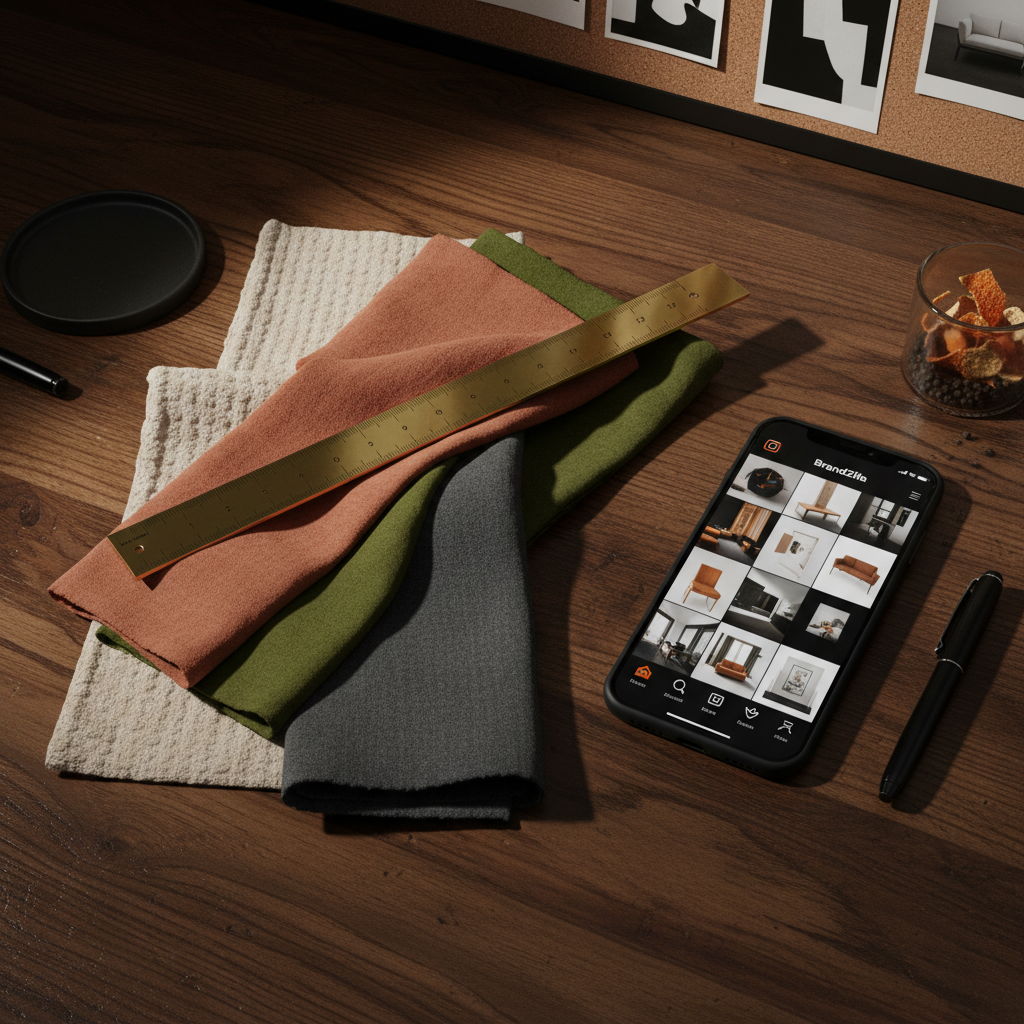
  • Day 2: The Toolset: Photo of your flat-lay kit (samples, tape measure, swatches). Talk about how you start every project.
  • Day 3: Why Hire Me?: Directly address the "I can do this myself" mindset. Explain the costly mistakes you prevent (e.g., ordering furniture that doesn't fit through the door).
  • Day 4: Meeting the Maker: A photo of you on-site. Not a headshot—you in action.
  • Day 5: Trend Check: Take a popular trend and give your honest professional opinion on whether it has staying power or is a "fast-fashion" design mistake.

What actually works: Use the 'Problem-Solution-Result' framework for your captions. Don't just show a kitchen; explain that the client hated the cramped island, you re-engineered the plumbing, and now they can host 10 people for dinner.

Example 1

A video of you flipping through a wallpaper book highlighting 'bold' vs 'safe' choices.

Example 2

A 'Choose your favorite' post featuring two different hardware finishes for the same cabinet.

Example 3

A screenshot of a client testimonial that explicitly mentions your project management skills.

Behind the Scenes & Process Transparency

Prospective clients are fascinated by the "messy middle." Use these days to show that you are actively working and in demand.

  • Day 11: The Site Visit: Raw video or photo of a construction site. Point out one thing you're checking—like outlet placement or trim alignment.
  • Day 12: Sample Sunday: A messy pile of fabric and stone. Explain how you narrow down 100 choices to the perfect 3.
  • Day 13: Local Love: Highlight a local furniture maker or tile shop you use. This builds community and local SEO.
  • Day 14: Tech Talk: Show a screenshot of your 3D renderings vs. the 'In Progress' photo.
  • Day 15: Q&A: Answer one question you got this week from a client. Example: "How high should I hang my gallery wall?"

Quick win: Take a 5-second video of your hands moving samples around a mood board. Add a trending but quiet instrumental track. This 'ASMR' style content performs exceptionally well for designers.

Example 1

A photo of your trunk full of samples—the 'glamorous' side of design.

Example 2

A time-lapse of you sketching a floor plan.

Example 3

A 'Before' photo that is truly ugly. The bigger the mess, the better the transformation looks later.

Conversion Work & The Final Reveal

Now that they trust your process, show them the results and give them a reason to click "Contact."

  • Day 21: The Reveal: A high-quality 'After' photo. Let the image breathe—minimalist caption.
  • Day 22: Detailed Close-up: A texture-focused shot. A velvet pillow against a leather chair. Talk about 'tactile layering.'
  • Day 23: FAQ Friday: Address the budget question. People are scared to ask. Explain how you help clients prioritize spending.
  • Day 24: The 'Anti-Portfolio': Share a photo of something you didn't do because it didn't meet your quality standards. It shows integrity.
  • Day 25: Direct Call to Action: "We are now booking for [Season]. Here is what the first 30 days of working with us looks like."

Local business example: If you're based in Austin, don't just say 'modern design.' Say 'Austin Mid-Century Modern' and mention how you design for the Texas heat with specific fabric choices.

Example 1

A carousel of '3 things to save on, 3 things to splurge on.'

Example 2

A 'Day in the Life' Reel that shows you at the studio, then a site, then a vendor.

Example 3

A photo of a finished nook or small corner—don't feel you always need to show a whole house.

Copy-paste AI prompt pack

Drop these straight into your post — or generate fresh ones with BrandZilla.

Captions

  • The 'Why' behind the layout: Most people would have put the sofa against the wall here, but we floated it to create a natural walkway. Here is why that matters for the flow of this room...
  • Trade Secrets: We spent three weeks hunting for the perfect vintage rug for the Thompson project. Swipe to see why the first five options didn't make the cut. Hint: It's all about the undertones.
  • The Investment Piece: If you’re going to splurge on one thing in your living room, make it the [Item Name]. Here’s how it anchors the entire design and saves you money elsewhere.

Hooks

  • Stop choosing your paint colors under fluorescent lights at the hardware store.
  • 3 things I wish every client knew before starting a kitchen renovation.
  • Why your living room feels 'off' (and how to fix it in 10 minutes).

Hashtags

#InteriorDesignBusiness#DesignFirmOwner#InteriorDesignerLife#ConstructionManagement#DesignProcess#LuxuryInteriors#BespokeDesign#DesignDocumentation#RenovationDiary#InteriorDesignTips

Questions business owners actually ask

Real objections from real operators — answered straight.

BrandZillaBrandZilla EditorialReviewed by marketing operators

Free tools to keep you consistent

Quick utilities for the moments between full posts.

Most businesses stop posting after 2 weeks

BrandZilla gives small businesses a simple weekly content system — so you stay visible, build trust, and get more enquiries without hiring a social media manager.

More for Interior Designer

Same topic, other industries

From the blog