How to Turn Customer Questions into 30 Days of Social Posts
Stop guessing what to post. Use the real questions customers ask every day to build a repeatable 30-day social plan that educates, builds trust, and drives visits.
7 min read
BrandZilla EditorialReviewed by marketing operators· Updated Aug 5, 2026· 7 min read
Customers keep asking the same things — about hours, pricing, what’s safe, or how long a service takes. You either answer privately, forget the question, or post random content that doesn’t move the needle.
If you want posts that actually bring customers, start with the input that already predicts buying behavior: customer questions. They show intent, objections, and what matters most. Turn those questions into clear answers and you’ll save time, build trust, and get measurable responses.
This is a hands-on, repeatable system: collect questions, prioritize by buying intent, turn each into an "anchor answer," then repurpose that anchor into three posts. Below you will find templates, a 30-day calendar you can copy, exact caption starters, story scripts, and one mini-example you can implement this afternoon.
Reality check: Most small businesses post 3x then quit. Consistency beats creativity 9 times out of 10.
The 5-step system (do this in 90 minutes)
Collect (30 minutes): Gather raw questions from every source you can think of.
Google Business Q&A
DMs and comments from last 90 days
Recent booking notes or service tickets
Voicemails or common phone questions
Receipts, signage, and staff notes
Competitor reviews for nearby businesses
Triage (15 minutes): Sort questions into three piles: Buying Intent (how much, when, availability), Objections (safety, guarantees, reliability), and Interest (how-it works, ingredients, behind-the-scenes).
Pick 10 anchors (15 minutes): Choose the 10 questions that are asked most frequently or most likely to stop a sale.
Answer once, repurpose thrice (20 minutes): Write one precise answer per anchor (50–120 words). Turn that answer into a long post, a short video script, and a carousel or multi-image post.
Schedule (10 minutes): Use a single weekly rhythm and batch-schedule the 30 posts for the month.
Quick win: Repurpose one customer review into a 3-post mini series this week.
What an "anchor answer" looks like
An anchor answer is short, factual, and customer-facing. Example structure (50–120 words):
One-line answer to the question.
Two quick specifics (time, price, or step).
A light proof point (how many customers, or a short guarantee).
One next step (call, book, DM).
Example anchor for a neighborhood locksmith: "Yes — we can make new keys on the spot for most cars."
One-line: "Yes — we cut and program most car keys on-site in 20–40 minutes."
Specifics: "Cost: $90–$170 depending on the key type. Cash and cards accepted."
Proof: "We handled 86 lockouts last month with same-day service."
Next step: "Text a photo of your key or call to confirm price and ETA."
Use that anchor as the source for three posts.
The 3x repurpose rule (exact formats)
For each anchor answer create these three pieces within 48 hours:
A. Long caption post (Facebook/Instagram):
Hook: repeat the customer question verbatim.
Answer: the short anchor.
Details: one or two specifics.
CTA: exact next step.
Caption template:
"Q: [customer question]? A: [one-line answer]. Quick details: [2 specifics]. Need help? [exact next step with phone/DM]."
B. Short video (Reel/TikTok/FB short): 20–45 seconds
Hook (first 2–3 seconds): "You asked: [question]? Here's the answer." Say it to camera or show a headline card.
Show one quick proof or step (30 seconds): demo, price card, or a before/after.
End: direct CTA — "Drop a question in DMs or book via [link]."
Exact script (30s):
"You asked: 'Do you deliver after 6pm?' Yes — we deliver until 9pm on weekdays. Here's how it works: place your order by 7:30pm and we'll deliver within 60 minutes. Text us to check delivery in your building."
C. Carousel or 3-image post (Instagram/Facebook/LinkedIn)
Slide 1: Question in plain type.
Slide 2: Short answer + 2 specifics.
Slide 3: Testimonial or proof + CTA.
Post text: use the caption template or shorter CTA.
Common mistake: Treating Instagram captions like tweets — context outperforms one-liners for local businesses.
A 30-day calendar you can copy (exact schedule)
Rules: 1 anchor = 3 posts. Ten anchors = 30 posts. Post 5 times per week (Mon–Fri) and use Stories for weekend recap.
Weekly rhythm (repeat for 4 weeks):
Monday (Anchor Post): Long caption answering Q #1 + image.
Tuesday (Short Video): Reel answering Q #1 (30s).
Wednesday (Proof): Carousel with customer quote related to Q #1 or a quick case.
Thursday (Tip or Objection): Short answer to a follow-up question or common objection.
Friday (Offer/Next Step): Clear CTA post — booking link, same-week discount, or "call now."
Stories: each weekend run a Q&A highlight with clips from the week and a poll.
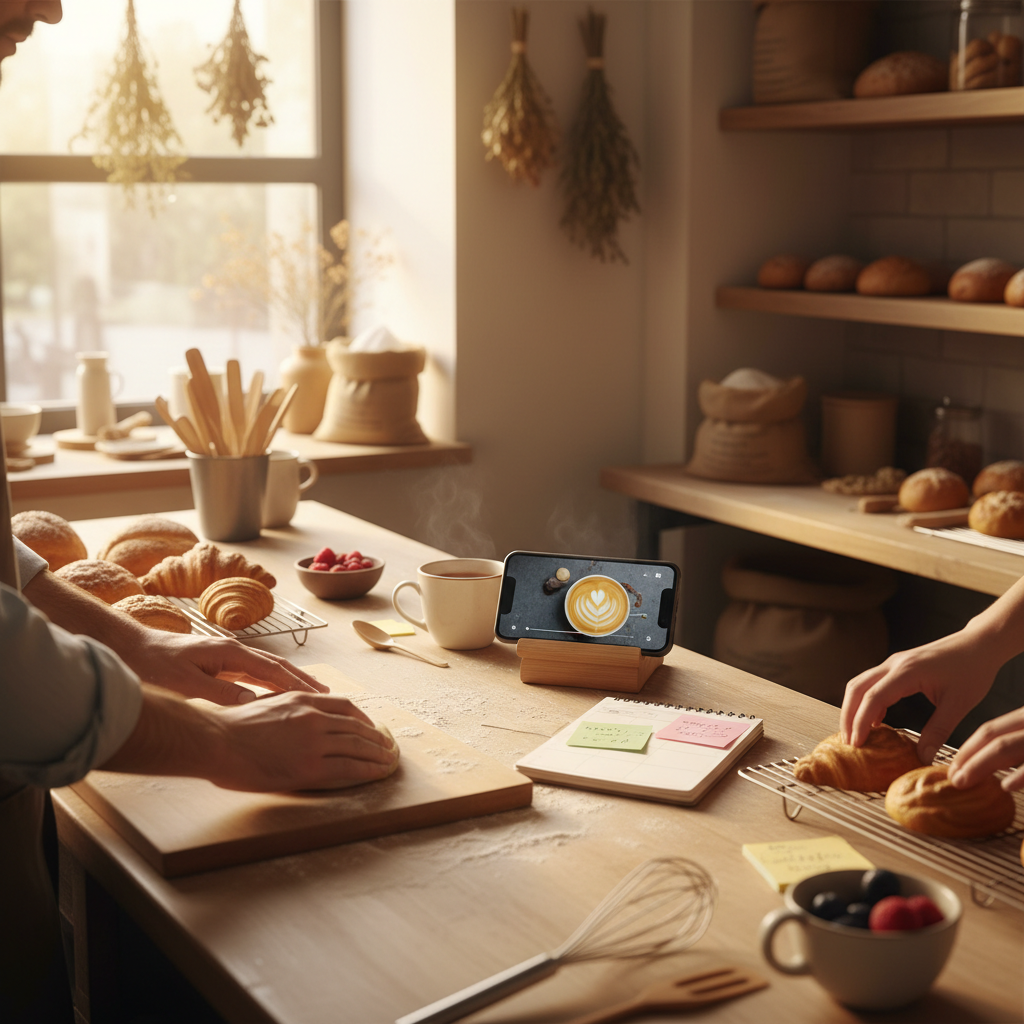
Mini example: Sunrise Bakery (neighborhood bakery)
Collected 18 customer questions in 1 week (most common: "Do you take special orders for birthdays?").
Picked 10 anchors incl. order deadlines, gluten-free options, morning walk-ins.
Week 1, Monday: Long post detailing birthday cake order flow (deposit, 3-day lead time, price range $45–$90).
Tue: 25s video of a cake being iced (CTA: DM photos for ideas).
Wed: Carousel with customer photo and short testimonial.
After two weeks the bakery tracked 8 birthday cake orders (avg $72) directly from posts and DMs — about $576 extra revenue in 14 days.
How to prioritize which questions to answer first
Score each question 1–5 on two dimensions: frequency and buying intent. Multiply scores and pick the top 10.
Frequency: how often you hear it.
Buying intent: does the answer get someone closer to purchase (hours, price, available slots).
Example: "How much does a haircut cost?" might be frequency 5, intent 5 → priority 25.
Steal this template: "We help [audience] [outcome] without [pain]. Here's how →"
Exact captions, hooks, and story scripts you can copy
Caption starters (swap bracketed text):
"Q: [customer question]? A: [short answer]." (Best for Facebook)
"You asked this in DMs: [question]. Here's what to know…" (Instagram)
"Short answer: [1–2 facts]. Long answer in comments." (LinkedIn/local groups)
Video hooks (first 3 seconds):
"Want to know if we [offer X]?"
"Surprise: you don't need an appointment for [service]."
"Yes — we can [solve X] in under [time]."
Story Q&A scripts (3 slides):
Question slide: "Q: [question]" with poll reaction.
Answer slide: one-line answer.
CTA slide: "Tap to DM for [next step]" + link sticker or phone.
DM reply templates (copy-paste):
Info reply: "Hi [name], yes — we do that. Price is [x]. We can do it on [days]. Want me to hold a spot?"
If follow-up needed: "Thanks — can you send a photo of [item]? It'll help me confirm price and time."
Measurement: what to track (simple)
Track three things weekly:
Conversations started (DMs / calls from posts)
Bookings or walk-ins attributed to social (name or coupon code)
Revenue from those bookings
If you get 10 DMs and 3 bookings in a week from your posts, ask: did the question you answered lead to those bookings? Keep the top-performing anchors.
What actually works: A 5-post weekly rhythm built from one anchor piece — not daily improvisation.
Common objections and how to answer them quickly
"I don't have time to make videos." — Use a 20–30s phone clip showing the answer (no editing) and post it as a Reel or story. It beats a filler image.
"We repeat ourselves and sound boring." — Use real customer quotes and photos to vary proof. One anchor can become a how-to, a customer story, and a pricing post.
"Won't this get repetitive?" — If a question is repeated, you’re answering a real barrier. Repurpose the anchor with a different format and proof point.
Common mistake: Treating Instagram captions like tweets — context outperforms one-liners for local businesses.
Practical shortcut: You can build this system manually — or use BrandZilla to stay consistent without hiring a social media manager.
How to run this the first month (action checklist)
Week 0 (setup):
Spend 90 minutes collecting and triaging questions.
Write 10 anchor answers (50–120 words each).
Record 10 short clips (20–45s) — one per anchor.
Create or gather 10 proof images or testimonials.
Week 1–4 (execute):
Batch-schedule using your phone or a scheduling tool.
Review analytics weekly: pick top 3 anchors to reuse next month.
Recycle top anchors every quarter with fresh proof.
Final notes
This system stops you guessing and creates measurable content that earns trust. Start with 10 anchors, follow the 3x repurpose rule, and use the 5-post weekly rhythm. If you want templates pre-filled and a place to keep questions organized, BrandZilla can make the setup faster and keep the calendar consistent.
If you try it this week, pick three customer questions, write one anchor for each, and post the first anchor plus a short video within 48 hours. Track DMs and bookings for two weeks — you’ll know quickly if those questions were driving choices.
Local business example: A bakery in Brooklyn moved from 2 walk-ins/day to 11 by posting one behind-the-counter reel each morning.
The real objections — answered straight, no fluff.
BrandZilla Editorial Team
SMB MarketingContent Strategy
Practical playbooks written and reviewed by people who actually run content programs for small and local businesses — not generic AI output. Every guide is pressure-tested against what real operators do on Instagram, Facebook, LinkedIn and Google.
Used by 1,000+ businessesLast updated Aug 5, 20267 min read
Get weekly content ideas for your business
Join business owners getting practical, ready-to-post BrandZilla content prompts every week. No spam.