
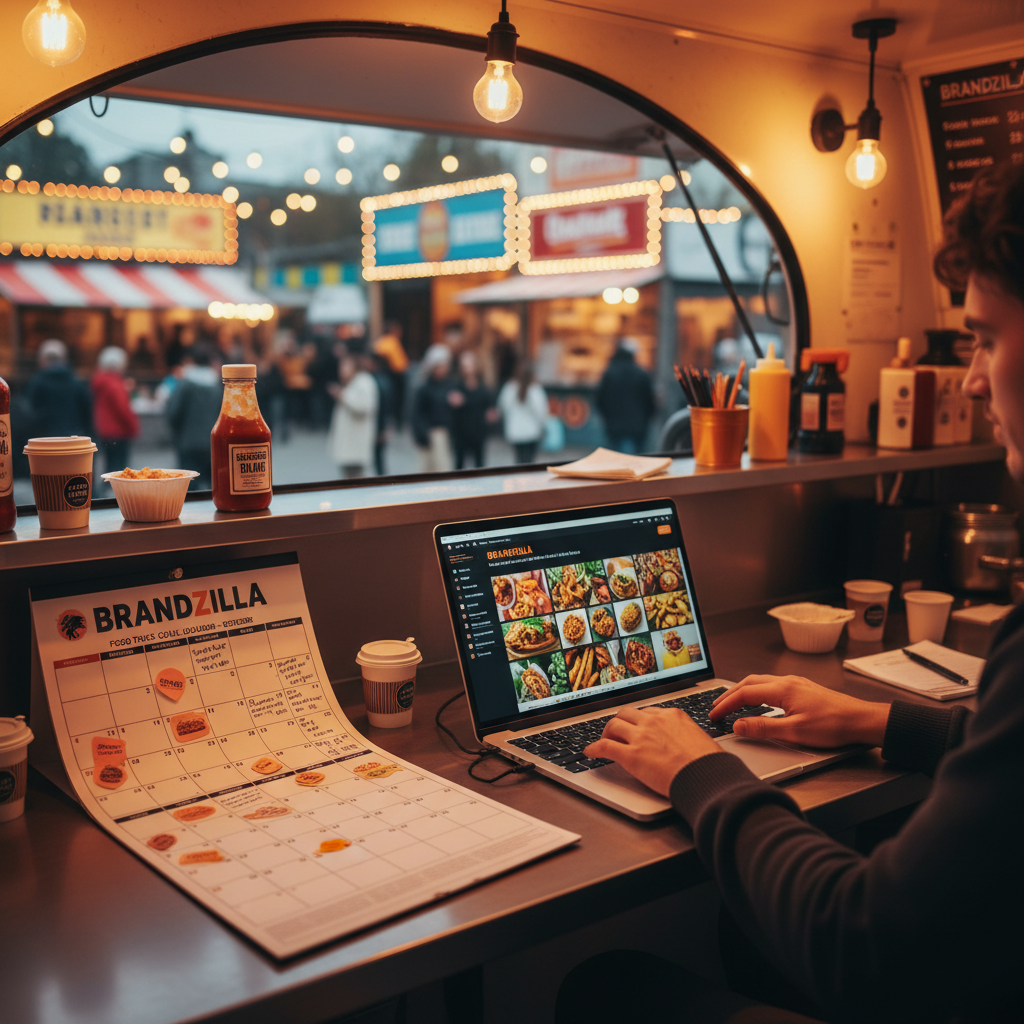

Food Truck

The 30-Day Social Media Content Calendar for Food Trucks

Stop guessing what to post. Get a practical 30-day social media content calendar for food trucks to drive daily foot traffic and build local loyalty.

5 min read Updated May 29, 2026 Used by 1,000+ businesses
The 30-Day Social Media Content Calendar for Food Trucks
BrandZillaBrandZilla EditorialReviewed by marketing operators

Running a food truck means you are the chef, the driver, the accountant, and the janitor. Finding the mental space to think of "clever" Instagram captions is usually the last thing on your list after a 12-hour shift on your feet. But here is the reality: your customers decide where to eat lunch based on what they see scrolling through their feeds at 11:00 AM. If your last post was from three weeks ago, they assume you're closed or out of business.

This isn't about being an "influencer." It's about being visible. You need a system that lets you document what you’re already doing instead of creating new work. Whether you’re parked at a brewery, a corporate park, or a music festival, your social media should act as a digital blinking "Open" sign that makes people hungry enough to cross town for a taco.

Quick tips

1

Clean Your Lens Daily

Wipe your phone lens before every photo. Kitchen grease on a lens makes photos look blurry and unappetizing.

2

Use Local Geo-Tags

If you’re at a high-traffic spot, tag the location and use 3-5 local hashtags like #[City]Eats or #[Neighborhood]Food.

3

The Two-Way Street Rule

Respond to every comment, even if it's just a 'hope to see you soon!' It makes customers feel seen and valued.

4

Batch Your Content Creation

Take 10 photos of one dish from different angles. One for a post, one for a story, and eight for future use.

Stay consistent without hiring a social media manager

A simple weekly content system that keeps your business visible and trusted online — no daily improvisation.

No spam. Unsubscribe anytime.

Week 1: Establishing Your Footprint and Hero Items

The first week is all about establishing your location and your "hero" dishes. You want anyone who finds your profile to immediately know what you sell and where they can find it. Focus on high-contrast photos taken in natural light outside the truck.

What actually works: Take a photo of your three most popular items lined up on the service counter. It shows the scale of the food and gives people a clear choice of what to order before they even arrive.

Every post this week should answer three questions: What is it? Why is it better than the sandwich they brought from home? And exactly where are you parked?

Example 1

'The Heavy Hitter' - A close-up shot of your #1 selling item with a description of the ingredients.

Example 2

'The Weekly Map' - A graphic or simple photo of a handwritten chalkboard showing your locations for the next 7 days.

Example 3

'The Prep Sizzle' - A 10-second video of meat hitting the flat top or fresh veggies being chopped.

Example 4

'Customer POV' - A photo of a customer (with permission) walking away from the window with a smile and a full tray.

Example 5

'The Sunset Shift' - A wide shot of the truck illuminated at night at a local brewery or event.

Week 2: Behind the Window and Building Trust

Now that they know what you sell, show them who makes it. People buy from people, especially in the food truck world where the owner is often the one taking the order. Transparency builds massive trust.

Reality check: You don't need a professional camera. The modern smartphone camera is better than most professionals had 10 years ago. Just wipe the grease off your lens before you snap the shot.

Use this week to showcase the grind. People love seeing the hard work that goes into their meal. It makes the $15 price tag feel like a bargain for the labor involved.

Example 1

'Meet the Maker' - A photo of you or your lead cook in their apron, sharing how long you've been cooking.

Example 2

'The Secret Ingredient' - Highlight one specific high-quality spice or local vendor you use (e.g., 'These buns are from [Local Bakery]').

Example 3

'Cleanest Truck in Town' - A quick clip of the end-of-night scrub down to show your high food safety standards.

Example 4

'The Coffee Run' - A relatable shot of the team getting energized for a double-shift Saturday.

Example 5

'Why I Started' - A short caption about the dream behind the truck and why you chose this specific cuisine.

Week 3: Driving Urgency and Community Engagement

By week three, you want to turn followers into repeat customers. Use incentives and "insider" info to make people feel like they belong to a club.

Quick win: Run a 'Secret Menu' item. Post a photo of a custom creation and tell people they can only order it if they mention the Instagram post.

This is the week to experiment with engagement. Ask your audience for their opinion—people love to share their food takes, and it boosts your visibility in the algorithm.

Example 1

'Poll: Spicy or Mild?' - Use a story poll to ask what sauce people prefer on their fries.

Example 2

'The Secret Menu' - Introduce a 'hack' (e.g., adding an egg to the burger) that isn't on the official board.

Example 3

'Flash Sale' - 'For the next hour only, mention this post for a free drink with any combo.'

Example 4

'Regular Spotlight' - Share a photo of a customer who comes every week and their 'usual' order.

Example 5

'Community Love' - Tag a neighboring truck or the business you’re parked in front of to cross-pollinate audiences.

Week 4: Scaling Up and Catering Conversion

The final stretch is about sealing the deal and securing future bookings. Use this week to remind people that you don't just do lunch—you do weddings, graduations, and office parties.

Steal this template: 'Thinking about your [Upcoming Holiday/Season] party? Our calendar is filling up. DM us "CATERING" to get our private event menu.'

Mixing in catering content ensures you aren't just surviving on daily sales, but building a pipeline of high-margin private events.

Example 1

'Catering Visuals' - A photo of your food plated nicely for a private party or corporate lunch.

Example 2

'The Line-Up' - A time-lapse video of a line forming at the truck to show your popularity.

Example 3

'Review Reveal' - A screenshot of a 5-star Google review with a 'thank you' to the customer.

Example 4

'The Truck Walk-Around' - A video tour of the outside of the truck so people know what to look for at the festival.

Example 5

'Next Month Teaser' - A 'Coming Soon' post for a new location or a seasonal menu item.

Copy-paste AI prompt pack

Drop these straight into your post — or generate fresh ones with BrandZilla.

Captions

  • The sound of the sizzle says it all. We’re at [Location] until [Time] today serving up the [Best Seller]. See you at the window!
  • Ever wonder how we get that [specific flavor/crunch]? It’s all in the prep. [Name] has been in the kitchen since 6 AM getting the [Ingredient] ready for you.
  • Friday night vibes at [Brewery/Event Name]. The taps are flowing and the [Menu Item] is hot. Tag the person who’s buying you dinner tonight.

Hooks

  • The best [Menu Item] in [City] just hit the grill.
  • Stop scrolling and look at this [Ingredient/Sauce] drip.
  • We’re back at [Popular Location] and brought a surprise with us.
  • Ever wonder what goes into our secret sauce?
  • 3 reasons you’re having [Item Name] for lunch today.

Hashtags

#foodtrucklife#streetfood#foodtruckmap#localfoodies#lunchspot#cateringlife#chefmode#supportlocalbusiness

Questions business owners actually ask

Real objections from real operators — answered straight.

BrandZillaBrandZilla EditorialReviewed by marketing operators

Free tools to keep you consistent

Quick utilities for the moments between full posts.

Most businesses stop posting after 2 weeks

BrandZilla gives small businesses a simple weekly content system — so you stay visible, build trust, and get more enquiries without hiring a social media manager.

More for Food Truck

Same topic, other industries

From the blog