

Bike Shop

30-Day Social Media Content Calendar for Bike Shops

Stop stressing over what to post. Use this 30 day content calendar for bike shops to build local trust, show off builds, and get more riders in your shop.

4 min read Updated May 29, 2026 Used by 1,000+ businesses
30-Day Social Media Content Calendar for Bike Shops
BrandZillaBrandZilla EditorialReviewed by marketing operators

Most bike shop owners spend more time dreading social media than actually doing it. You’re elbow-deep in a bottom bracket overhaul when you realize you haven’t posted in a week, so you snap a blurry photo of a tire and call it a day. That doesn't build a community; it just checks a box.

The goal isn't to become an influencer. The goal is to make sure that when someone in your town thinks about getting their derailleurs tuned or buying their kid’s first mountain bike, your shop is the only one they consider. This 30 day content calendar for bike shops is designed to be executed in under 15 minutes a day, using nothing but your phone and the expertise you already have.

What actually works: Stop trying to sell bikes in every post. Digital window shoppers want to see your expertise and your personality. If they trust your mechanics, they'll trust your inventory.

Quick tips

1

Natural Light is Your Friend

Go outside the shop door to get natural light for bike photos. It makes the colors pop and prevents ugly overhead fluorescent glares.

2

Use Local Landmarks

When you post a bike, mention the local park or road it's best for. It helps local customers visualize themselves riding it.

3

Stories Over Feed Posts

If you're too busy to post, just use Instagram Stories. They disappear in 24 hours so they don't have to be 'perfect'.

4

Reply to Everyone

Respond to every single comment, even if it's just a 'thanks!' It tells the algorithm your shop is active and helps more people see your posts.

Stay consistent without hiring a social media manager

A simple weekly content system that keeps your business visible and trusted online — no daily improvisation.

No spam. Unsubscribe anytime.

Building Trust Through the Service Bay

The best way to fill your 30 day content calendar for bike shops is to document the work you're already doing. People are fascinated by the 'how' behind a smooth-shifting bike.

Reality check: You don't need a script. Just point the camera at a gear cluster and explain why it's dirty. That's content.

  1. The 'Gunk' Reveal: Take a before-and-after photo of a disgusting cassette you just cleaned.
  2. Tool of the Week: Hold up your favorite torque wrench or derailleur hanger alignment tool. Explain why using the right tool matters for the bike's lifespan.
  3. The 'Clicking' Diagnostic: Record a 15-second clip of a common mechanical noise and explain what usually causes it (e.g., a dry chain or a loose pivot).
  4. Safety Check: Show a worn-out tire or a frayed brake cable and tell people how to spot these "hidden" dangers at home.
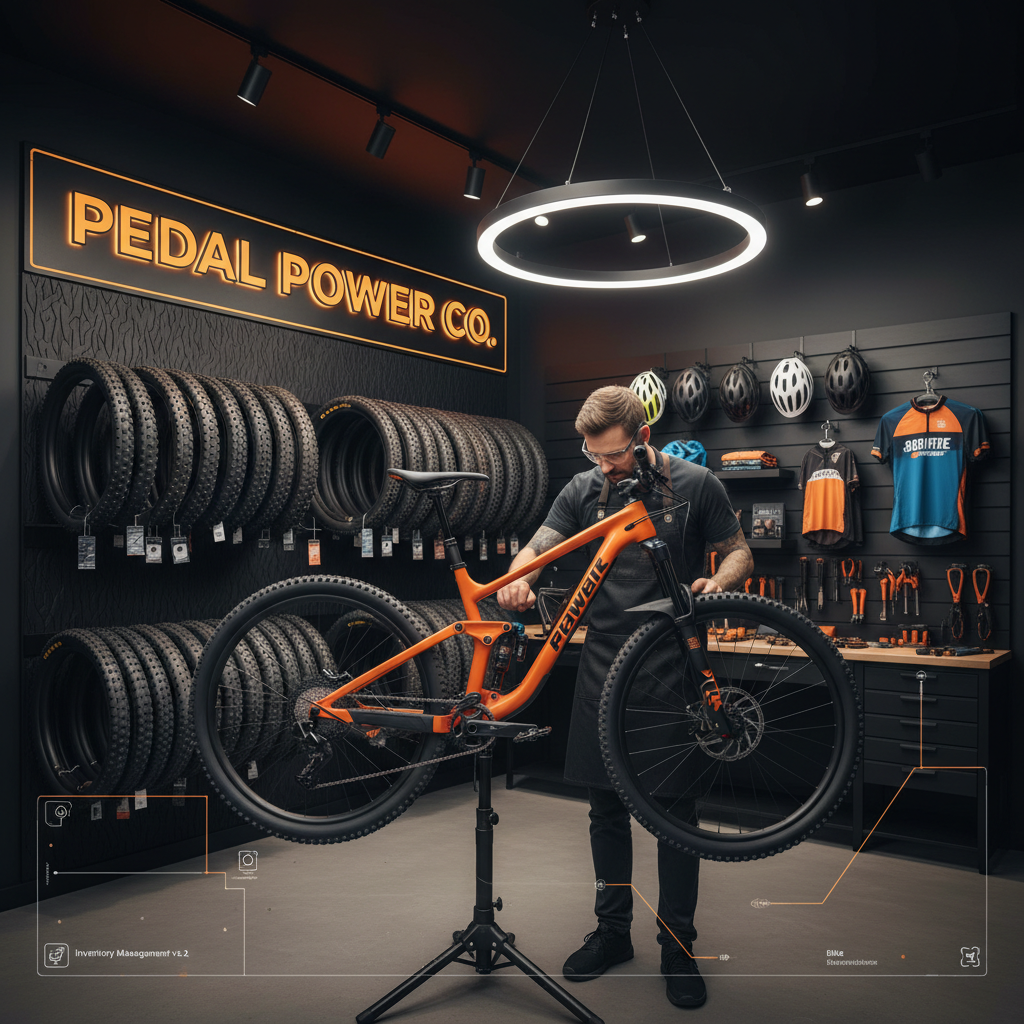
  5. Custom Build Spotlight: Profile a high-end or unique build on the stand. Highlight one specific component choice, like the hubs or the wrap.
Example 1

Close-up of a perfectly cleaned drivetrain.

Example 2

A 'Day in the Life' time-lapse of the service bay.

Example 3

Photo of the 'Wall of Shame' (old, broken parts you've replaced).

Example 4

The lead mechanic explaining why tire pressure is the cheapest upgrade.

Example 5

A 'Pack your saddlebag' checklist photo.

Making Your Shop the Local Hub

A bike shop is a third pillar of the community. Your social media should feel like the shop's front porch.

Local business example: Tag the coffee shop next door or the local brewery where the group ride ends. It builds a local web of support.

  1. Meet the Staff: Share a photo of a staff member and their personal bike. What's their favorite local trail? What do they snacks on during a long ride?
  2. Group Ride Details: Post a map or a photo from last week’s shop ride. Tell people the pace and the start time for the next one.
  3. Local Trail Report: Give a quick update on local trail conditions (especially after rain). This makes you the go-to source for local riders.
  4. Customer New Bike Day: This is the easiest win. Take a photo of a happy customer with their new ride. Tag them (with permission)!
  5. The Community Question: Ask a simple question: 'Flats or Clipless?' or 'Best post-ride taco spot in town?' This drives engagement like crazy.
Example 1

Photo of the staff's favorite post-work ride.

Example 2

Highlighting a local cycling club or non-profit.

Example 3

A 'Throwback Thursday' photo of the shop from 5 or 10 years ago.

Example 4

Announcement of a basic maintenance clinic or flat-fix class.

Example 5

Shoutout to a regular customer who just finished a big event.

Moving Inventory Without Being 'Salesy'

You aren't just selling bikes; you're selling the experience of riding. Help your customers justify that new purchase by showing them what they can do with it.

Quick win: Take a photo of three different helmets. Ask: 'Which color are you picking?' People love to give their opinion on gear.

  1. The 'Ideal Setup': Group together a bike, a matching helmet, and some shoes. Title it 'The [Trail Name] Starter Pack.'
  2. Upgrade Spotlight: Show a stock part versus an upgrade (e.g., plastic pedals vs. metal ones). Explain why the upgrade changes the ride feel.
  3. Seasonal Prep: In spring, post about tune-ups. In winter, post about indoor trainers or lights for night riding.
  4. Gift Guide: On a Friday, highlight three items under $50 that every cyclist needs (lube, socks, multi-tools).
  5. New Arrival Tease: Show a stack of boxes that just arrived. 'Guess what just landed? Full reveal tomorrow.'
Example 1

A 'Flat Kit' essential layout on a clean workbench.

Example 2

Short video showing how easy it is to load a bike onto a specific rack.

Example 3

Comparison of different tire widths and what they are for.

Example 4

Staff pick: The one piece of gear they can't live without.

Example 5

Highlighting a bike that just went on clearance.

Copy-paste AI prompt pack

Drop these straight into your post — or generate fresh ones with BrandZilla.

Captions

  • Stop ignoring that clicking sound. 🔧 A noisy drivetrain isn't just annoying; it's wearing down your components. Bring it in for a quick indexing before your weekend ride. #BikeMaintenance
  • New Bike Day for [Customer Name]! 🚲 This [Bike Brand/Model] is heading home to hit the [Local Trail Name] trails. Congrats on the new whip! #NewBikeDay
  • What’s on the stand today? 🛠️ This vintage [Brand] came in for a full restoration. We love seeing these older frames get a second life. Stay tuned for the 'after' shots. #BikeRestoration

Hooks

  • The one tool every rider should carry (and it's not a multi-tool).
  • Why your brakes are squeaking and how we fix it.
  • The best 20-mile loop starting right from our front door.
  • Is it time to upgrade your tires? Check these 3 things first.
  • Meet the team: The person behind your latest tune-up.

Hashtags

#bikeshoplife#cyclingcommunity#localbikeshop#mtblife#roadcycling#bikemechanic#newbikeday#bikelove#shoplocal#cyclinglife

Questions business owners actually ask

Real objections from real operators — answered straight.

BrandZillaBrandZilla EditorialReviewed by marketing operators

Free tools to keep you consistent

Quick utilities for the moments between full posts.

Most businesses stop posting after 2 weeks

BrandZilla gives small businesses a simple weekly content system — so you stay visible, build trust, and get more enquiries without hiring a social media manager.

More for Bike Shop

Same topic, other industries

From the blog