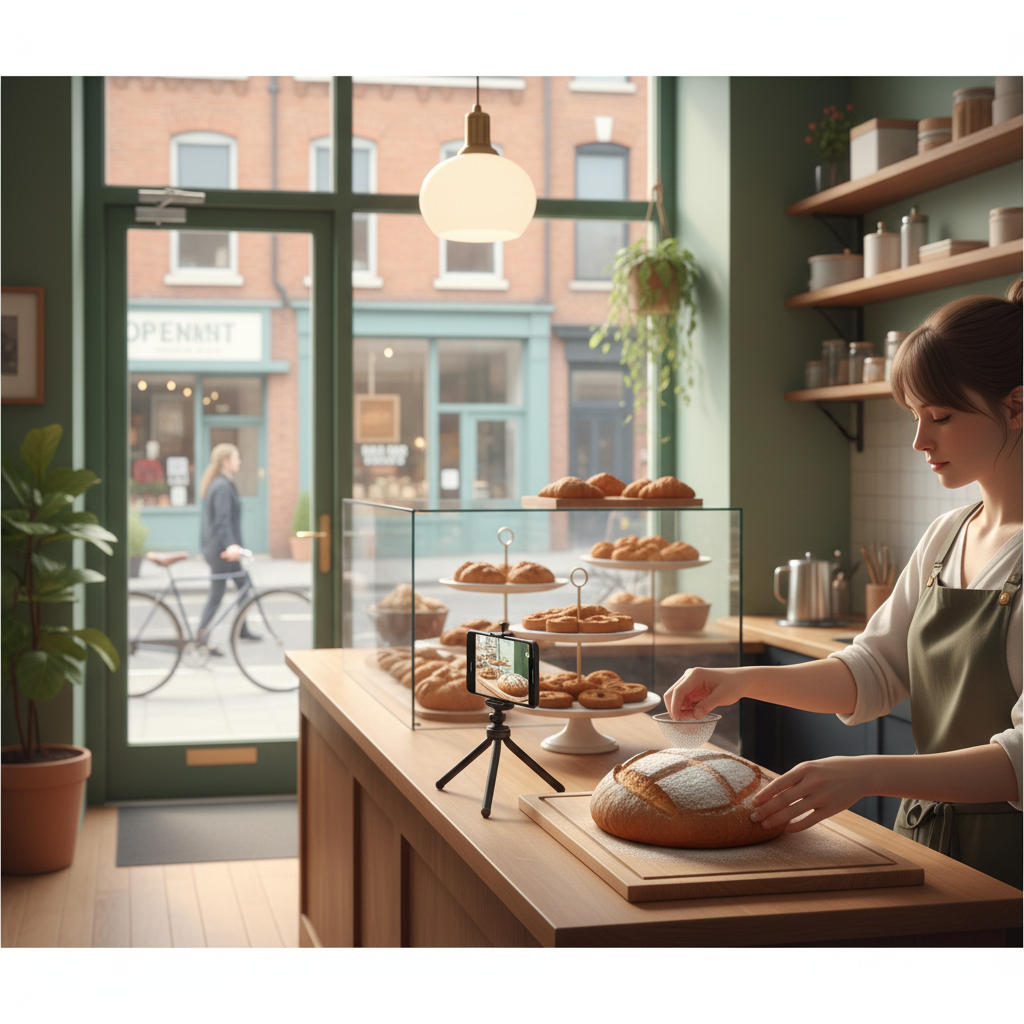
Turn Daily Store Moments into a 30‑Day Social Plan That Brings Customers
You're busy running a local business and social media feels like another job. This is a practical, repeatable system to turn five everyday store moments into 30 days of posts that bring customers through the door.
6 min read
BrandZilla EditorialReviewed by marketing operators· Updated Jul 30, 2026· 6 min read
You're busy running a local business. Posting feels like a second job and you lose momentum after a week. You want posts that actually lead to more calls or walk-ins — not just likes.
This guide shows a concrete 4-step system to capture routine store moments and turn them into a 30-day local social plan. No fluff. Exact captions, scripts for staff, a weekly checklist, and a ready-made 30-day blueprint you can copy this afternoon.
The problem in the owner's words
I’ve got the same 6 customers each week and no idea how to reach new ones.
I don’t have time to invent content every day.
When I post, I don’t know if it changes anything.
If any of that sounds like you, the fix isn’t more inspiration — it’s a repeatable machine that fits into your existing work.
Reality check: Most small businesses post 3x then quit. Consistency beats creativity 9 times out of 10.
The idea — one anchor, five moment types, 30 posts
Make one reliable anchor piece each week (a short video, a customer photo, or a “how we do it” shot). Then record five types of everyday moments you already see, and turn each into a repeatable post format.
Five moment types (repeat weekly):
Service in action (30–45s) — a quick clip showing the job being done.
Customer moment (photo + quote) — a happy customer or review.
Staff story (15–20s) — a person on your team doing a small task or sharing a tip.
Product or menu highlight — a single item, price, and why people pick it.
Local signal — something that ties you to the neighborhood (a street scene, partner business, event).
Each week you produce one anchor (example: a 60s behind-the-counter demo) and then derive five posts from it. Over four weeks that’s 20 structured posts + repeatable micro-posts like daily stories or updates to reach 30+ items.
Quick win: Repurpose one customer review into a 3-post mini series this week.
The 4-step anchor-to-loop system (exact workflow)
Capture daily (10 minutes total).
Set a single capture window: the last 10 minutes before close or the first 10 minutes after open. Use your phone camera on ‘vertical’ for Reels/Stories.
Capture one clip/photo per moment type (5 clips). Train one team member to do this.
Create the anchor (20 minutes, once per week).
Stitch a 60s anchor from the best clips using your phone’s editor: intro (5s), problem (10s), solution (30s), CTA (15s).
Save the anchor and notes: which clips are B-roll, quotes, or close-ups.
Break the anchor into five posts (20–30 minutes).
Edit or export five short pieces: 1 long anchor (60s), 2 mid clips (30s), 2 short clips (15s), plus 5 static images from the session.
Write captions using the templates below.
Schedule and measure (10 minutes).
Use native scheduling in Facebook/Instagram or your preferred scheduler. Post the anchor on day 1 of the week, and the smaller pieces over days 2–6.
Track two signals: a) “Did you see our post?” asked at checkout, b) direct message or booking references. Mark staff calendar with a simple tally.
Common mistake: Treating Instagram captions like tweets — context outperforms one-liners for local businesses.
Weekly production checklist (copy this)
Capture window scheduled on staff rota.
5 clips/photos captured (one per moment type).
Anchor video edited and saved to folder.
Five posts exported and captioned.
Posts scheduled for the week with clear CTA on one post.
Staff briefed to ask customers: “Did you see our post today?” and record replies.
Six caption templates — copy/paste and adapt
New customer magnet (service in action):
"Busy morning: [service] for [customer type]. Takes [time]. Cost $[x]. Booked today → link/inbox."
Social proof (customer moment):
"’[short quote]’ — [first name], today. We’re here because people want [benefit]. Thanks, [customer emoji]."
Staff spotlight (human):
"Meet [name], our [role]. Quick tip: [short tip]. Ask for [name] when you come by."
Product highlight (menu/item):
"This week’s pick: [item]. Why locals choose it: [reason]. Available all week. $[x]."
Neighborhood tie (local signal):
"We’re across from [landmark]. Pop in before/after [event]. Free sample on Saturdays."
Call-to-action (always add to anchor):
"Want this? Call [phone] or DM to reserve. We hold [x] spots each day."
30-day content calendar blueprint (copyable)
Week structure (repeatable for each of 4 weeks):
Day 1: Anchor video (60s) — full story + CTA.
Day 2: Mid clip (30s) — highlight part of the anchor.
Day 3: Photo + customer quote.
Day 4: Staff tip (15–20s).
Day 5: Product highlight image.
Day 6: Local signal story (neighborhood tie).
Day 7: Light post or off-day story (behind-the-scenes, poll).
Repeat with a fresh anchor each week. That gives you 28 structured posts plus daily stories.
Steal this template: "We help [audience] [outcome] without [pain]. Here's how →"
Exact scripts for staff to capture moments
Use one short script per moment so staff don’t invent wording.
Service in action script (voiceover or caption):
"Quick: this is a [service] for [type of customer]. We start by [step]. Leaves in [time]."
Customer moment ask (in-person):
"Would you mind a quick photo and a one-sentence line about why you liked it? We’ll tag you if you want."
Staff story prompt:
"Hey [name], tell us in one sentence: what’s one tip customers don’t know?"
Product highlight note:
"Say the name, price, and one line why customers pick this."
Local signal capture:
"Quick clip of main street: say the event or neighbor plus one line inviting people in."
Mini example — a believable local win
A neighborhood bakery ran this system for 30 days. They captured five moments each morning and posted the anchor every Monday.
Numbers: average walk-ins rose from 12/day to 22/day after three weeks. Online orders increased 35% month-over-month. They tracked visits by asking customers at checkout, and ran a small ‘mention the post’ discount for tallying. Production time: 45 minutes per week after training one staff member.
Measuring what matters (simple, not fancy)
Track only two things: new customer mentions (ask at checkout) and direct leads (DMs/calls referencing a post). Save a single spreadsheet with date, post, mentions, and a note.
Rules:
If a post gets mentions, repeat that format the following week.
If you get zero mentions after three weeks, tweak the CTA or swap the image.
Common objections
"I don’t have time to edit videos." Start with photos and 15s clips. Your phone editor can trim — editing can be 10 minutes.
"We don’t have customers who’ll let us post them." Offer to tag them and give a free small add-on (cookie, sample). Most will say yes.
"This sounds repetitive." It will be — that’s the point. Repetition builds recognition. Change the anchor content each week to keep it fresh.
Practical shortcut: You can build this system manually — or use BrandZilla to stay consistent without hiring a social media manager.
Tips to keep staff on board
Start with one person as ‘content lead’ and give them a free coffee per week.
Make capture part of a closing checklist so it becomes routine.
Keep naming consistent: store files as date_type (e.g., 2026-07-01_anchor.mp4).
When will you see results?
Local improvements often show in 2–4 weeks for walk-ins and phone inquiries. Bigger shifts (steady 10–30% growth) take 2–3 months of consistent posting and basic measurement.
Short closing thought
Treat content like inventory: an item you list, replenish, and price. A simple, repeatable capture routine is worth more than chasing a perfect post. Start this week with one 10‑minute capture window and a single anchor — it’s easier than you think.
If you want a practical shortcut to keep this running without adding a full-time hire, BrandZilla can help you stay consistent and focused.
The real objections — answered straight, no fluff.
BrandZilla Editorial Team
SMB MarketingContent Strategy
Practical playbooks written and reviewed by people who actually run content programs for small and local businesses — not generic AI output. Every guide is pressure-tested against what real operators do on Instagram, Facebook, LinkedIn and Google.
Used by 1,000+ businessesLast updated Jul 30, 20266 min read
Get weekly content ideas for your business
Join business owners getting practical, ready-to-post BrandZilla content prompts every week. No spam.