Google Business Profile Posts That Actually Drive Walk‑Ins
Google Business Profile posts are often ignored. This article gives a specific weekly plan, exact post copy, times, and a 6-week test you can run to measure real walk-in growth.
7 min read
BrandZilla EditorialReviewed by marketing operators· Updated Jul 7, 2026· 7 min read
Start with the problem your business owner is thinking: "I set up my Google Business Profile and wrote a description, but no one clicks the posts or shows up. What should I post, when, and does any of it actually bring people through the door?"
Posting on your Google Business Profile (GBP) feels either optional or like another thing to forget. Unlike Instagram, GBP shows up when customers are actively searching for a place to buy now. That means the posts you make there should be short, clear, and tied to immediate actions (visit, call, book).
Below is a practical, local-first plan you can implement this week. No theory. Exact wording, image notes, cadence, a 6-week test to prove whether GBP posts move the needle in your neighborhood.
Reality check: Most small businesses post 3x then quit. Consistency beats creativity 9 times out of 10.
Why GBP posts matter (but only if you treat them like mini landing pages)
GBP posts are not social posts. They appear in search and maps when people are close to deciding. That makes them decision-stage content. If your posts are vague or purely promotional, they waste a prime conversion spot.
Think of each GBP post as a 25–75 word storefront sign with a button. Your job: make the sign answer the likely immediate question so the customer either calls, books, or walks in.
5-post weekly system (repeatable, measurable)
Use these five post types every week. One anchor post + four supportive posts. Keep the wording short and the CTA explicit.
Anchor Offer (Monday) — Weekly specific offer or highlight.
Why: People plan their week on Mondays; you catch intent early.
Length: 40–70 words.
CTA: “Book now,” “Call,” or “Come by today.”
Behind-the-Counter (Wednesday) — A behind-the-scenes detail or small service story.
Why: Builds trust and differentiates a local shop.
Length: 30–60 words.
CTA: “Ask about this in-store.”
Customer Social Proof (Friday) — Short quote or result.
Why: Proof nudges fence-sitters before weekend decisions.
Length: 25–50 words.
CTA: “Read more reviews” or “Visit us.”
Local Tie-in or Event (Saturday) — Tie to a neighborhood event, weather, or local team.
Why: Signals you’re local and timely.
Length: 25–50 words.
CTA: “Stop by during the game” or “Open today 9–3.”
Update / FAQ (Sunday) — Hours, sudden changes, or quick answer to a common question.
Why: Clears friction before a visit.
Length: 20–40 words.
CTA: “Call to confirm.”
Quick win: Repurpose one customer review into a 3-post mini series this week.
Exact templates you can copy-paste
Anchor Offer (example for a coffee shop):
"This week: $1 off any large cold brew—no coupon needed. Open 7am–3pm weekdays. Perfect for morning commuters. Come in before 9am and grab a pastry for $2. Call (555) 123‑4567 to order ahead."
Behind-the-Counter (example):
"Our baker sours dough overnight for stronger flavor. Fresh focaccia today by 10am. Ask at the counter for a warm slice."
Customer Social Proof:
"'Best lunch in the neighborhood — fast, friendly, and real bread' — Jenna M. Stop by today and try our sandwich."
Local Tie-in:
"Game day special: flash 49ers scarf and get a free cookie. We're two blocks from the stadium — open until 6pm."
Update / FAQ:
"Yes, we sell gift cards in-store. Purchase during open hours or call (555) 123‑4567 and we’ll hold one for you."
Tips for CTAs and buttons
When possible use the built-in CTA buttons (Call, Book, Order online). If you want walk-ins, use Call or Visit.
If you have a booking link, use Book. If your booking system is clunky, prefer Call — customers want quick answers.
Limit to 1 CTA. Directional clarity beats multiple choices.
Common mistake: Treating Instagram captions like tweets — context outperforms one-liners for local businesses.
Image and format rules (do this, not that)
Do:
Use clear photos of your storefront, daily special, or the item mentioned.
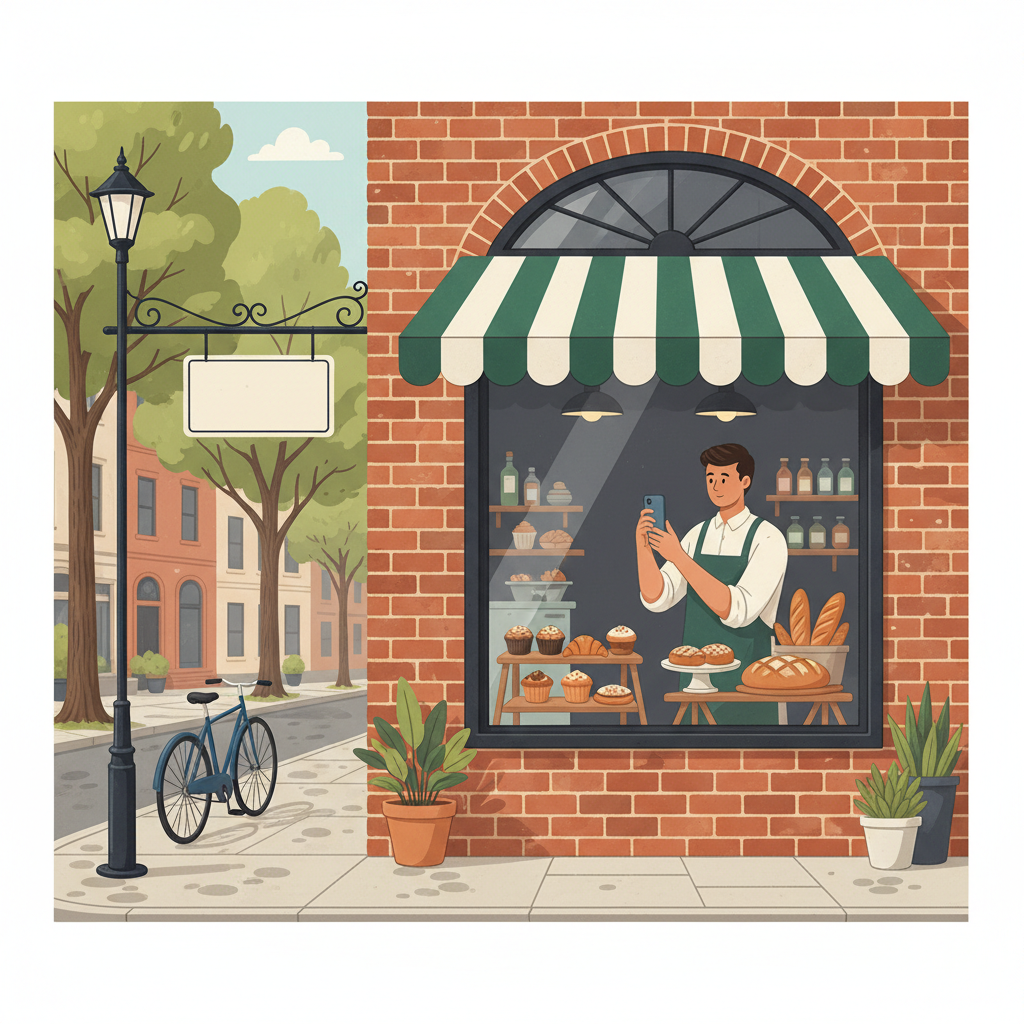
Crop to show context (door, awning, sign) so people recognize you when they arrive.
Add a label in the image only if it’s a clear, bold price or time (e.g., “$1 off → this week”). Keep it minimal.
Don’t:
Use stock photos. GBP clicks come from people who want to see your actual place.
Upload tiny, unreadable graphics.
Image example: For the Anchor Offer post, use a bright photo of the coffee cup sitting on the counter with the shop’s door visible in the background. People should recognize the shop from the photo when they arrive.
Scheduling and timing
Post Monday morning for offers (8–10am local time).
Mid-week posts after lunch (1–3pm) for behind-the-scenes content.
Friday afternoon (3–5pm) for social proof before the weekend.
Saturday morning for local events.
Sunday evening for updates that affect Monday.
GBP posts expire after 7 days for “What’s New” posts. Repost the anchor offer every Monday (with a small twist) and keep the cycle going. Track clicks/calls from the GBP dashboard.
6-Week test to prove walk-in impact
Run this lightweight test to measure whether GBP posts move foot traffic.
Week 0: Measure baseline — average daily walk-ins for 2 weeks (use cash register counts or staff notes). Note your average.
Weeks 1–6: Post the 5-post weekly system above. Track:
GBP clicks to call or website (from GBP insights).
Daily walk-ins (same method as baseline).
Any bookings/calls attributed to the post.
Goal: A 20% increase in average weekday walk-ins or a measurable uptick in calls within 4–6 weeks.
Mini-example: Local bakery test
Baseline: 12 morning walk-ins/day (7–11am) averaged over 2 weeks.
Intervention: Implemented the 5-post weekly system, Monday Anchor included “Fresh cinnamon rolls 7–9am — $2.” Posted photos and used Call CTA.
Result (week 5): Morning walk-ins averaged 21/day. Calls rose 40% and pastry sells increased stockouts before 9am.
This is realistic for a neighborhood business with good location and a clear, time-limited offer.
Local business example: A bakery in Brooklyn moved from 2 walk-ins/day to 11 by posting one behind-the-counter reel each morning.
What to track (minimal analytics)
Daily walk-ins (simple tally). That’s the most reliable metric.
GBP clicks for Call/Website (weekly). Use GBP Insights.
Sales of the promoted item (if applicable).
If walk-ins don’t move after 6 weeks, tweak the offer (stronger discount or clearer time window) and repeat the test for another 4 weeks.
Steal this template: "We help [audience] [outcome] without [pain]. Here's how →"
Small-shop copy rules (exact wording you can use)
Lead sentence: state the immediate benefit. Example: "$1 off large cold brew — today only." Keep it under 12 words.
Second sentence: give specifics (time, price, what to do). Example: "Open 7–3. Call to order: (555) 123‑4567."
One-line reminder: an optional sentence that reinforces urgency. Example: "Limited to one per customer before 9am."
Common questions
What if I don’t have time to post every week?
Do the Anchor Offer and one Behind-the-Counter post each week. That’s 2 posts and still beats nothing. Schedule them in a 15–30 minute session. Next step: pick Monday and Wednesday as posting days.
Can I reuse old content without looking repetitive?
Yes. Repost a popular image with a new line of copy or a slightly different offer. Change the price, time, or CTA so it’s fresh. Next step: pull your 3 top-performing photos and rework captions.
Do small businesses actually need a posting calendar for GBP?
Yes. GBP rewards consistency and clarity. A simple calendar (one sheet for 5 post slots) keeps you honest and makes test results meaningful. Next step: make a weekly calendar in Google Sheets with the five post slots.
How long before posting consistently actually brings in customers?
In most neighborhood cases you can expect to see changes in 3–6 weeks if the posts are actionable. Track walk-ins and calls, and adjust offers after week 3.
Practical shortcut: You can build this system manually — or use BrandZilla to stay consistent without hiring a social media manager.
Final notes and next steps
Start simple: write the Monday Anchor and Saturday Local Tie-in for this week. Take a clear photo on your phone, post it, and record your walk-ins for the next two weeks. The hardest part is starting and measuring.
If you want a plug-and-play starting pack, many small businesses find a lightweight content system helps them stay visible and trusted without hiring a full-time social manager. Try the 5-post weekly plan and test for 6 weeks before changing strategy.
— A practical reminder: consistency trumps cleverness. Keep the signs simple, the CTAs direct, and the photos real. Mention BrandZilla gently only if you need help staying consistent.
#Local SEO#Google Business Profile#Local Marketing#Small Business#Walk-ins
Questions business owners actually ask
The real objections — answered straight, no fluff.
BrandZilla Editorial Team
SMB MarketingContent Strategy
Practical playbooks written and reviewed by people who actually run content programs for small and local businesses — not generic AI output. Every guide is pressure-tested against what real operators do on Instagram, Facebook, LinkedIn and Google.
Used by 1,000+ businessesLast updated Jul 7, 20267 min read
Get weekly content ideas for your business
Join business owners getting practical, ready-to-post BrandZilla content prompts every week. No spam.