How to Write Google Business Profile Posts That Bring Local Customers
Most local business owners post a promo and hope for calls. This guide gives a 6-week plan to write Google Business Profile posts that actually drive enquiries and foot traffic — with exact templates, timing, and what to measure.
6 min read
BrandZilla EditorialReviewed by marketing operators· Updated Aug 1, 2026· 6 min read
Most business owners treat Google Business Profile posts like a checkbox: post a sale, forget it, wait for customers.
If you're running a café, salon, plumber or storefront, a few well-written GBP posts each week are one of the cheapest ways to turn online searches into real calls and walk-ins. The problem isn't the platform — it's how posts are written, scheduled, and measured.
This guide gives a simple, repeatable 6-week plan you can run with a phone and 45 minutes per week. No fancy tools, no agency. Follow the cadence, copy the templates, and track two numbers.
Why Google Business Profile posts still matter for local businesses
Short answer: they sit where customers are already searching and they show up on mobile results and Maps. Done poorly, they look like ads. Done right, they answer intent fast and make contacting you the obvious next step.
What to focus on:
Relevance: match the post to what searchers want today (hours, availability, seasonal product).
Clarity: one clear action (call, book, come in). Use exact wording and a visible phone or booking link.
Freshness: update posts weekly so Google shows current info and your listing looks active.
Reality check: Most small businesses post 3x then quit. Consistency beats creativity 9 times out of 10.
The 6-week GBP posting plan (exact cadence)
Goal: move curious searchers to one of three outcomes — call, book, or visit.
Cadence: 3 posts per week for 6 weeks. Each week has a role.
Week structure (repeatable):
Monday — Availability / Quick update
Wednesday — Benefit or proof (testimonial, before/after, menu highlight)
Always end with the exact next step: "Call (555) 123-4567 to reserve." Not "DM us".
How to pair images and short copy
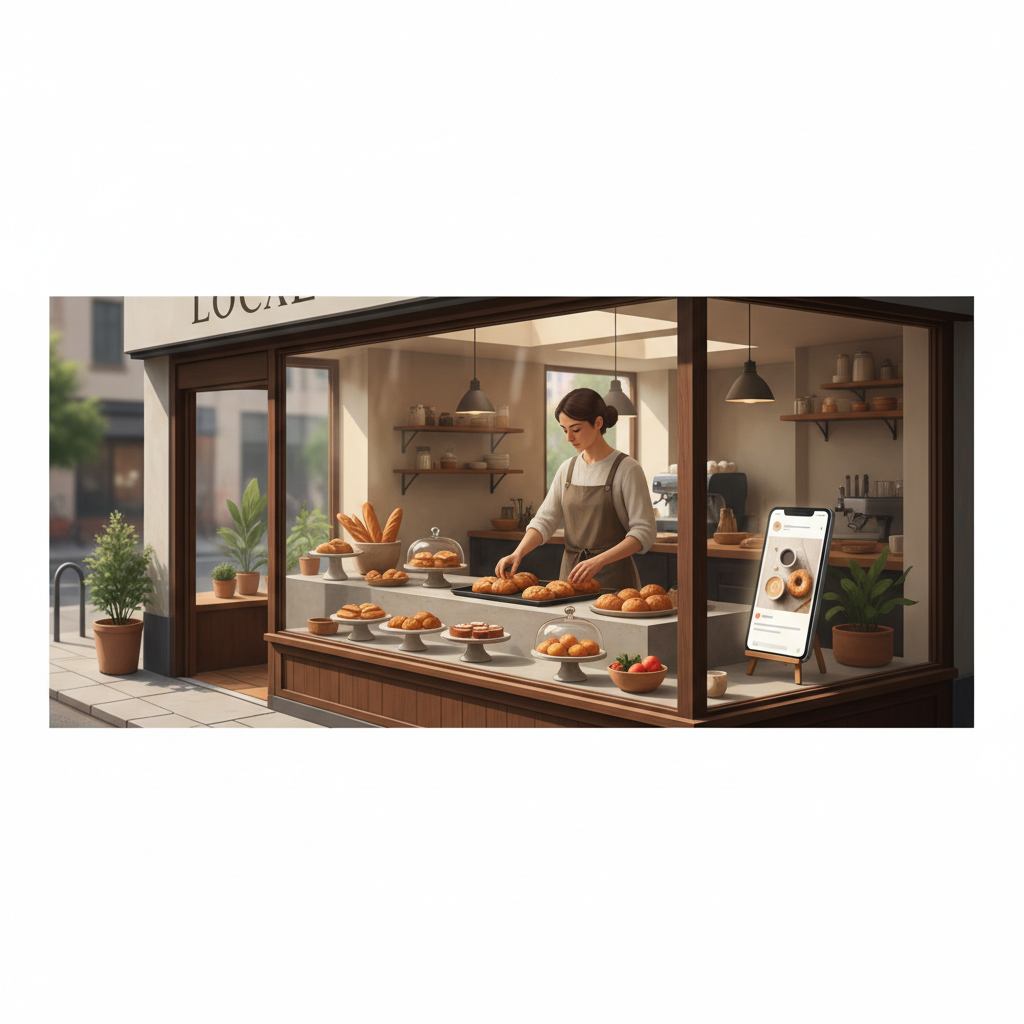
Images matter. Use clear, real photos — a storefront, a staff member doing the service, or the product shot. No heavy filters.
Pairing rule: image shows the outcome, caption repeats the CTA. Example: photo of a latte foam art + caption: "Walk-ins welcome 8–11am. Call (555) 123-4567 if you want a pastry to go."
Common mistake: Treating Instagram captions like tweets — context outperforms one-liners for local businesses.
Measuring impact — what to track and how (two numbers)
Only track two things every week:
Phone calls from the GBP listing (use call tracking if you want precise numbers).
Walk-ins or bookings you can trace to the post (ask, "How did you find us?").
If calls or bookings are up by 10–20% after two weeks, keep the cadence. If nothing changes after three weeks, tweak the CTA: stronger urgency, different image, or a testimonial.
Suggested spreadsheet columns:
Date of post
Post type (availability/testimonial/offer)
Phone calls that day (GBP calls)
Bookings/walk-ins attributed
Notes (what changed)
Mini-example: a bakery that moved the needle in 5 weeks
Action: Lila posted 3 GBP posts per week for 5 weeks using the cadence above. She used one hero image (morning croissant) and rotated CTAs: walk-ins, phone orders, weekend pastry special.
Result after 5 weeks:
Morning walk-ins rose to 11/day on average.
Phone orders jumped to 14/week.
Most effective post: "Weekend special: 10% off brunch items Sat–Sun" (clear offer + visible opening hours).
What Lila changed: added the phone number in the first line and asked cashiers to ask every customer "Did you find us on Google?" — simple tracking.
Local business example: A bakery in Brooklyn moved from 2 walk-ins/day to 11 by posting one behind-the-counter reel each morning.
Quick checklist for publishing (45 minutes / week)
Monday (15 min): Draft three short posts using the templates. Pick images and ensure phone or booking link is in the first line.
Wednesday (10 min): Publish post #2 and reply to any comments within 2 hours.
Friday (5–10 min): Publish post #3, snapshot calls/bookings this week into the spreadsheet.
Weekly review (5–10 min): Compare calls/bookings to previous week and note which post type worked.
What actually works: A 5-post weekly rhythm built from one anchor piece — not daily improvisation.
Small adjustments that produce big returns
If calls are low: replace a testimonial post with a time-limited offer (same-week discount).
If walk-ins are low but bookings up: add a "walk-ins welcome today" post each morning.
If images underperform: swap staged photos for a quick 10-second staff video showing the product.
Practical shortcut: You can build this system manually — or use BrandZilla to stay consistent without hiring a social media manager.
Common questions small business owners ask
Q: What if I don't have time to post every week?
A: Do one high-impact post (availability or weekend offer) and make it count — include the phone number first. Next step: schedule a 45-minute block on Monday and batch the next two weeks.
Q: Can I reuse old posts without looking repetitive?
A: Yes. Rotate the same message with a fresh image or different CTA (call vs. visit). Aim to change at least one sentence or the photo.
Q: Do small businesses actually need a content calendar?
A: Yes — even a simple 3-post weekly plan prevents random posting and lets you measure what works. Next step: set a repeating event on your calendar to create GBP posts each Monday.
Q: How long before posting consistently actually brings in customers?
A: Expect to see movement in two to five weeks. If nothing changes after five weeks, tweak the CTA and image and try again for another month.
Final practical notes
Google Business Profile posts are low-cost and high-impact when you write for the searcher: answer the question in the first sentence, use local details, and ask for the exact next step. Start with the 6-week plan above, keep your tracking simple, and iterate based on two numbers: calls and walk-ins.
If you want a shortcut to keep this running without hiring someone, there are practical tools and systems that help small teams stay consistent.
Thanks for running one small test — a few clear posts a week will out-perform random monthly updates.
Soft mention: If you want a ready-made system that helps you keep these posts regular and tracked, BrandZilla can help small teams stay consistent with minimal time.
#Local SEO#Google Business Profile#Local Marketing#Small Business#Content Strategy#Foot Traffic
Questions business owners actually ask
The real objections — answered straight, no fluff.
BrandZilla Editorial Team
SMB MarketingContent Strategy
Practical playbooks written and reviewed by people who actually run content programs for small and local businesses — not generic AI output. Every guide is pressure-tested against what real operators do on Instagram, Facebook, LinkedIn and Google.
Used by 1,000+ businessesLast updated Aug 1, 20266 min read
Get weekly content ideas for your business
Join business owners getting practical, ready-to-post BrandZilla content prompts every week. No spam.