How to Get More Customers from Google Maps in 30 Days
Stop treating Google Maps as a passive listing. This 30‑day, hands-on plan shows small businesses exactly what to change, what to post, and what to measure so your listing starts sending real customers.
6 min read
BrandZilla EditorialReviewed by marketing operators· Updated Sep 13, 2026· 6 min read
You think "my Google Maps listing is up" and leave it at that. Then you wonder why foot traffic and calls don’t move. Google Maps (Google Business Profile) is the one place people check before walking through your door — treat it like a tiny homepage, not a checkbox.
If you do five things reliably for 30 days — better photos, regular posts, fast review replies, strategic Q&A, and a simple tracking routine — you will get more direction requests, calls, and bookings. This is not a technical SEO play; it's operational work you can schedule into 30 minutes a day.
Below is a day-by-day, week-by-week plan, exact copy templates, and a measurement checklist. Do it once and you’ll have a repeatable local traffic engine.
Reality check: Most small businesses post 3x then quit. Consistency beats creativity 9 times out of 10.
The simple idea (why this works)
People use Google Maps to choose right now. Photos and recent activity build trust. Recent reviews and quick replies reduce friction. A well-used profile raises the percentage of searchers who become walk-ins or callers.
The goal in 30 days is not to rank #1 for everything. The goal is to increase: direction requests, calls, and booking clicks by doing targeted, repeatable work.
Metrics to track (weekly):
Listing views (search vs maps)
Photo views and new photos added
Calls (from profile)
Direction requests
Clicks to website / booking link
Start a simple spreadsheet with those five columns and log numbers every 7 days.
30‑day calendar (what to do, when)
Weeks 1–4 are the same structure so you build a habit.
Tuesday: Post a Google Business update (short offer or event) (10 minutes)
Wednesday: Answer or add one Q&A that customers ask (15 minutes)
Thursday: Upload 2 behind-the-scenes photos or a 10–20 second video (15 minutes)
Friday: Invite 3 recent customers for a review (message or in-person) (10 minutes)
Saturday: Check messages, reply same day (10 minutes)
Sunday: Log metrics and write a short note: what changed? (10 minutes)
Do that for 4 weeks and you’ll have 16 posts, 12–16 photos, and 12–20 review invitations.
Exact copy templates you can paste
Google Business Post (event or offer):
"Weekend special: Walk-in haircut $10 off. Available Sat 10–2. No booking required — mention Google Maps."
Service highlight post (30–50 words):
"We roast small-batch coffee for the neighborhood. Drop in for a pour-over and a free pastry sample between 8–10am. Quick pick-up at the side window. → [link to menu]"
Review invitation scripts (in-person):
"Thanks for coming in! If you enjoyed it, would you mind leaving a quick review on Google? It takes 30 seconds and helps us keep hours the same."
Review invite text message (60 characters + link):
"Loved having you today. Quick favor? Share a 1‑2 line Google review: [short link]"
Review response templates (good review):
"Hi [Name], thank you — this means a lot. We’ll have your favorite ready next time."
Review response template (negative review):
"Hi [Name], I’m sorry this happened. Can you email [owner@yourdomain.com] or call [phone]? I want to fix it and make it right."
Q&A seed answers (common ones to add yourself):
Q: "Do you accept walk-ins?"
A: "Yes — we keep 30% of slots for walk-ins and the rest are by appointment. Booking link → [link]"
Q: "Is there parking nearby?"
A: "Free street parking on Maple Ave after 6pm. Two public lots within a 2‑minute walk."
Quick win: Repurpose one customer review into a 3-post mini series this week.
Photo checklist (what to shoot)
Exterior shot with signage, taken midday.
Front counter or entrance with staff visible.
One close-up of your most popular product or dish.
Interior shot showing seating/ambience.
Team photo (casual, smiling) — update seasonally.
Naming convention: YYYY-MM-DD-location-description.jpg. Upload one new photo every Monday and two on Thursday.
How to use Q&A like a pro
Customers often ask the same three things. Add those answers proactively, in your voice. Use short clear statements and include one small call to action (CTA) like "Booking link" or "Call for same‑day".
If someone posts a wrong answer, correct it promptly and politely. Always sign with your first name and role (e.g., "— Jamie, owner").
A realistic mini-example
Local example: Maple Street Barber (6-chair shop in a Portland neighborhood).
Starting point: 60 listing views/week, 4 calls/week, 5 direction requests/week.
What they did: followed the 30‑day plan, posted 3 times a week, added 20 photos, replied to every review, and invited five customers a week for reviews.
After 30 days: listing views rose to 120/week, calls to 12/week, direction requests to 18/week. Two new regular clients booked recurring cuts.
Result: an extra $1,300 in booked appointments the month after, from higher visibility and trust.
Weekly reporting: what to watch and what to change
If calls or direction requests don’t move after two weeks, check these three things:
Photos: Are they recent and good quality? Replace low-quality images.
Posts: Are your posts describing what someone gets today? Make posts about immediate reasons to visit (offer, event, free sample).
Reviews: Are you responding within 24 hours? Slow replies cost trust.
If photo views are high but clicks are low, add a clearer button: "Call now" or "Book online" in your posts and Q&A.
Steal this template: "We help [audience] [outcome] without [pain]. Here's how →"
Small-business truth about reviews
Don’t ask for 50 five-star reviews. Ask the right customers. A steady trickle of 3–5 reviews a month looks more natural than 20 in a weekend. Use receipts, follow-up messages, and a one‑line in-person ask.
When you reply, keep it short and human. Mention the reviewer’s detail if possible ("glad the cappuccino hit the spot"). That signals to everyone reading that reviews are real.
Avoid these mistakes
Don’t use stock photos — people can tell.
Don’t ignore negative reviews. A calm, corrective reply looks better than no reply.
Don’t copy/paste full sales pages into your posts. Keep Google posts short and action-oriented.
Common mistake: Treating Instagram captions like tweets — context outperforms one-liners for local businesses.
How to test offers quickly
Run a two-week local post test: put a small, time-limited offer in two consecutive posts and track direction requests and calls. If one of the two gets more calls, keep it and A/B the wording next week.
Example offer A: "Free pastry with any coffee Sat 8–10am." Offer B: "$2 off your first pour-over — show this post." Run both on different Saturdays and compare calls and foot traffic.
Practical shortcut: You can build this system manually — or use BrandZilla to stay consistent without hiring a social media manager.
Keep it local and human
Local search rewards relevance and freshness. Use the language your customers use ("walk-in", "curbside pickup", "late-night"), not marketing jargon. One clear action per post works better than a list of reasons to visit.
If you do nothing else this month: add three recent photos, respond to every review you received in the last 90 days, and post one clear offer. That one habit change is the fastest path to more calls and walk-ins.
Thanks for doing the work — Google Maps only rewards action.
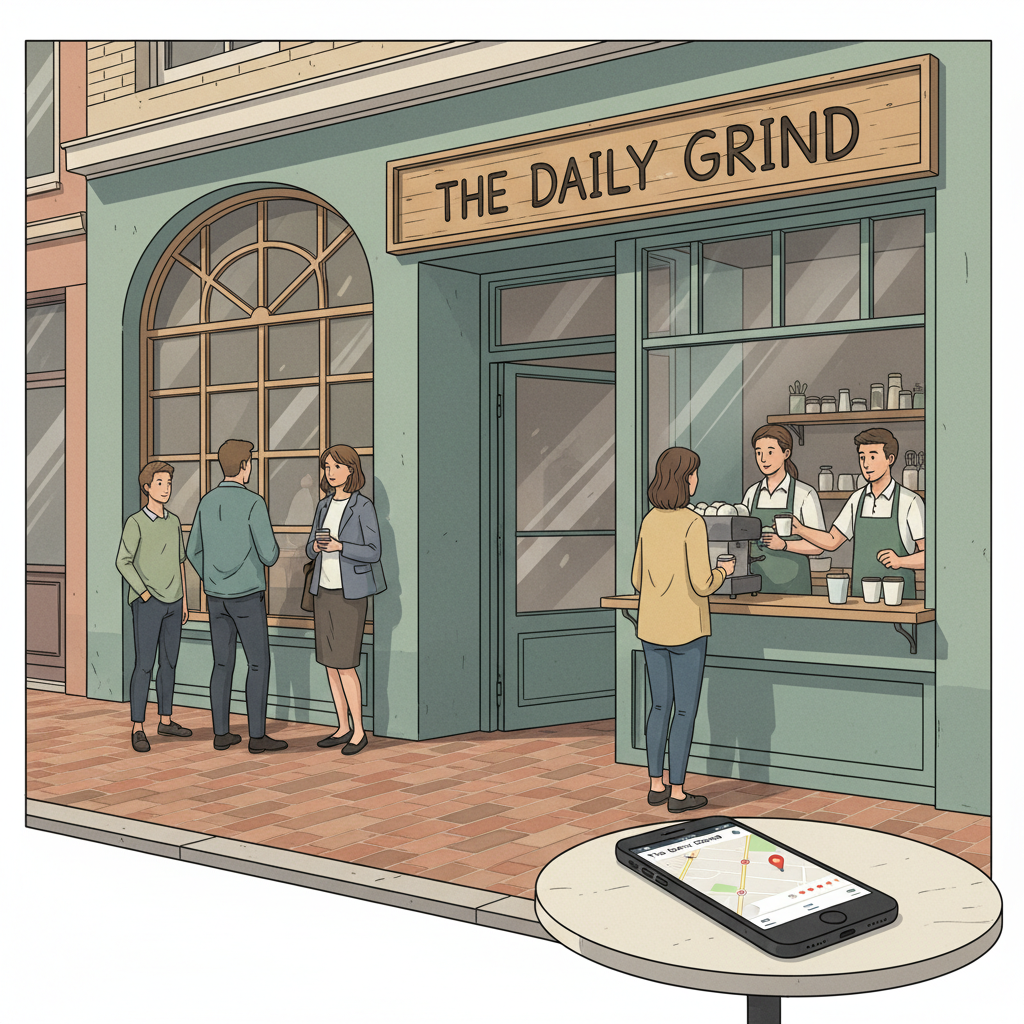
Closing thought: The listing is not a set-and-forget task. Treat it like a tiny storefront: keep the window clean, the sign legible, and the staff smiling.
The real objections — answered straight, no fluff.
BrandZilla Editorial Team
SMB MarketingContent Strategy
Practical playbooks written and reviewed by people who actually run content programs for small and local businesses — not generic AI output. Every guide is pressure-tested against what real operators do on Instagram, Facebook, LinkedIn and Google.
Used by 1,000+ businessesLast updated Sep 13, 20266 min read
Get weekly content ideas for your business
Join business owners getting practical, ready-to-post BrandZilla content prompts every week. No spam.