How to Capture Leads from Walk‑Ins and Local Interactions: 7 Practical Tactics
If customers already show up, you’re half-way there. This guide gives seven practical tactics — with scripts and a 30-day checklist — to capture contact details from walk-ins and local interactions.
7 min read
BrandZilla EditorialReviewed by marketing operators· Updated Aug 28, 2026· 7 min read
If customers already show up, you’re half-way there. The real problem is leaving the shop or interaction with no way to reach them again.
Most small businesses treat lead capture as a marketing problem when it’s actually an operations problem: no simple process at the counter, a forgetful staff, or awkward asks that scare customers away.
This guide gives seven practical, low-cost tactics you can apply this week. No fluff — real scripts, one-week experiments, and a 30-day checklist so you don’t start strong and vanish.
Start with the goal: contact + permission
Capture two things: a contact method (phone or email) and permission to reach out. That’s it. The moment you take more than 20 seconds to collect it, conversion drops.
Make your offering clear: discount, booking reminder, loyalty points, event invite. Customers will give contact details when there’s obvious value.
Reality check: Most small businesses post 3x then quit. Consistency beats creativity 9 times out of 10.
1) The quick receipt capture (30 seconds at checkout)
What it is: Ask for email or phone as part of checkout to email the receipt, confirm a booking, or send a warranty.
Why it works: People expect receipts. Framing the ask as “receipt or confirmation” is non-threatening.
Exact wording (cashier script):
“Do you want the receipt emailed or texted to you?”
If yes: “Great — what email or number should I use?”
If hesitates: “No problem — I can print it instead.”
What to track: capture rate (% of transactions where contact info captured). Aim for 70% in week one.
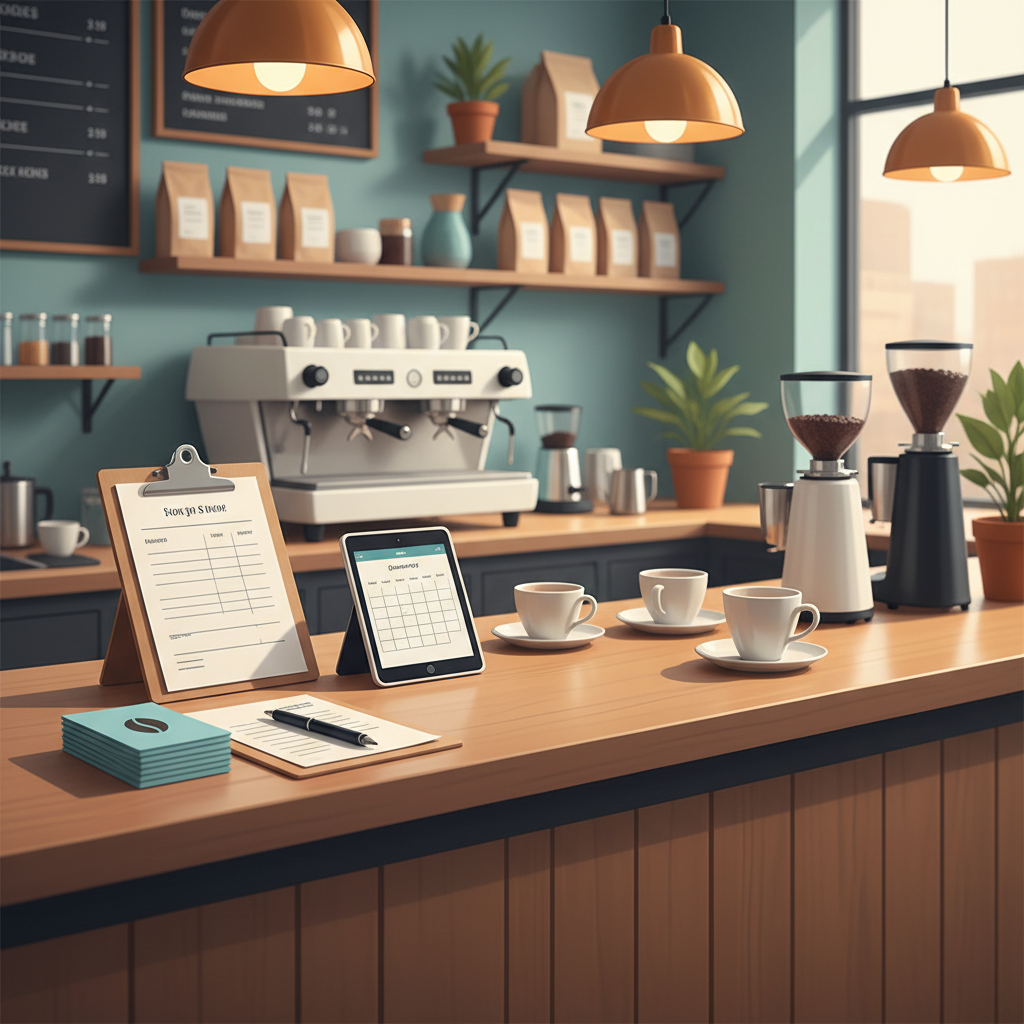
2) The low-friction sign-up (one-field tablet or clipboard)
What it is: A single-field sign-up at the counter — name plus email OR phone. No forms, no options.
Placement and design:
Put a tablet or clipboard clearly visible by the register.
Headline: “Quick updates & 10% off your next visit — leave email or number.”
Keep the entry to one field and one checkbox: “Text me deals” or “Email me receipts.”
Script for staff: “If you liked today, pop your number here and we’ll send a 10% coupon for next time.”
Mini-example: A barber shop put a clipboard with a 1-field sign-up. In week one they turned 6 sign-ups into 3 repeat bookings, adding $450 in revenue.
Quick win: Repurpose one customer review into a 3-post mini series this week.
3) The booking-first approach (turn bookings into leads)
What it is: Require a phone or email to reserve time — even a tentative one — then confirm via that channel.
Why it works: People expect to give a contact to hold an appointment. Use that moment to ask for permission to remind them.
Body: "Thanks, [Name]. We’ve booked you for [date/time]. Reply YES to confirm or call [phone]. Reply STOP to opt out."
Measure: No-show rate and confirmation response. Aim to reduce no-shows by 30% in 60 days.
4) The “Wi‑Fi for info” trade
What it is: Free guest Wi‑Fi that requires an email or phone to connect.
How to make it friendly:
Offer clear value: “Free Wi‑Fi — join our newsletter for a monthly special.”
Keep the form short and give a visible privacy note: "We won’t spam. One monthly email."
Follow-up: Send a welcome offer within 24 hours (10% off next visit). Immediate follow-up improves conversion.
5) The receipt follow-up loop (turn a purchase into a lead nurture)
What it is: Use the receipt contact to start a short nurture: welcome > value > rebook.
30‑hour cadence example:
0–24 hours: Thank you + digital receipt + 10% off next visit.
Day 7: How-to or care tips related to their purchase or service.
Day 21: Reminder or refill offer.
Exact email subject lines: “Thanks for visiting — here’s 10% off next time” / “How to care for [product/service]”
Metric to watch: open rate and click-to-book. A local salon I worked with saw a 12% booking rate from the 0–24 hour message after adding a single how-to tip.
Common mistake: Treating Instagram captions like tweets — context outperforms one-liners for local businesses.
6) Capture with a simple contest (not a raffle of a vague prize)
What it is: Run a short, high-value contest where entry requires contact info and a specific action (e.g., tag a neighbor, share your favorite product).
Rules that work for local businesses:
Entry = email or phone + answer to one local question (“What street do you live on?”) to confirm locality.
Prize = real and useful (a $50 store credit, paid service, or full product).
Run for 7–10 days. Announce winner publicly.
Follow-up: Everyone who entered gets a small consolation offer (10% off) within 48 hours.
7) Ask in-person, with a reason (the staff ask script)
What it is: Train staff to make a short, confident ask tied to a clear benefit.
Best script for retail/service:
“If I text you a 10% off coupon, would you use it next visit?”
If yes: “Great — what number should I send it to?”
Make it normal: add the ask to the sales checklist and track it like any other sales task.
Mini-example with numbers: A neighborhood dry-cleaner added the one-sentence ask to their closing routine. In 30 days they captured 180 numbers and converted 22 into repeat customers, averaging $28 per repeat visit — an extra $616 in month one.
Steal this template: "We help [audience] [outcome] without [pain]. Here's how →"
How to run your first 30 days: exact checklist
Week 0 (setup, 3 hours):
Decide which contact type you prefer (email or SMS). Phone for immediate bookings, email for longer nurture.
Print one clipboard sign and set up a single-field digital form.
Create two follow-up messages: immediate thank-you and 7-day value message.
Week 1 (test, track):
Train staff on the scripts above (15–30 minutes).
Run receipt capture and the one-sentence ask.
Track capture rate daily. Goal: 50% capture by day 7.
Weeks 2–4 (scale):
Add Wi‑Fi or contest if capture rate stalls.
Send your 0–24 hour follow-up to all new contacts.
Measure bookings/redeems from that message.
KPIs to track each week:
Contacts captured per week.
% of transactions with info captured.
Conversion from contact to booking/visit in 30 days.
Handling privacy and opt-outs (keep it simple)
Tell customers what they’ll get and how often. One sentence is enough: “We send one email a month and occasional deals.”
Include clear opt-out instructions in every text/email. Keep records of opt-outs to avoid fines.
Tools that won’t overcomplicate things
Don’t install a CRM that needs a full-time admin. Start with what you already have: the POS, an email tool, or a simple Google Sheet and an email autoresponder.
Practical shortcut: You can build this system manually — or use BrandZilla to stay consistent without hiring a social media manager.
Two short scripts you can copy now
Cashier: “Would you like that emailed or texted? I can send a 10% coupon for your next visit if you leave your number.”
Service staff: “We confirm bookings by text. Mind if I save the best number for reminders? You can opt out anytime.”
Measuring success — realistic timeframes
You should see contact capture improve within one week if staff use the scripts. Conversion to repeat visits usually shows within 30–60 days. Don’t expect overnight miracles; expect steady lift if you keep the follow-up simple and valuable.
FAQs
Q: What if I don't have time to post every day?
A: You don’t need daily posting to capture leads. Focus on two things: consistent capture at the point of sale and one follow-up email. Automate the follow-up and let the in-person process do the heavy lifting. Next step: pick one capture tactic and test it this week.
Q: Can I reuse old content without looking repetitive?
A: Yes. Recycle a how-to, a review, or a before/after into email follow-ups and social posts. Slightly change the headline and call to action so repeat viewers see a fresh angle. Next step: pull two top-performing posts and rework them for your welcome email.
Q: Do small businesses actually need a contact list?
A: Yes. A contact list turns casual visits into repeat business. Even a small list of 200 local emails can pay for itself quickly with one well-timed offer. Next step: start capturing one contact per day for 30 days.
Q: How long before capturing leads brings paying customers?
A: You can get bookings within 24–72 hours of a good welcome message, but expect the real payoff — repeat visits and referrals — over 30–90 days. Next step: send a welcome offer within 24 hours of capture.
Final thought
Customers who walk in today are your easiest lead source. Treat capture like a simple, repeatable task: one ask, one field, one follow-up. Run the 30-day checklist, measure the capture rate, and fix the weakest step. Small, consistent changes will compound faster than a flashy campaign.
BrandZilla can be a practical shortcut if you want a simple system to keep these follow-ups consistent without hiring extra staff.
The real objections — answered straight, no fluff.
BrandZilla Editorial Team
SMB MarketingContent Strategy
Practical playbooks written and reviewed by people who actually run content programs for small and local businesses — not generic AI output. Every guide is pressure-tested against what real operators do on Instagram, Facebook, LinkedIn and Google.
Used by 1,000+ businessesLast updated Aug 28, 20267 min read
Get weekly content ideas for your business
Join business owners getting practical, ready-to-post BrandZilla content prompts every week. No spam.