

If your website, Google Business Profile or social posts are getting views but you're still waiting for the phone to ring, this guide is for you.
Most local business owners know where their customers hang out online, but they lose them before an enquiry happens. The problem isn't creativity—it's a leaky process: discover → interest → ask for the booking.
This article gives a short, repeatable system to plug those leaks. No agency strategy talk, just step-by-step tactics you can implement in a day and refine over 30–60 days.
Reality check: Most small businesses post 3x then quit. Consistency beats creativity 9 times out of 10.
H2: The micro-funnel every local business needs
Start with a three-step funnel that fits your team: capture, qualify, convert.
- Capture: a tiny, low-friction lead capture on the page or profile.
- Qualify: one quick follow-up question (via SMS or short email) to confirm intent/availability.
- Convert: an easy booking step or a clear next step (phone call, calendar link, or appointment window).
Why small matters: long forms scare local customers. Your goal is one way to get permission to respond and one clear next step. Don't ask for more than you need.
H2: Tactics to deploy this week (with exact wording)
Implement two capture points and one fast follow-up. Use these exact items:
- A 3-field lead form on your site: name, phone, what day/time works best. Label: "Quick booking request — 30 seconds."
- A pinned social post that directs people to the form with a clear offer: free inspection, quick quote, or same-week availability.
- An SMS or email that sends automatically after form submission with a single question.
Copy-paste form labels and messages
- Form headline: "Quick booking request — 30 seconds"
- Field placeholders: "Your name", "Phone or text number", "Best day/time this week"
- Thank-you text (on submit): "Thanks — we’ll text you in 15 minutes to confirm. If it’s urgent, call us at (555) 123-4567."
Follow-up SMS templates (pick one)
- Option A (confirm): "Hi [Name], this is [Your Name] at [Business]. Quick Q — are you looking for an appointment this week or just a quote? Reply 1 = appointment, 2 = quote."
- Option B (availability): "Hi [Name], thanks for the request. We have openings Wed 10–12 or Fri 2–5. Which works best?"
If you prefer email:
- Email subject: "Quick follow-up from [Business] — 1 question"
- Body: "Hi [Name], thanks for contacting us. Quick question: do you need service this week or next? Reply to this email or call (555) 123-4567 and we’ll secure a time."
Quick win: Repurpose one customer review into a 3-post mini series this week.
H2: A simple qualifying framework (use this exact decision tree)
- If reply = appointment → send calendar link or confirm time by SMS.
- If reply = quote → ask 2 short qualifying questions, then offer a call or in-person estimate.
- If no reply in 12 hours → send one friendly nudge: "Still interested? We’ve saved a couple of slots this week if you want one."
Turn these into automation rules inside whatever booking or CRM tool you already use. The point is speed: 80% of leads go cold after one day.
H2: Where local businesses lose leads (and exact fixes)
- Slow follow-up: Fix by committing to a 15-minute response window for form leads.
- Too many fields: Fix with the 3-field rule above.
- Vague CTAs: Replace "Contact us" with "Request a same-week slot" or "Get a free inspection".
- No social routing: Pin a post with a direct link to the form and update the bio link.
Mini checklist for this afternoon
- Add a 3-field form to your site and test it.
- Create a pinned post with the form link and a short video or photo.
- Set up one SMS template in your booking system.
- Block 30 minutes daily for lead follow-up for the next 7 days.
H2: Scripts that actually convert (phone and in-person)
Use these exact lines the first 30 seconds of any call or visit:
- "Thanks for calling — we can usually do a quick visit this week. What day works best for you?"
- If they ask price before time: "I can give a ballpark, but to be sure we set the right time and tech, when would you like us to come?"
- For in-person walk-ins: "We can see you in about X minutes, or book a more thorough visit later today — which do you prefer?"
H2: A weekly content rhythm that feeds the funnel
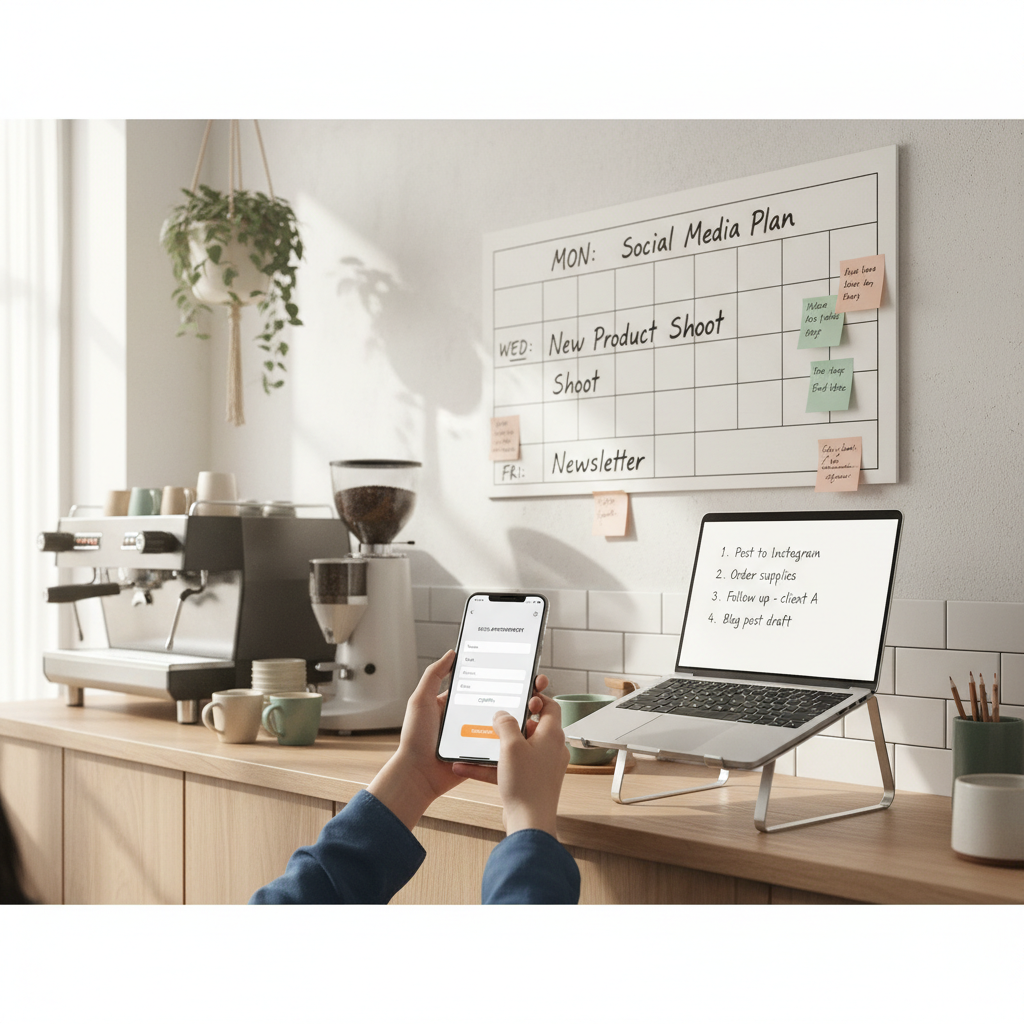
You don't need daily posts. Use a 5-post weekly rhythm built from one anchor piece:
- Anchor (Monday): A short customer story or before/after with a CTA to the form.
- Tuesday: Quick tip or FAQ related to the service.
- Wednesday: Behind-the-scenes or team post.
- Thursday: Offer or limited slots announcement.
- Friday: Social proof (review or quick case study).
Use the same caption formula each week: problem → quick outcome → call to action. Example caption for a plumbing business:
- "Drippy faucet turned into same-day fix — saved a client $120 vs. replacement. Need a quick repair? Request a same-week slot → link in bio."
Steal this template: "We help [audience] [outcome] without [pain]. Here's how →"
H2: Mini-example — what this looks like in real life
Walk-in plumbing business in Queens (2 techs, no full-time marketer):
- Baseline: 6 phone enquiries/week, 2 booked jobs.
- Week 1: Added 3-field form, pinned post, and the SMS script above.
- Week 4: 18 enquiries/week, 11 booked jobs. Converted faster because staff confirmed slots via SMS within 20 minutes.
What changed: the business stopped asking for too much info, followed up fast, and used one weekly post to keep the form visible.
H2: Measurement and simple testing (what to track)
Track only three numbers weekly:
- Enquiries (form submissions + calls that cite the form or post).
- Conversion to booking (percentage of enquiries that become a booked job).
- Response time (average minutes from form submission to first human or templated message).
Test one variable at a time for two weeks: CTA text, the follow-up message, or the pinned creative. If conversion improves by 10% or more, keep the change.
Practical shortcut: You can build this system manually — or use BrandZilla to stay consistent without hiring a social media manager.
H2: Common objections and short fixes
- "We don’t get many online visitors": Start with the customers you do get — Google Business Profile and Instagram — and make those visits count.
- "We don’t have time to reply fast": Schedule a single 30-minute slot twice a day to clear leads and confirm bookings.
- "Our customers call instead of fill forms": Add the same 3 fields to a quick intake script for staff and log the lead.
H2: Quick audit (10 minutes)
- Can someone find a way to request a booking in two clicks from your Google Business Profile? If not, fix it.
- Does your site have a 3-field form? If not, add one now.
- Is there a pinned post or bio link directing people to that form? If not, create one and schedule it for today.
H2: FAQ
Q: What if I don't have time to post every day?
A: You don't need daily posting. Use the 5-post weekly rhythm above and schedule one hour on Monday to draft and schedule. Next step: open your phone, take one before/after photo and write Monday's anchor post.
Q: Can I reuse old content without looking repetitive?
A: Yes. Turn a single before/after or review into three variations: short video, text post with quote, and a carousel of process photos. Next step: pick one good review and make the three formats this week.
Q: Do small businesses actually need a content calendar?
A: Yes, but keep it tiny: one weekly anchor and the 5-post rhythm. A calendar prevents last-minute blank days. Next step: create a simple weekly sheet with the five slots and fill them for the next two weeks.
Q: How long before posting consistently brings in customers?
A: You'll often see an uptick in enquiries within 2–4 weeks if response speed improves. The real driver is follow-up speed and a clear CTA. Next step: measure enquiries this week and again in two weeks after implementing the 3-field form and SMS follow-up.
If you want a fast win, focus on reducing response time and making the booking request ridiculously simple. Tools can help you keep the rhythm, but the real lift comes from process: capture fast, ask one clarifying question, and offer a clear next step.
P.S. If keeping the weekly rhythm is the hard part, tools like BrandZilla can make the scheduling and templates less fiddly without hiring another person.