

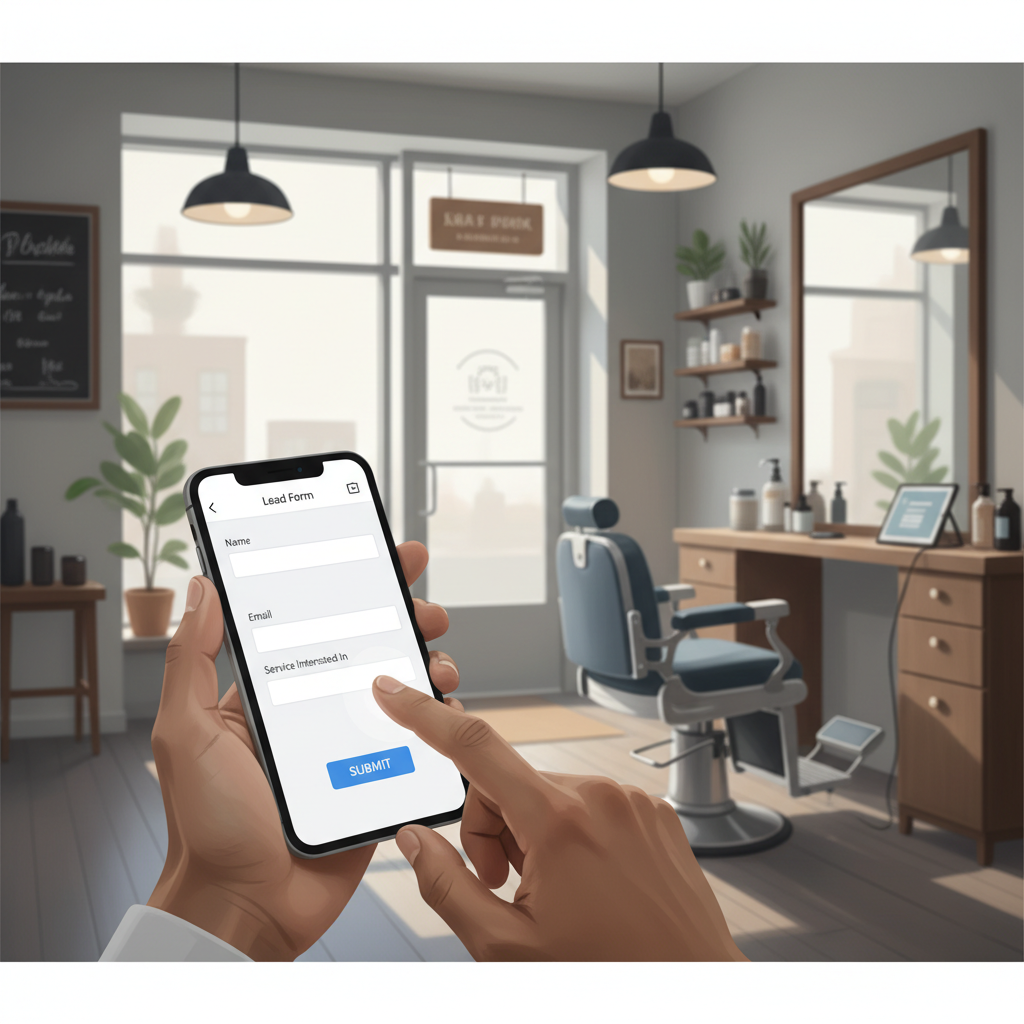
Local business owners say: “I get visitors on the site but no calls.” “Our form is long and nobody fills it.” “I want more qualified leads without asking for their life story.” Those are the real problems: attention is short, trust is thin, and extra form fields create friction.
This guide shows a practical, repeatable system for small businesses: a 3-question lead form that converts. You’ll get the exact questions, copy you can paste, placement tips, follow-up scripts, and realistic benchmarks for improvement.
Why a short form? Because local decisions are fast. People call or book when friction is low and expectations are clear. Long forms force prospects to pause, shop elsewhere, or call a competitor who asks fewer questions.
H2: The simple framework: ask only what you need
Keep the form to three fields and one micro-consent checkbox (when required by law). The three essentials cover intent, timing, and qualification. Every extra field cuts conversion by 10–20% on average.
The 3 fields
- What do you need? (single-line) — captures the service or product. Use short presets (dropdown) for common services.
- When do you need it? (date/time or ASAP toggle) — separates urgent callers from future planners.
- Best contact (phone or email) — let them choose one. For local businesses, prioritize phone-first but accept either.
Optional micro-consent: "I agree to be contacted about my request." Keep it a single checkbox if your region requires it.
Reality check: Most small businesses post 3x then quit. Consistency beats creativity 9 times out of 10.
H2: Exact copy you can paste
The words matter. Use microcopy that reduces uncertainty and makes the next step obvious.
Form title (big and friendly): "Quick request — 3 questions. We’ll follow up in 1 business hour."
Field labels and placeholders (copy-paste)
- What do you need? (placeholder) "e.g. Kitchen sink repair / 60-minute deep clean / Root canal consult"
- When do you need it? (placeholder) "Pick a date or tap ‘ASAP’"
- Best way to reach you (placeholder) "Phone or email — we’ll confirm your time"
Submit button (test two versions):
- Primary: "Request a time" — clear booking signal
- Secondary split-test: "Get a quick quote" — good if price is the main friction
Thank-you message (on form submission): "Thanks — we received your request. Expect a call or message within 60 minutes during business hours. If it’s urgent, call us at (555) 123-4567."
Steal this template: "We help [audience] [outcome] without [pain]. Here's how →"
H2: Where to put the form (exact placement)
Placement is a conversion multiplier. Use these four slots in this order of priority:
- Homepage hero — immediate visibility for visitors who are ready now.
- Primary service pages — contextual relevance increases completion.
- Mobile sticky footer or slide-in — keeps the form in reach on phones.
- Google Business Profile (use the booking or lead form feature) — captures people from search.
If you only implement one place, do the homepage hero plus mobile sticky on the same day. Small change, big difference.
H3: Mobile-first details
- Use large touch targets and single-column layout.
- Replace date-pickers with a simple ‘‘ASAP / Next 3 days / Next week’’ toggle if the native picker is slow.
- Use “tap to call” for phone fields so users can dial without copying numbers.
Quick win: Repurpose one customer review into a 3-post mini series this week.
H2: How to qualify without chasing people away
Qualification should happen with tone, not tests. Avoid heavy gatekeeping copy like “Please describe your project in detail.” Instead, use light qualification in the question order.
- Start with the need. If they pick a service that requires a site visit, you can follow up with scheduling details.
- Use the timing field to route requests. "ASAP" goes to the same-day queue; "Next week" goes to normal scheduling.
- Collect their contact choice rather than forcing both email and phone.
Routing example (small plumbing shop)
- If service = "Emergency leak" AND timing = "ASAP" → immediate SMS to on-call tech + highlight on dashboard.
- If service = "Renovation" AND timing = "Next month" → send to sales queue for phone outreach within 24 hours.
Mini-example: A 3-person plumbing shop in Portland
They switched from a 7-field form to the 3-question system and added a mobile sticky form. In two weeks, form completions rose from 12 to 28 per week. Call-to-book rate stayed steady at 45%, so they doubled booked jobs without more traffic.
H2: Follow-up that turns a form into a booking
Most forms die after submission because the follow-up is slow or unclear. Use a two-step follow-up: immediate confirmation and a short personal outreach.
- Immediate auto-reply (SMS + email if provided)
- SMS (if phone chosen): "Thanks, [FirstName]. We got your request for [service]. Expect a call in 60 minutes from (555) 123-4567. Reply STOP to opt out."
- Email: short receipt with the same promise and an easy button to reschedule.
- Personal outreach within your SLA
- Phone script for missed calls: "Hi [Name], this is [Tech/Owner] from [Business]. We got your request for [service]. Are you available now to talk for 30 seconds?"
- If they asked for a quote, follow up with a one-paragraph estimate or an ask for a picture.
Scripts save time and improve closure rates.
Common mistake: Treating Instagram captions like tweets — context outperforms one-liners for local businesses.
H2: Measure, test, and protect your conversion rate
Track these KPIs weekly:
- Form conversion rate (visitors who submit) — aim to increase 25% in 30 days after simplification.
- Contact choice split (phone vs email) — expect 60/40 phone-first for service businesses.
- Time-to-first-contact — target 60 minutes during business hours.
- Booking rate after submission — benchmark 30–50% depending on service complexity.
Run these A/B tests over 2–3 weeks each:
- Button label: "Request a time" vs "Get a quick quote"
- Timing input: date-picker vs ASAP/Next3/NextWeek toggle
- Hero placement: form in hero vs hero CTA that opens the sticky form
H2: Objections, privacy, and legal notes
- If you collect personal data, show a short privacy note under the form: "We store your request to respond — not for marketing unless you opt in."
- Keep the checkbox for consent simple. Don’t hide subscription terms in the tiny print.
- For SMS follow-ups, follow local regulations for opt-in/out language.
What actually works: A 5-post weekly rhythm built from one anchor piece — not daily improvisation.
H2: A rollout checklist (one afternoon)
- Replace current form with the 3-field layout and the exact copy above.
- Put the form in the homepage hero and enable a mobile sticky if you have traffic from phones.
- Set auto-reply templates for SMS and email.
- Train one staff member to handle same-day "ASAP" requests.
- Track conversions and time-to-first-contact for 30 days.
Practical shortcut: You can build this system manually — or use BrandZilla to stay consistent without hiring a social media manager.
Closing thought
Short forms don’t reduce qualification — they accelerate decision-making. Treat your form like a frontline staff member: clear, friendly, and fast. Start with the three questions above, measure results for 30 days, and fix the slowest part of your follow-up process.
If you want a simple system to keep this live and measured without adding headcount, BrandZilla can help small teams stay consistent.