How to Ask Customers for Reviews Without Sounding Pushy
Stop awkward review requests that go unread. This playbook gives exact scripts, a follow-up timeline, in-person lines, and a simple A/B test you can run this week to get more honest local reviews.
6 min read
BrandZilla EditorialReviewed by marketing operators· Updated Aug 13, 2026· 6 min read
You want more real reviews from customers, but the options feel awkward: ask in person and risk sounding needy, send a message and risk being ignored, or do nothing and hope for the best. That’s why most small businesses either beg for reviews with a clipboard or never ask at all.
This guide gives a simple, repeatable system for asking without sounding salesy. No fluff—exact scripts, where to ask, when to follow up, and a small test you can run in 30 days.
Start with the assumption customers will write a review if it’s easy and timely. Your job is to make it both.
The 4-step review-request system (fast)
Make it part of the experience. Add the ask into a natural moment: at checkout, after service, or in the post-appointment SMS.
Ask for honest feedback, not five stars. That reduces pressure and increases response rate.
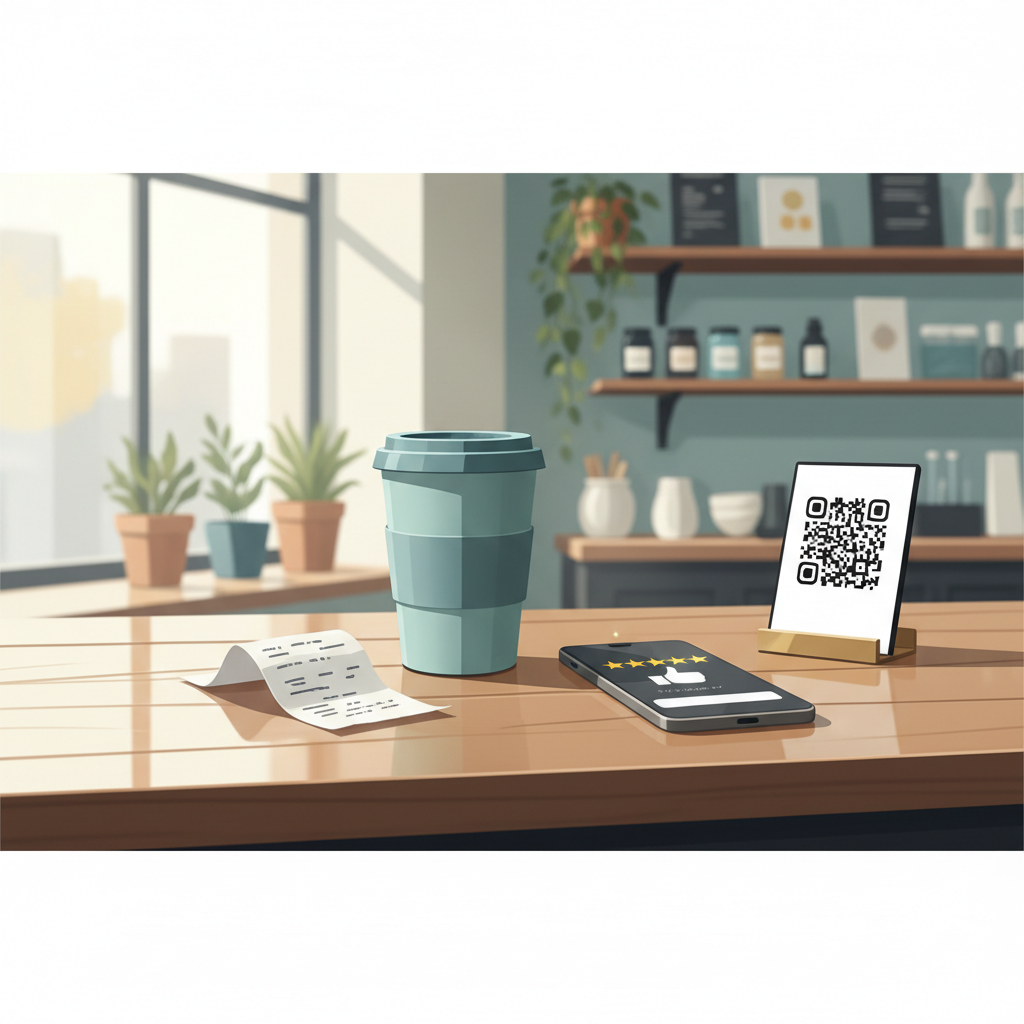
Make leaving a review one tap away. Use direct links, QR codes, or one-click SMS flows.
Follow up once, politely, if you don’t hear back. Two follow-ups turn warm customers cold.
Reality check: Most small businesses post 3x then quit. Consistency beats creativity 9 times out of 10.
Why this beats “just ask for a five-star review”
Asking for a five-star review increases distrust and can trigger platform penalties. Asking for honest feedback lowers friction and brings a mix of stars with context you can use. More useful: you can turn negative feedback into a private fix before it becomes a public review.
Where to ask (and exact wording)
In person (at the counter or after service): short, friendly, non-salesy.
SMS/text: best open rates for local businesses—use within 1 hour for appointments and within 24 hours for retail.
Email: better for longer-copy or receipts; include a direct review link and a one‑sentence ask.
Receipt/packaging: a small printed line and QR code works for walk-ins.
Card or follow-up landing page: useful for higher-ticket services where you want a short form then a link to the platform.
In-person scripts (pick one)
After checkout: “Thanks so much—if you’ve got a minute, we’d really appreciate a quick review about your visit. Here’s a QR code.”
After service completion: “If you’re happy with how this went, would you mind sharing that online? Honest feedback helps others and helps us improve.”
When there’s an issue resolved: “We fixed that for you—if it’s working now, could you drop a note about the outcome? It helps us and other customers.”
Quick win: Repurpose one customer review into a 3-post mini series this week.
Templates you can copy-paste
Use these exact short scripts. Replace bracketed items.
SMS (best for appointments)
“Hi [First name], thanks for visiting [Business Name] today. If you have 60 seconds, would you tell others about your experience? [short link or review link]”
Email subject lines (pick one):
“Quick favor after your visit to [Business Name]”
“Tell us how we did — 60 seconds”
Email body (short):
“Hi [First name],
Thanks for choosing [Business Name]. If you have a minute, could you leave an honest review? It helps other local customers and us. [review link]
Thanks, [Owner name]”
Receipt/packaging line (30 characters):
“Loved it? Scan here to leave a review →”
QR code micro-copy (for sticker):
“Tap to review your visit—thanks!”
Signage for counter (one-liner):
“Share your feedback: scan the code or visit [short link]”
Timing: when to send each ask (simple timeline)
Immediate (0–1 hour): SMS after appointments, while the experience is fresh.
Day 1: short email with link, especially for purchases that require time (e.g., custom work).
Day 3: polite SMS reminder if no review yet and if the customer opened the first message.
Day 7: final thank-you and invitation to contact you directly if anything went wrong. No more automated follow-ups after day 7.
Keep total asks to 2 messages plus the in-person ask. Any more feels pestering.
Common mistake: Treating Instagram captions like tweets — context outperforms one-liners for local businesses.
Handling unhappy customers (how to prevent bad public reviews)
Invite private feedback first. Use a phrase like: “If anything wasn’t perfect, could you tell me so we can make it right?”
Route negative replies to a short private workflow: apology, fix, refund or redo, then request a follow-up review if they’re satisfied.
Don’t offer incentives for positive reviews. Offer discounts or coupons for feedback or returning, but not tied to leaving a public review—platforms forbid rewarding positive reviews.
A/B test you can run this week (exact setup)
Goal: increase review rate from customer visits.
Week A (control): current process.
Week B (test): Add an SMS 30 minutes after checkout using the SMS template above and a QR code on the receipt.
Measure: reviews per week and average rating after 30 days. Run the test for four weeks.
Mini-example: Joe's Plumbing (realistic result)
Joe had an average of 2 reviews per month and a 3.9 rating. He started using the SMS template and receipt QR code. After 30 days he got 12 reviews and his average moved to 4.4. Phone enquiries from new customers rose 14% the next month. The change was simply making the ask immediate and one-tap.
What to do with the feedback you get
Positive reviews: thank publicly within 24–48 hours. Use a short, consistent reply: “Thanks [Name]! We’re glad it went well — see you next time.”
Neutral or negative public reviews: respond promptly, briefly, and offer to resolve offline: “We’re sorry to hear this. Please call [number] so we can make this right.”
Use recurring negative themes as operational fixes. If three reviewers mention the same slow step, fix the step and tell customers you’ve fixed it.
What actually works: A 5-post weekly rhythm built from one anchor piece — not daily improvisation.
Measurement and realistic expectations
Expect an initial lift in reviews within 30–60 days when you start asking consistently.
Conversion impacts (more calls or bookings) can be seen in 60–90 days as your rating improves and search snippets update.
Track: number of review requests sent, review rate (reviews/requests), average rating, and referral calls or bookings.
Practical checklist before you start (do this in one afternoon)
Create short review links for Google, Facebook, Yelp, and industry sites.
Add a QR code to receipts and print a small sticker.
Save the SMS and email templates in your point-of-sale or booking system.
Train staff on the exact in-person script and give one incentive: a 30-second practice run.
Decide who monitors reviews and responds within 48 hours.
Steal this template: "We help [audience] [outcome] without [pain]. Here's how →"
Practical shortcut: You can build this system manually — or use BrandZilla to stay consistent without hiring a social media manager.
Final practical notes
Keep requests short, timely, and low-pressure. The single best change most small businesses can make is asking at the moment the positive emotion is highest—right after a good service or sale—and making the path to the review one tap.
If you want a starter pack, save these templates into a folder and run the A/B test next month. If you prefer a ready-made template set and scheduling reminders, BrandZilla offers a copy-and-paste kit that many local owners use quietly to stay consistent.
The real objections — answered straight, no fluff.
BrandZilla Editorial Team
SMB MarketingContent Strategy
Practical playbooks written and reviewed by people who actually run content programs for small and local businesses — not generic AI output. Every guide is pressure-tested against what real operators do on Instagram, Facebook, LinkedIn and Google.
Used by 1,000+ businessesLast updated Aug 13, 20266 min read
Get weekly content ideas for your business
Join business owners getting practical, ready-to-post BrandZilla content prompts every week. No spam.