

Web Developer

Stop the Scroll: Facebook Post Ideas for Web Developers

Struggling with what to post? Get practical Facebook post ideas for web developers that build trust and land clients without sounding like a robot.

5 min read Updated May 29, 2026 Used by 1,000+ businesses
Stop the Scroll: Facebook Post Ideas for Web Developers
BrandZillaBrandZilla EditorialReviewed by marketing operators

Most web developers treat Facebook like a graveyard for links to blogs no one reads. You spend hours coding a sleek, responsive masterpiece, but when it comes to social media, you’re stuck staring at a blinking cursor. The reality is that your clients—the local bakery owner, the law firm partner, or the e-commerce startup founder—aren't looking for a deep dive into React hooks. They're looking for proof that you can solve their business problems without making their heads spin.

Facebook isn't about showing off your syntax; it's about showing off your reliability. People buy websites from people they trust to still be in business six months from now. By sharing the "boring" behind-the-scenes work, the small wins, and the common mistakes you see other businesses making online, you position yourself as the technical partner they’ve been looking for.

Reality check: Your followers don't care about your tech stack. They care that their contact form actually works and that their site doesn't look broken on an iPhone 14. Write for the business owner, not the developer community.

Quick tips

1

Reply to Every Comment

Always respond to comments within 24 hours. Facebook rewards engagement, and it shows potential clients you are responsive.

2

Visuals Over Links

Don't just post a link. Use a high-quality image or a screen-recording video of a site's feature to grab attention in the feed.

3

Focus on the Client

Use 'You' and 'Your' 90% of the time. This keeps the focus on the client's needs rather than your own technical skills.

4

Pick a Schedule and Stick

Pick two days a week (e.g., Tuesday/Thursday) and stick to them. Predictability builds professional authority.

Stay consistent without hiring a social media manager

A simple weekly content system that keeps your business visible and trusted online — no daily improvisation.

No spam. Unsubscribe anytime.

Showing You're the Expert They Can Trust

Potential clients need to see that you aren’t just a freelancer in a basement, but a professional partner. Use these posts to showcase your workflow and the care you put into every line of code.

Quick win: Take a photo of your desk right now. Mention one specific project you’re working on and one goal you have for that client today.

  • The 'Site Launch' Shoutout: Don’t just link the site. Tag the client’s business page and congratulate them on their new digital home. Mention one specific feature that helps their customers.
  • The Security PSA: Explain a recent browser update or a common security threat in plain English. Tell them what you do to keep your clients' sites safe.
  • The 'Mobile-First' Visual: Post a side-by-side of how a site looks on a desktop vs. a mobile phone. Highlight how 60%+ of their customers are likely seeing the mobile version first.
  • The Tool of the Trade: Show a screenshot of your code editor or a wireframing tool. Explain, "This is where the magic happens before the first pixel is even placed."
  • The Performance Check: Share a screenshot of a 90+ Google PageSpeed score. Explain why speed equals more sales for the business owner.
Example 1

New Site Launch: Big thanks to [Local Cafe] for trusting us with their mobile ordering system! Check it out here: [Link]

Example 2

Did you know 53% of users leave a site if it takes longer than 3 seconds to load? We just shaved 4 seconds off [Client's] site.

Example 3

Google Chrome just released a major update. Here is what it means for your website's layout.

Example 4

Wireframe Wednesday: Mapping out the user journey for a new e-commerce project. Goals: 3 clicks to checkout.

Example 5

Why we use [Specific Tool/Plugin]: Because your site's security shouldn't be a 'maybe.'

Educating Clients (Without the Jargon)

Most business owners are intimidated by tech. If you can simplify the complex, you become their hero. Use these ideas to answer the questions they're too embarrassed to ask.

What actually works: Keep a 'Question Log.' Every time a client asks you a question via email/text, turn that question into a Facebook post.

  • The ROI Breakdown: Explain why a $3,000 website is cheaper than a 'free' one that doesn't convert users into leads.
  • The Terminology Translator: Pick a word like 'Hosting' or 'Domain' and explain it using a real-world analogy (like a house vs. an address).
  • The DIY vs. Pro Comparison: Gently point out the limitations of DIY builders—like poor SEO or limited customization—without being condescending.
  • The 'Why No One Finds You' Post: Explain the basics of On-Page SEO. Tell them why having a site isn't enough if Google can't read it.
  • The Maintenance Myth: Explain why websites aren't 'set it and forget it' assets. Compare it to getting an oil change for a car.
Example 1

What’s the difference between a Domain and Hosting? Think of your domain as your street address and hosting as the actual house.

Example 2

Is your 'Free' website builder actually costing you thousands in lost Google rankings? Let's look at the math.

Example 3

A website without SEO is like a billboard in the middle of the desert. Here's how to move it to the city center.

Example 4

Stop 'Ghosting' your customers. If your contact form is broken, your business is closed. Here is how we test every form we build.

Example 5

Why I built this site from scratch instead of using a template. (Hint: It's all about speed).

Humanizing Your Dev Business

Clients want to know that you're a real person who understands their business goals. These posts help build a personal connection and show your local roots.

Local business example: 'Had a great brainstorming session at [Local Coffee Shop] today for [Client's] new project. Support local!' This shows you're active in your community.

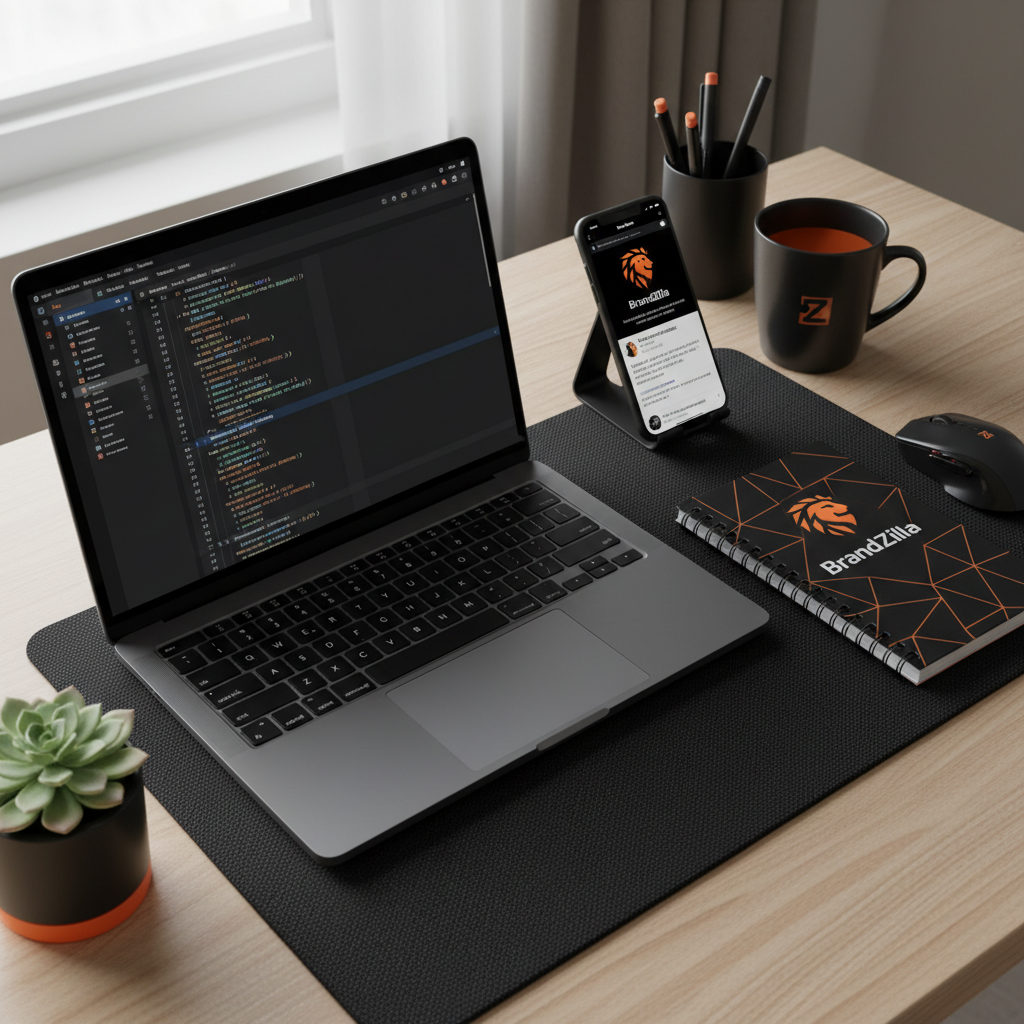
  • The 'Desk Life' Post: Share what coffee you're drinking or what playlist is keeping you focused while you code.
  • The Client Win: Share a screenshot of a nice email or review a client sent you (with their permission).
  • The 'Why I Do It' Post: Share a brief story about why you started your dev business. Was it to help local shops? Because you love solving puzzles?
  • The Local Shoutout: Highlight another local business you’ve visited or worked with. It builds community goodwill.
  • The Tech Anniversary: Celebrate your business anniversary or a personal milestone. It subtly reminds people you've been around for a while.
Example 1

Coffee + CSS = A productive Thursday morning. Getting the final touches ready for [Client]!

Example 2

Check out this kind note from [Client Name]! This is exactly why I love what I do.

Example 3

Celebrating 5 years of [Your Business Name] today. From a spare bedroom to [Milestone]. Thanks for the support!

Example 4

Just grabbed lunch at [Local Spot]. Best tacos in town! Anyone else working through their lunch break today?

Example 5

Throwback to the first website I ever built. Things have changed a lot since 2012!

Copy-paste AI prompt pack

Drop these straight into your post — or generate fresh ones with BrandZilla.

Captions

  • Is your website a silent salesperson or a revolving door? If your 'Book Now' button is buried, you're losing money every hour. Here's how we fixed it for [Client Name].
  • The 'Friday Update' isn't just about code. It's about making sure our clients sleep better knowing their security patches are up to date. Another week of 100% uptime in the books.
  • Stop me if you've heard this: 'I'll just build it on a free DIY builder.' Three months later, they're calling us because the mobile version looks like a puzzle. Here’s why custom wins.

Hooks

  • Your website is probably lying to you.
  • What happens to your business if your site goes down for 4 hours?
  • The one button every business owner forgets to check.
  • Why I just talked a client out of spending $5,000.
  • Is your DIY website actually hurting your brand?

Hashtags

#WebDesignTips#SmallBizWeb#WebsiteMaintenance#LocalBusinessMarketing#WebDevLife#MobileFriendly#CleanCode#DigitalGrowth#UserExperience#SupportLocalBusiness

Questions business owners actually ask

Real objections from real operators — answered straight.

BrandZillaBrandZilla EditorialReviewed by marketing operators

Free tools to keep you consistent

Quick utilities for the moments between full posts.

Most businesses stop posting after 2 weeks

BrandZilla gives small businesses a simple weekly content system — so you stay visible, build trust, and get more enquiries without hiring a social media manager.

More for Web Developer

Same topic, other industries

From the blog