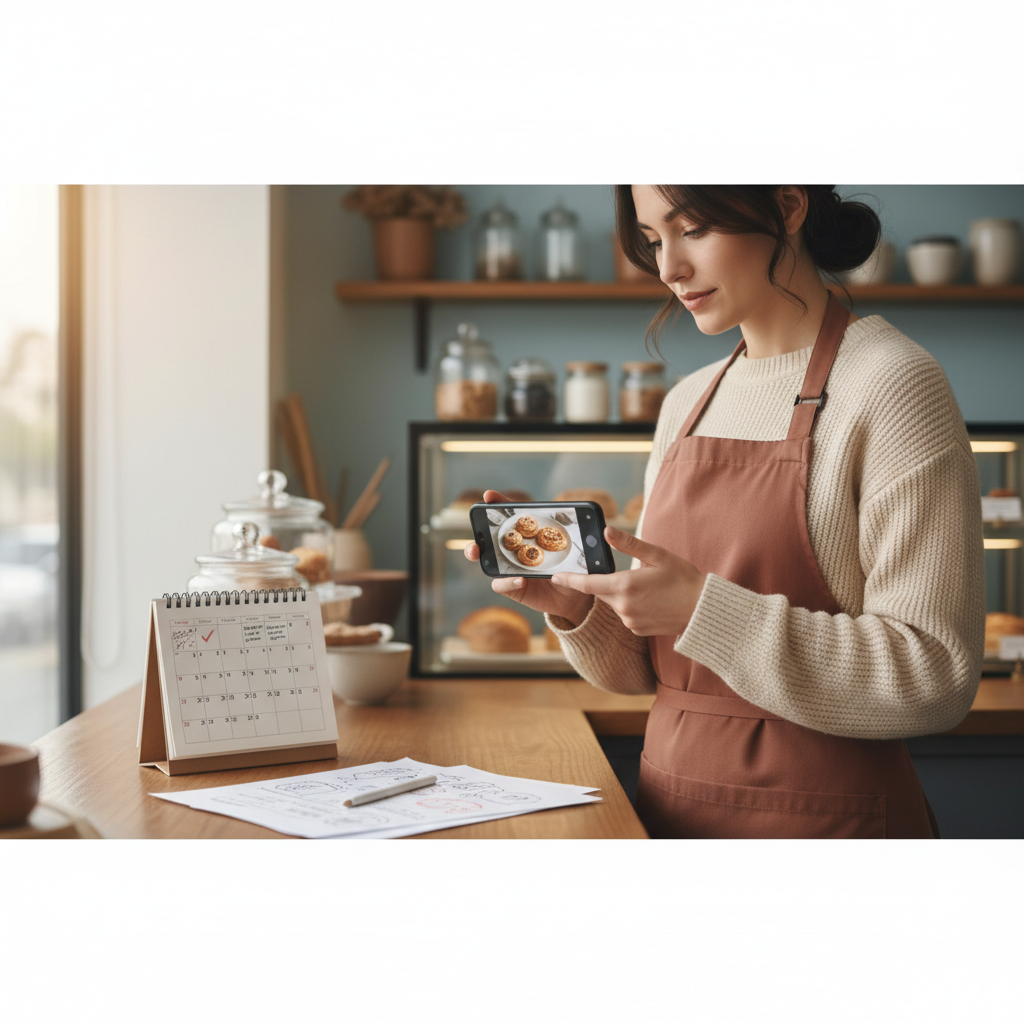
How to Reuse Old Social Posts Without Sounding Repetitive (6‑Week System)
Stop deleting old posts or reposting the same photo. This step-by-step 6-week system shows how to repurpose one good piece of content into a month's worth of fresh posts that attract local customers.
6 min read
BrandZilla EditorialReviewed by marketing operators· Updated Sep 6, 2026· 6 min read
You're tired of scrolling your feed and seeing the same photo with a new caption. You know you've got useful content — a customer review, a how-to, a popular photo — but when you repost it feels stale, or worse, lazy.
Small businesses run into two problems: either they delete old posts and start from scratch every week, or they repost the same thing and lose trust. Both choices waste hours and fail to build momentum with local customers.
This article gives a practical, repeatable system to turn one existing asset into six distinct posts across two weeks, then scale that into a 6-week rotation. No fluff — exact captions, a posting schedule, and a checklist so you can reuse content without sounding repetitive.
The principle that saves time and builds trust
Repurposing isn't copying. Treat each reuse as a different role: teach, prove, invite, show, or remind. If one post keeps playing the same role, your audience will tune out. If it plays six roles, it earns attention.
Roles to use:
Teach: explain a step or tip.
Prove: show results or a customer review.
Invite: a direct, low-friction call to action.
Show: behind-the-scenes or process.
Remind: logistical info (hours, specials).
Reality check: Most small businesses post 3x then quit. Consistency beats creativity 9 times out of 10.
The 6-post transformation (do this for one old asset)
Take one post you want to reuse — a 60‑second video, a customer review, a how-to photo — and create six variations. Do this in one session; it takes 60–90 minutes.
Anchor post (original) — Keep it in your content bank. Note date and why it worked.
Short video clip (15–30s) — Pull a highlight and add a caption: one tip or result.
Quote card — Pull the best line from a review or comment.
FAQ post — Turn the comment/questions around the post into a short Q&A.
BTS photo or story — Show how you made it or what was happening behind the camera.
Local reminder — A short post about availability, location, or a limited-time option tied to the original.
Example: a bakery's popular croissant post
Original: a photo of a golden croissant with the caption "Our butter croissant sells out — get here early."
Short clip: 15s of the oven door opening and croissants. Caption: "Baked at 5:30 a.m. — here’s how we get that crackly top."
Quote card: Image with text: "'Best croissant in Brooklyn' — Sam, two weeks ago."
FAQ: "Do you take special orders? Yes — call 48 hours ahead."
BTS: photo of the baker's hands shaping dough. Caption: "We fold the dough 4 times. Makes the layers."
Local reminder: "Limited batch today — 8 left. Swing by before noon."
Quick win: Repurpose one customer review into a 3-post mini-series this week.
Exact captions you can copy
Use these starting lines, then tweak one specific detail (time, product, customer name) to keep them feeling fresh.
Teach (video clip): "How we [one action]. Tip: do this at home to get more [result]."
Prove (quote card): "'[short quote]' — [first name], on <date>. We loved making this for them."
FAQ: "People ask: '[question]'. Short answer: [answer]. Call us to book → [phone]."
BTS: "Behind the counter: [what's happening]. We do this to make sure [benefit]."
Reminder: "Heads up: [limited detail]. First come, first served — see you today at [time]."
Hashtag note: 3–6 local-first hashtags. One general (e.g., #bakery), two neighborhood (e.g., #WilliamsburgEats), one service tag (#freshcroissants), and one event tag if relevant.
Weekly 6-week calendar (exact schedule)
This schedule assumes one anchor asset per week. You turn each anchor into the six posts above and schedule them over two weeks, then repeat with new anchors on a rolling 6-week cycle.
Week A
Mon: Anchor post (repost or update)
Wed: Short clip (teach)
Fri: Quote card (prove)
Week B
Tue: FAQ post
Thu: BTS story or post
Sat: Local reminder (short, urgent)
Repeat with a different anchor each Week A — you’ll have 3 anchors running in the pipeline at any time. That gives you steady output without daily invention.
Common mistake: Treating Instagram captions like tweets — context outperforms one-liners for local businesses.
How to avoid sounding repetitive (7 checks)
Before you post, run this quick checklist. If you fail more than one, rewrite.
Did I change the role? (teach, prove, show, invite, remind)
Is the visual different? (photo vs clip vs graphic)
Did I change the lead sentence? (first 8–12 words)
Is there a new detail (time, customer name, minor stat)?
Does the post answer a different question than the original?
Did I change the call to action? (book, drop by, comment)
Is it scheduled at least 48 hours from the original repost?
4 quick production tips so this doesn't slow you down
Batch one asset at a time: create six items in one hour.
Use a simple templating system for quote cards and FAQ graphics.
Keep raw footage in a labeled folder: "Anchor-May-2026-croissant".
Schedule two weeks ahead so the rotation can't be derailed by a busy day.
Local business example: A bakery in Brooklyn moved from 2 walk-ins/day to 11 by posting one behind-the-counter reel each morning.
Mini-workflow: 60 minutes to six posts (step-by-step)
0–10 min: Pick the anchor. Note why it worked (engagement, comments, sales).
10–25 min: Pull a 15–30s clip. Add a one-line tip caption.
25–35 min: Make a quote card from a review. Add first name and date.
35–45 min: Write an FAQ post. Use a customer question from comments.
45–55 min: Take or pick a BTS photo and write the caption.
55–60 min: Draft the reminder post and schedule all six.
Practical shortcut: You can build this system manually — or use BrandZilla to stay consistent without hiring a social media manager.
When to break the rotation
Don't use the system dogmatically. Break it when:
You have a real-time local event (snow day, festival).
You have a product recall or urgent update.
A post goes unexpectedly viral — pivot to respond to the conversation.
Otherwise, leave the rotation in place for 6–12 weeks and measure traffic and bookings.
Measurement: what to track (keep it simple)
Track these each week for each anchor:
Reach/Impressions
Comments (qualitative: are people asking to buy or asking questions?)
Clicks to call or website
Walk-ins or bookings attributed to social
If reach rises but bookings do not, tweak CTAs to be lower friction (call now, drop by today, reserve online with one click).
Short legal note on reusing customer content
Always get permission before reposting customer photos. A quick DM or a one-line caption credit works: "Photo: @username (thanks!)." Keep records of permission in a simple spreadsheet.
Final checklist before you hit publish
Role changed? Visual changed? CTA changed? Good.
Add one hyper-local hashtag and one call-to-action.
Save the asset in the "Reused-Assets" folder with date and notes.
Schedule two weeks ahead.
If you want a simple toolkit to keep this running for months, BrandZilla bundles the templates and calendar I use with clients.
A little planning turns old posts into reliable ways to stay visible. If you can spare one hour a week to batch content, you'll stop scrambling and start building local trust.
The real objections — answered straight, no fluff.
BrandZilla Editorial Team
SMB MarketingContent Strategy
Practical playbooks written and reviewed by people who actually run content programs for small and local businesses — not generic AI output. Every guide is pressure-tested against what real operators do on Instagram, Facebook, LinkedIn and Google.
Used by 1,000+ businessesLast updated Sep 6, 20266 min read
Get weekly content ideas for your business
Join business owners getting practical, ready-to-post BrandZilla content prompts every week. No spam.