How to Post on Social When You Have No Time — Small Biz Playbook
You know you should be visible on social, but you also have customers to serve. This guide gives a 3-step weekly system, copy-paste captions, and a real example so you can post reliably without hiring help.
6 min read
BrandZilla EditorialReviewed by marketing operators· Updated Oct 12, 2026· 6 min read
You need customers showing up and enquiries ringing. You don't need 2 hours a day or a trendy content strategy. You need a reliable, low-effort way to post that keeps you visible and builds trust with people nearby.
This guide gives a simple, repeatable system you can do in 60–90 minutes weekly. Exact captions, a 3-post weekly rhythm, and a checklist so you stop guessing and start getting results.
The problem in plain terms
Most small businesses try one of two extremes: post sometimes and hope, or overcommit and burn out. Neither works. Customers remember businesses that show up predictably, not the ones that post brilliant content once and disappear.
You don't need viral posts. You need consistent posts that answer the questions customers already have: is this open, how good is it, how much will it cost, and can I trust them?
Reality check: Most small businesses post 3x then quit. Consistency beats creativity 9 times out of 10.
The simplest system: one anchor, three spins, one publish session
This is the framework I use with busy owners: create one anchor piece per week, spin it into two supporting posts, and publish all three in one short session.
Anchor (longer): a short video or a photo carousel that explains one thing customers care about.
Proof spin: a customer review, quick before/after, or a shot showing the result.
Action spin: a short post that directly asks for bookings, walk-ins, or calls to action.
Do this once a week. Repeat topics on a 3–4 week rotation so people see patterns and remember you.
Why this works
Anchor builds context and authority.
Proof shows real results — better than empty claims.
Action converts interest into bookings.
Quick win: Repurpose one customer review into a 3-post mini series this week.
How to create the anchor in 20–30 minutes
Pick one small idea that answers a customer question. Examples: "How long does a cut take?", "What’s included in a cleaning?", "How we source our bread daily." Keep it to 30–60 seconds if video, or 3–5 images if carousel.
Shooting checklist (10 minutes):
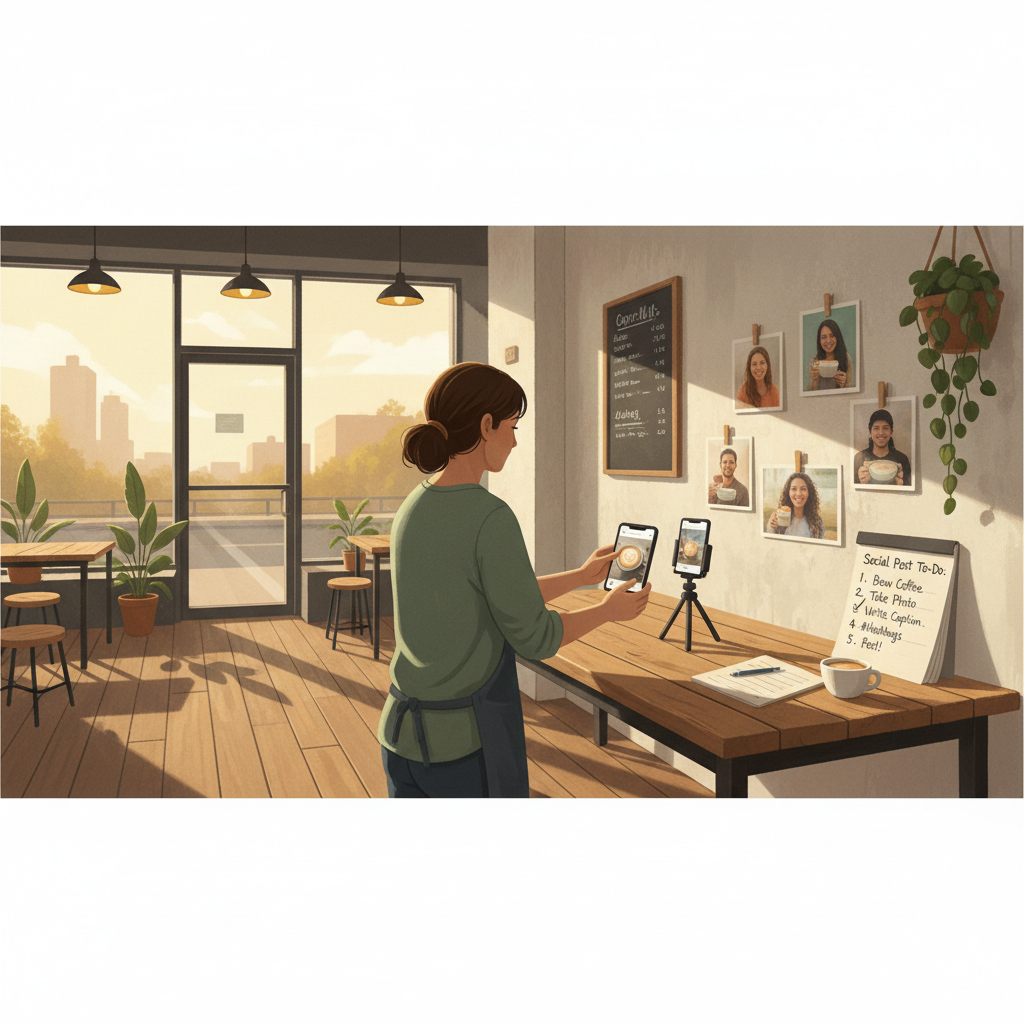
Smartphone on tripod or leaned steady.
Good natural light; face windows or door.
3 quick angles: wide, mid, close detail.
One sentence you’ll speak or caption.
Script template (say it conversationally; 20–25 seconds):
Line 1: Who we help and what outcome — 6–10 words.
Line 2: The specific quick explanation or demo — 12–20 seconds.
Line 3: How to get it / call to action — 5–10 seconds.
Exact script you can read: “We help busy parents get a reliable haircut without the wait. A quick cut here takes 25 minutes — with a kid-friendly station and free water. Book online or drop by between 2–4pm.”
Turn the anchor into two supporting posts (5–10 minutes)
Proof spin (caption and image): Pick the best customer quote or a before/after photo.
Caption template (proof):
First line: short attention grabber (5–7 words).
Next 1–2 lines: the quote or before/after detail.
Last line: small call to action (book, call, check link).
Action spin (caption and image or short clip): A direct, simple offer or instruction.
Caption template (action):
Lead: Offer or instruction (e.g., “Walk-ins welcome today 10–2”).
Detail: one reason to come now (fresh batch, extra slots, limited offer).
Close: exact next step (call, link, DM).
Common mistake: Treating Instagram captions like tweets — context outperforms one-liners for local businesses.
A realistic weekly schedule (60–90 minutes)
Monday (30–45 min): Shoot anchor video or carousel and pick the customer proof.
Action spin: Saturday 9am or Sunday 10am (weekend foot traffic).
Copy-paste captions you can use this week
Use the brackets and swap specifics.
Anchor (video caption):
“Need a quick [service]? We help [audience] get [outcome] without [pain]. Here’s how: [one-sentence process]. Book online or call [phone].”
Proof spin (photo of happy customer):
“’[short customer quote]’ — [customer first name]. We got them [result] in [time]. Want the same? Book: [link].”
Action spin (direct offer):
“Got plans this weekend? We have a few slots left for [service]. Drop by or book: [link]. No deposit, cancel anytime.”
Steal this template: "We help [audience] [outcome] without [pain]. Here's how →"
Mini example you can copy this month
Gabby runs a neighborhood nail salon with 6 chairs. Week 1 she filmed one 40-second clip showing a gel polish process (anchor). She posted a customer reaction photo two days later (proof), and a weekend booking push on Friday (action). In 30 days she filled 12 previously empty afternoon slots and tracked 18 new bookings that mentioned social posts when asked. She spent ~75 minutes total across one week and repeated the cycle for the month.
Local business example: A bakery in Brooklyn moved from 2 walk-ins/day to 11 by posting one behind-the-counter reel each morning.
Simple checklist before you hit publish
Is the first line of the caption clear and local? (e.g., “Queens: New lunch special today”).
Do images show the result close up? People buy results.
Is there one clear action and a link or phone number? No multiple CTAs.
Are you reusing a customer quote for social proof? Yes → good.
Handling lack of time or content fatigue
If you can’t film new stuff every week, reuse with small tweaks: change the lead line, swap customer names, or flip the featured photo. Repurpose a single anchor into stories, a post, and a pinned update.
Practical shortcut: You can build this system manually — or use BrandZilla to stay consistent without hiring a social media manager.
Measuring what matters (not vanity metrics)
Track three indicators weekly:
Bookings or direct messages coming from social (hard number).
Number of clicks to your link or phone taps (from platform insights).
Repeat content types that get the most replies or saves.
If you get more engagement but no bookings, switch the action spin to a clearer, easier-to-complete step (e.g., “DM for a same-day slot” instead of “book online”).
3 common objections and quick fixes
"I don't have customers for video." — Use before/after photos or a 3-image carousel. Photos still build trust.
"I hate writing captions." — Use the templates above and keep one line for the hook. Save three pre-written hooks and reuse.
"I can't measure ROI." — Ask new customers how they heard about you once at booking; log answers in a simple spreadsheet.
Use this month to prove the system
Run this exact sequence for 4 weeks. Track bookings attributed to posts and the number of direct messages. Expect change in 2–6 weeks for booking services (less for destination retail). If nothing changes after 6 weeks, change the anchor topic — you might be answering the wrong question.
What actually works: A 5-post weekly rhythm built from one anchor piece — not daily improvisation.
A final note: consistency creates trust. If you can commit to 60–90 minutes weekly and reuse one good anchor into two spins, you’ll be both visible and useful to the customers who walk or drive past your door.
If you'd rather skip the build, BrandZilla can help keep this system running without hiring a social manager — but the templates and schedule above are enough to get started today.
The real objections — answered straight, no fluff.
BrandZilla Editorial Team
SMB MarketingContent Strategy
Practical playbooks written and reviewed by people who actually run content programs for small and local businesses — not generic AI output. Every guide is pressure-tested against what real operators do on Instagram, Facebook, LinkedIn and Google.
Used by 1,000+ businessesLast updated Oct 12, 20266 min read
Get weekly content ideas for your business
Join business owners getting practical, ready-to-post BrandZilla content prompts every week. No spam.