
Branding

How to Refresh Your Small Business Brand in 30 Days — a Practical Plan

A hands-on 30-day plan to update your local brand — voice, visuals, and customer-facing copy — without confusing or losing the customers who already trust you.

6 min read
BrandZillaBrandZilla EditorialReviewed by marketing operators
How to Refresh Your Small Business Brand in 30 Days — a Practical Plan

Start with the problem most small business owners say out loud: "I want to look more professional, but I can't afford to confuse or lose the customers I already have." Or: "I changed my logo once, and foot traffic dropped for two weeks — I don't want that again."

You don't need a brand agency or a relaunch scramble. You need a short, disciplined plan that keeps current customers steady while attracting better-fit new ones.

This article gives a 30-day checklist, copy-and-paste scripts, caption templates, and a five-step decision framework. Do the work in blocks of three days so you can run the business and refresh the brand at the same time.

The 5-step decision framework (use this first)

Most refreshes fail because owners chase looks before fixing who they are talking to. Follow this order: clarity, voice, visuals, customer signals, roll-out.

  1. Clarity (Days 1–3): Define who you want more of and what you’ll promise them.
  2. Voice (Days 4–7): Decide how you speak — short examples and forbidden words.
  3. Visuals (Days 8–15): Small, high-impact visual changes that keep recognition.
  4. Customer signals (Days 16–23): Align messaging across the places customers actually see you.
  5. Roll-out (Days 24–30): A steady change schedule that informs, reassures, and nudges customers.

Follow that order and you avoid the classic “new logo, nobody recognizes us” problem.

Reality check: Most small businesses post 3x then quit. Consistency beats creativity 9 times out of 10.

Day-by-day plan (do this in 3-day sprints)

Days 1–3: Clarity — pick one target and one promise

  • Choose 1 primary customer profile (not 5).
  • Write one-line promise: "We help [audience] do [outcome] without [pain]."
  • Example template: "We help busy parents get home-cooked dinners without the stress of meal planning."

Deliverable: One-line promise, 3 customer bullets (age, main pain, how they find you).

Days 4–7: Voice — exact words, forbidden words, and headline bank

  • Decide tone: Friendly, confident, helpful (pick one dominant trait).
  • Create 10 short headlines the front desk or social posts can use.
  • List 5 words you will never use (industry jargon, passive terms).

Copy bank example (for a neighborhood cafe):

  • Headline: "Coffee that gets your day moving — no fuss."
  • Subhead: "Quick breakfast, real ingredients, friendly faces."
  • Forbidden words: artisanal, hand-crafted, unique, gourmet, boutique.

Quick win: Repurpose one customer review into a 3-post mini series this week.

Days 8–15: Visuals — update only what matters

Pick three visual items to change. Do not overhaul everything.

  • Primary logo on storefront and website (if needed).
  • One consistent photo filter or color tint on social.
  • Business cards and menu headers.

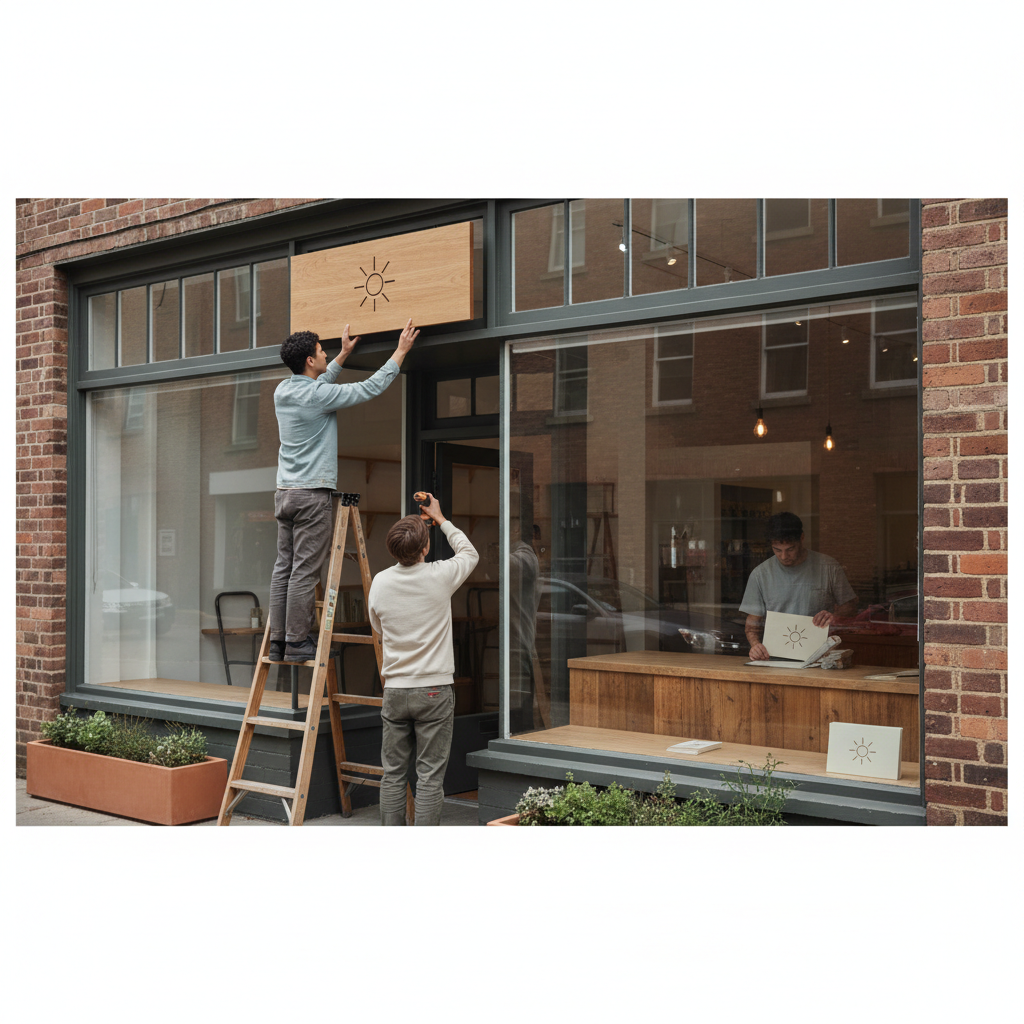
Keep the same proportions and placement where customers look first (storefront sign, website header). Order inexpensive assets from a local printer and schedule a one-hour window to swap signage or printouts.

Mini-example: A barber in Portland changed only his shop window sign and Instagram profile picture. In 14 days bookings rose 18% because the new sign made prices and walk-in availability clearer.

Days 16–23: Customer signals — update the places customers expect

  • Google Business Profile: update cover photo, 2 new service lines, 1 pinned post explaining the refresh.
  • Website homepage: new headline (from your copy bank) and a single call-to-action.
  • In-store: print a one-page Q&A for staff to hand to regulars if asked.

Scripts for staff when customers ask: "Yes — we updated our look so it's easier to read our prices and hours. Same people, same quality. Anything I can book for you today?"

Common mistake: Treating Instagram captions like tweets — context outperforms one-liners for local businesses.

Days 24–30: Roll-out — tell customers gradually and measure

  • Day 24: Post an honest note on social and pin it for a week. Use the one-line promise and a photo of the team.
  • Day 26: Hand out 50 flyers with a small offer for return visits. Keep the language identical to your online copy.
  • Day 28: Change email signature to new headline and quick note: "We've refreshed our look — same team, new clarity."
  • Day 30: Review results: track calls, bookings, website visits, and foot traffic. Compare to the previous 30 days.

Roll-outs should be additive and reassuring, not hidden.

Scripts and templates you can use now

Steal this exact customer-facing script for social and in-store:

  • Social post (short): "Same team, clearer menu. We refreshed our look so it's easier for you to find what you need. Book online or swing by — first-time walk-ins welcome."
  • In-store flyer headline: "New look. Same people. Same care."
  • Front-desk reply script: "We updated the look to make our prices and hours clearer. It's the same team — can I book you for [date/time]?"

Steal this template: "We help [audience] [outcome] without [pain]. Here's how →"

Social caption templates (fill in brackets):

  • Testimonial post: "[Customer name] says: '[short quote]'. We help [audience] [outcome]. Book at [link]."
  • Offer post: "New look, same care. Bring this post and get [small offer]. Valid til [date]."
  • Behind-the-scenes: "Updating our [item] this week — here's why: [reason]."

How to avoid losing customers (what to measure)

Track three metrics daily during the month:

  • Bookings or calls (compare week-to-week).
  • Walk-ins (note reason if customers mention the new look).
  • Online form submissions or clicks on the booking button.

If bookings drop more than 15% week-over-week, pause visual changes and re-announce: "We're trying a clearer menu. If anything feels off, tell us — we'll fix it."

Local business example: A bakery in Brooklyn moved from 2 walk-ins/day to 11 by posting one behind-the-counter reel each morning.

One-week content play for the roll-out

Day 1: Post a team photo with the one-line promise. Day 3: Share a customer quote about a favorite item. Day 5: Quick video (15s) showing the updated sign or menu. Day 7: Offer post with a small time-limited discount to encourage visits.

Exact video script (15 seconds):

  • Shot 1 (3s): Front of shop with new sign. Caption: "New look."
  • Shot 2 (6s): Staff making the product. Caption: "Same people."
  • Shot 3 (6s): Call-to-action: "Come by today — we’re here from [hours]."

When to call in help and when to DIY

DIY if:

  • You only change wording, headlines, or one visual item.
  • You have under 5 locations.
  • You can schedule one 60–90 minute block to update assets.

Call a pro if:

  • You need a full architecture change (many locations, franchise rules).
  • You can't get consistent photography or type treatments on your own.

Practical shortcut: You can build this system manually — or use BrandZilla to stay consistent without hiring a social media manager.

Final checklist (do this on Day 30)

  • Compare bookings/calls to the previous month.
  • Ask 10 customers in person what they think of the new look.
  • Confirm all business listings show the new headline and a current phone number.
  • Save your copy bank in a single doc where staff can access it.
  • Schedule a 30-minute review for next month to tweak messaging.

Small brand changes should feel like maintenance, not a relaunch. Keep customers informed, change one thing at a time, and measure impact.

What most business owners forget: your brand's job is to reduce friction. Make choices that make it easier for customers to understand what you do and how to buy.

Closing thought: pick one small thing today — the headline on your Google Business Profile — change it to your one-line promise, and watch whether customers respond. Little, deliberate updates beat dramatic overhauls every time.

If you want a lightweight tool to keep the tasks and captions in one place, a simple content system like BrandZilla can save you headaches later.

#branding#small-business#local-marketing#brand-refresh#content-systems

Questions business owners actually ask

The real objections — answered straight, no fluff.

BrandZilla

BrandZilla Editorial Team

SMB MarketingContent Strategy

Practical playbooks written and reviewed by people who actually run content programs for small and local businesses — not generic AI output. Every guide is pressure-tested against what real operators do on Instagram, Facebook, LinkedIn and Google.

Used by 1,000+ businessesLast updated Nov 3, 20266 min read

Get weekly content ideas for your business

Join business owners getting practical, ready-to-post BrandZilla content prompts every week. No spam.

No spam. Unsubscribe anytime.

Related articles