
Branding

Build a 1-Page Brand Guide That Actually Brings Local Customers

A small, usable brand guide — one page — is the fastest way to stop inconsistent posts, save time, and start getting more local enquiries. This playbook gives exact templates, colors, and a 7-day rollout.

6 min read
BrandZillaBrandZilla EditorialReviewed by marketing operators
Build a 1-Page Brand Guide That Actually Brings Local Customers

You know the problem: posts feel random, the shop photos look different every week, and staff writers use three different tones in captions. Customers see mixed signals and your business looks smaller and less trustworthy than it is.

You don't need a 20-page brand book or a designer on retainer. You need one practical page that everyone in the business can use for social posts, Google Business updates, flyers, and quick copy.

Below is a step-by-step method to build a one-page brand guide this week, plus copy-paste templates, photo rules, and a rollout checklist that actually fits a small team's time and budget.

The 1-page structure (what to include and why)

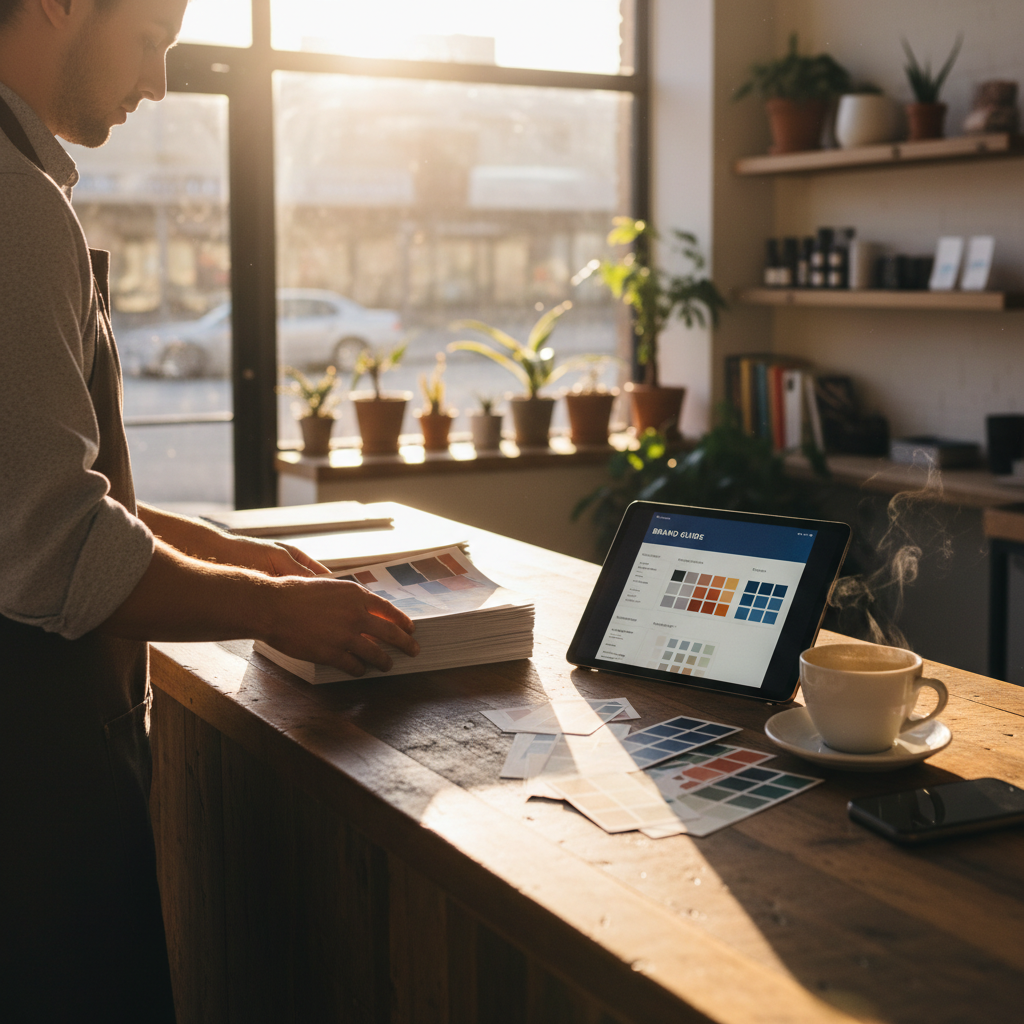
Make the page scannable. Use five sections only: Purpose, Key message, Visual anchors, Voice rules, and Quick templates. Keep each item to one line or one short paragraph.

  1. Purpose (1 sentence)
  • Why you exist for your local neighborhood. This keeps decisions simple.
  1. Key message (30 words max)
  • Who you help, what you do, and the main customer benefit.
  1. Visual anchors (3 items)
  • Primary color (hex), secondary/neutrals, and a single typeface pairing.
  1. Voice rules (3 dos / 3 don'ts)
  • Short list so staff can reference it in a minute.
  1. Quick templates (3 done-for-you lines)
  • Social bio, headline, and call-to-action you can paste into posts.

Reality check: Most small businesses post 3x then quit. Consistency beats creativity 9 times out of 10.

Step-by-step: Build the page in one morning

Total time: 2–3 hours. What you'll leave with: a PDF or Google Doc one-pager and three ready-to-post captions.

  1. Write the purpose and key message (30–45 minutes)
  • Purpose: 1 short sentence (where you help + why). Example: "We get busy Brooklyn parents fresh, same-day pies so dinner is one less thing to worry about."
  • Key message: 30 words. Template: "We help [audience] get [benefit] by [what you do] so they can [result]." Keep it customer-focused.
  1. Pick visual anchors (30 minutes)
  • Choose one primary accent color (HEX), one neutral (HEX), and a CTA color (HEX). Use free tools like Coolors.co or pick from competitor palettes.
  • Typography: pick one heading font (bold, friendly) and one body font (readable). If you use Google Fonts, note exact names.
  1. Set voice rules (20 minutes)
  • Write 3 dos and 3 don'ts. Example dos: "Be warm, use short sentences, offer next steps." Example don'ts: "Don't use industry jargon, avoid sarcasm, don't over-promise."
  1. Create 3 templates (20–30 minutes)
  • Social bio (70–100 chars), headline for posts, and a CTA line. Keep them swap-ready.
  1. Photo direction + logo rules (20–30 minutes)
  • Photo direction: natural light, close enough to show texture, one person max, show product in use. Two examples: "Rule: always include a human hand interacting with product" or "Rule: no heavy filters. Keep skin tones natural."
  • Logo: show correct clear space and one misuse example (no stretched logos, no filters, no drop shadows).

Exact wording and templates you can copy

Steal these as-is and drop them into your guide.

Purpose (one line)

  • "We make weekday meals easier for busy [neighborhood] families with quick, fresh dinners."

Key message (30 words)

  • "We help neighborhood families get fresh, home-style dinners in 15 minutes by offering prepped meals and pick-up windows — so you spend dinner at the table, not the stove."

Social bio (70–100 chars)

  • "Brooklyn meal kits for busy families. Pickup & same-day prep. Order online or call → [phone]."

3-post caption mini-series (use across a week)

  • Post 1 (Anchor): "We prep. You rehearse. New family meal kits ready for pickup this week. Order by 3PM for same-day pickup. [CTA: link or phone]"
  • Post 2 (Behind the scenes): "How we keep meals fresh: short prep, honest ingredients, one chef hand-check. Stop by and see the prep line at 2PM today."
  • Post 3 (Social proof): "'Perfect for our hectic nights' — Maria, Park Slope. Grab tonight's pickup 2–6PM. [CTA]"

Headlines (3 variations)

  • "Fresh dinner in 15 minutes — pickups daily"
  • "Made in [neighborhood], ready by dinner"
  • "Skip the takeout: home-style meals for busy families"

CTA lines (pick one)

  • "Call to reserve your pickup slot → [phone]"
  • "Order online for same-day pickup → [link]"

Steal this template: "We help [audience] [outcome] without [pain]. Here's how →"

Photo rules — what to shoot and how to crop

Make shooting repeatable. Use phone camera defaults.

  • Shot A: Product close-up. Crop 4:5 vertical for social. Leave 20% negative space on the right for overlay text.
  • Shot B: Action shot (customer or staff using product). 3:2 crop. Natural light near a window.
  • Shot C: In-store moment. Wide 16:9 for cover photos or Google Business header.

Quick checklist for every photo

  • Focus on texture, include one human element, natural light, minimal props. No heavy filters.

A believable mini example with numbers

Sam's Barbershop (neighborhood: Silver Lake)

  • Week 0: inconsistent posts, average 10 bookings/week.
  • Week 1: created one-page guide, posted 3 times using the 3-post mini-series.
  • Week 4: bookings rose to 18/week. Phone calls from local searches increased 40%. Cost: time of one staff member (4 hours that week).

Why it worked: consistent copy + repeated visual anchors helped new customers recognise the brand across Google and Instagram.

Local business example: A bakery in Brooklyn moved from 2 walk-ins/day to 11 by posting one behind-the-counter reel each morning.

Rollout plan: 7-day calendar to ship the guide

Day 1: Draft Purpose, Key Message, and Templates. Day 2: Pick colors and fonts, build the one-pager file. Day 3: Take 20–30 photos using the photo checklist. Day 4: Create three posts and schedule them for the week. Day 5: Update Google Business header and social bios with the new copy. Day 6: Train staff on the one-line voice rules (10 minutes). Day 7: Track results: calls, bookings, website visits.

Metrics to watch for the first 60 days

  • Calls and bookings (weekly)
  • Google Business views and searches (compare week over week)
  • Engagement on anchor posts (saves, shares, comments)

Practical shortcut: You can build this system manually — or use BrandZilla to stay consistent without hiring a social media manager.

Common pitfalls and how to avoid them

  • Over-designing the guide: If your staff can't read it in 30 seconds, it's too long.
  • Changing tone per platform: Keep voice consistent. Adjust format only (long post vs short caption).
  • Ignoring photos: Visuals make 70% of first impressions on social — treat them as the brand, not decoration.

Common mistake: Treating Instagram captions like tweets — context outperforms one-liners for local businesses.

Quick maintenance game plan (monthly)

  • Week 1: Publish 1 anchor post (longer story + proof).
  • Week 2: Post 2 behind-the-scenes or staff posts.
  • Week 3: Share customer proof (review, photo).
  • Week 4: Offer or reminder post (CTA for bookings).

What actually works: A 5-post weekly rhythm built from one anchor piece — not daily improvisation.

Final practical checks before you publish

  • Can someone new write a social caption in your voice using the guide within 5 minutes? If yes, you're done.
  • Is the logo readable at 40px? If not, adjust spacing.
  • Are photo rules followed in three recent posts? If not, re-shoot.

Small brands win by being recognisable and dependable. A one-page brand guide isn't about being perfect; it's about making the right decisions fast and keeping every customer touch consistent.

If you want a shortcut to keep this system running without hiring a social media manager, there's one tool that helps teams store templates, schedule, and reuse brand elements from a single page.

#branding#small business#local marketing#style guide#content templates

Questions business owners actually ask

The real objections — answered straight, no fluff.

BrandZilla

BrandZilla Editorial Team

SMB MarketingContent Strategy

Practical playbooks written and reviewed by people who actually run content programs for small and local businesses — not generic AI output. Every guide is pressure-tested against what real operators do on Instagram, Facebook, LinkedIn and Google.

Used by 1,000+ businessesLast updated Oct 28, 20266 min read

Get weekly content ideas for your business

Join business owners getting practical, ready-to-post BrandZilla content prompts every week. No spam.

No spam. Unsubscribe anytime.

Related articles