

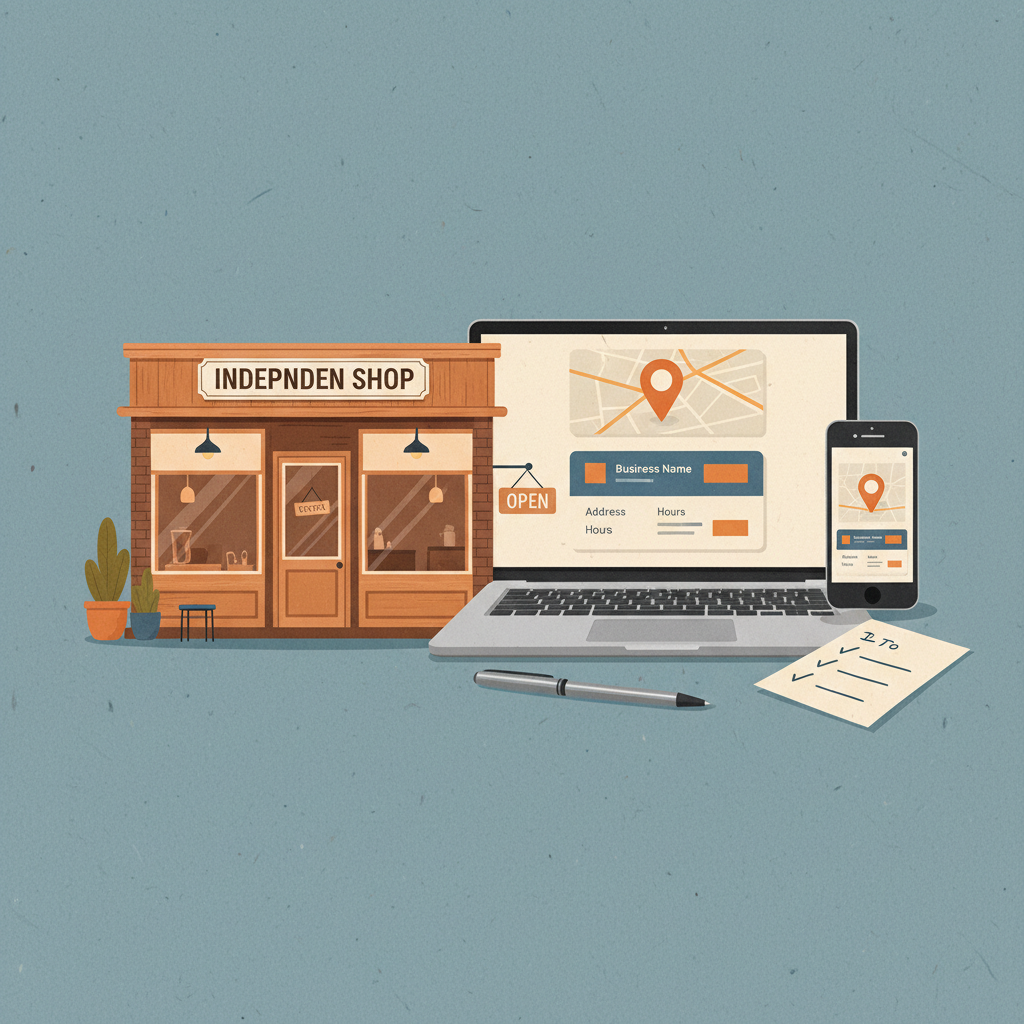
Your customers search for services nearby and expect quick answers: hours, location, price range, and whether you're open now. You don't need a marketing degree — you need a repeatable system that shows up in 'near me' queries and converts clicks into calls.
Most small businesses treat local search like a one-off task: set your business profile once, then forget it. That’s why you show up inconsistently — and why competitors with cleaner basics get the calls.
This guide is a practical, no-fluff checklist plus copy-and-paste templates you can use this week. No long theory, just exact steps, the copy to paste into forms, and the tracking you need to know it worked.
The 6-step local SEO framework that actually gets customers
Treat local SEO like operations: a set of repeatable tasks you do weekly and monthly. Here’s the framework I use with local clients.
- Claim and clean your map profile (Google Business Profile)
- Build focused service pages for real intent
- Publish local content tied to services & neighborhoods
- Manage reviews and use them as content
- Fix on-site basics: metadata, mobile speed, and schema
- Track the signals that matter and repeat
Each step below has copy templates, micro-tasks for a 30-day sprint, and a quick checklist.
Reality check: Most small businesses post 3x then quit. Consistency beats creativity 9 times out of 10.
1) Claim and clean your Google Business Profile (GBP)
Why it matters: GBP controls the map pack and the business card shown for 'near me' searches. Clean info = more clicks.
Quick tasks (Day 1–3):
- Claim/verify the GBP listing.
- Pick the most accurate primary category (don’t pick dozens).
- Add 3–5 services with short descriptions and correct prices if possible.
- Upload 8–12 photos: storefront, inside, staff at work, a priced menu or service board.
Exact description template (paste & edit): "[Business name] in [Neighborhood]. We provide [primary service] for [main audience] — fast, reliable, and available [hours]. Call for same-day appointments."
Phone call prompt to staff: «If a caller asks for availability, log outcome and mark 'leading to booking' yes/no.» Use this to track the GBP-to-call conversion.
What to measure: GBP views (search/discovery), phone clicks, direction requests. Check weekly.
2) Build focused service pages, not one long page
People searching "locksmith near me" want locksmiths who serve their area and solve their problem now. One long service page won't win. Create one short page per distinct service (emergency lockout, rekeying, safe installation) and one per neighborhood if you serve many areas.
Page structure (exact order):
- Title tag: [Service] near [Neighborhood] — [Business Name]
- H1: [Service] in [Neighborhood]
- 20–50 word lead that answers intent (same-day, on-call, price range)
- 3–5 short sections: what we do, how it works, why choose us (with 2 bullets), call-to-action (phone + booking)
- Small FAQ (3 Qs) using language customers use
Title tag examples you can copy:
- Emergency Plumber near South Denver — ClearFlow Plumbing
- Same-day Locksmith in Austin — Bronco Locks
Quick win: Repurpose one customer review into a 3-post mini series this week.
3) Publish local content tied to real questions
Don't write broad 'how to' blog posts that no one nearby searches for. Focus on transactional and local-intent topics.
Topic ideas:
- "How fast can you get a locksmith to East Side after 5pm?"
- "Prices for lawn aeration in Park Slope (3 common yard sizes)"
- "Clinic hours during holidays in [Town]"
Content rules:
- Aim for 400–700 words per local post.
- Use the neighborhood name naturally 2–4 times.
- Link to the relevant service page and to your GBP.
Mini-example: A locksmith in Austin
- Week 1: Create 3 service pages (Emergency Lockout, Rekeying, Rekeying for New Movers).
- Week 2: Post 2 local FAQs: "How quickly can you get to Downtown after midnight?" and "Flat-rate price for rekeying 3 locks."
- Result after 45 days: Calls from 4/week to 16/week; 3 of those new accounts booked emergency services that were repeat customers within 90 days.
4) Reviews are content — use them
Don’t treat reviews as only reputation. They’re keyword-rich content that answers typical queries and builds trust.
Ask for reviews with exact wording:
- After service SMS/email: "Thanks for today. If we did a good job, could you leave a quick Google review saying what we fixed and the neighborhood? It helps local customers find us."
How to use reviews as content:
- Pull 1 review per week into a social post and link to the relevant service page.
- Add short testimonial quotes to service pages (3–4 words + first name).
Review response template (use this verbatim): "Thanks [Name]! Glad we could help with [service]. If friends in [neighborhood] need the same, send them our number. — [Business Name]"
What to measure: number of new reviews per month and review sentiment. Aim to increase reviews by 20% in 30 days with an ask after every job.
Common mistake: Treating Instagram captions like tweets — context outperforms one-liners for local businesses.
5) On-site basics: metadata, speed, and schema
If your GBP is tidy and service pages are targeted, the final lift is on-site signals.
Checklist:
- Meta title and description include service + neighborhood.
- Pages under 3 seconds mobile load time.
- Add LocalBusiness schema with NAP (name, address, phone) and service offered.
Simple title tag checklist (copy-ready):
- Primary keyword first: "[Service] near [Neighborhood] — [Business name]"
- Add quick hook if space: "Same-day" or "Free estimate" if true.
If you use Wordpress, install a caching plugin and compress images. If not, ask your developer for a 30-minute speed audit and a list of 3 quick fixes.
6) Track the right signals and run a 30-day sprint
Don't chase ranking positions. Track actions that lead to customers.
Key metrics: phone calls from GBP, direction requests, booking form submissions, and 'calls' from service pages.
30-day sprint (exact weekly tasks):
- Week 1: Clean GBP, add photos, publish 2 service pages.
- Week 2: Publish 2 local FAQs and request reviews after every job.
- Week 3: Add schema and speed optimizations; test titles.
- Week 4: Promote 1 review as social posts and measure calls.
Practical shortcut: You can build this system manually — or use BrandZilla to stay consistent without hiring a social media manager.