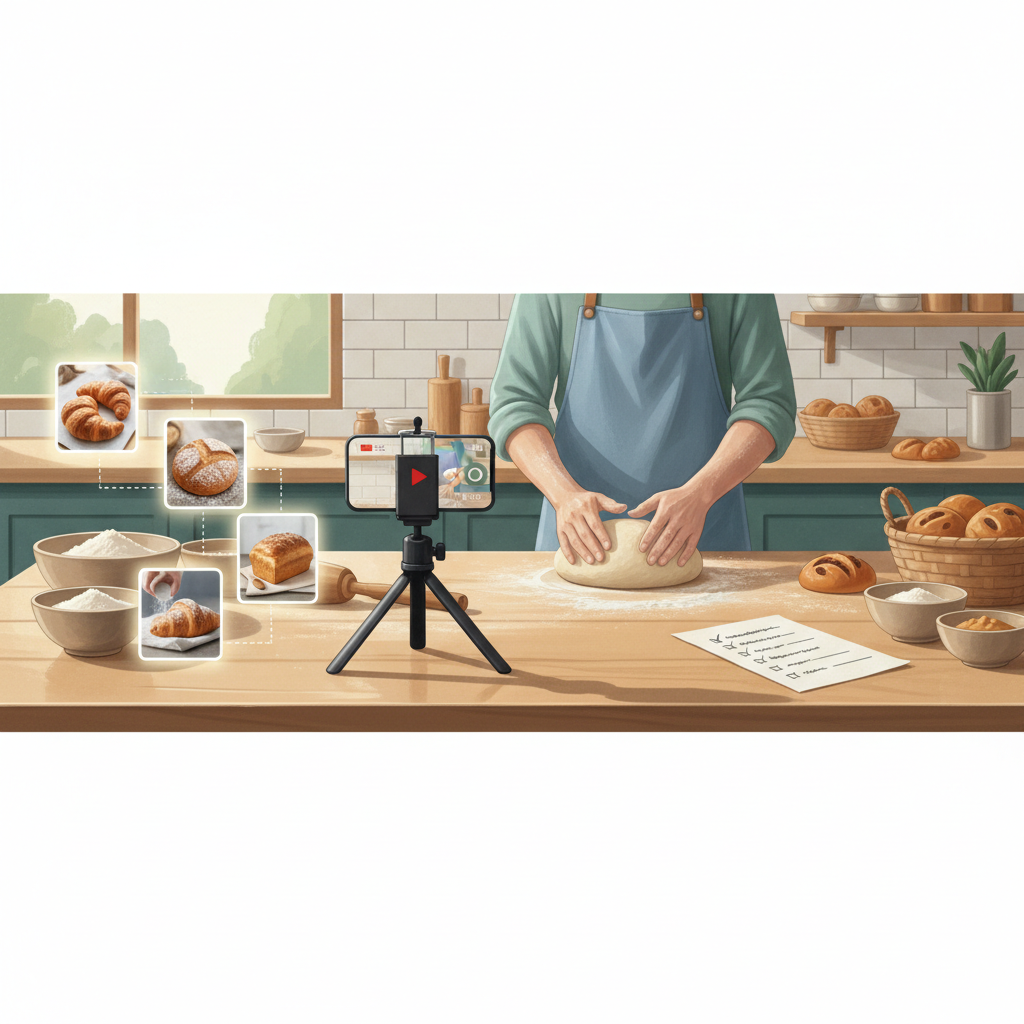
Turn One Video into 10 Local Posts That Drive Walk‑Ins
If you can record a single 60–90 second video, you can make a two‑week content plan that brings real foot traffic. This guide shows exact captions, thumbnails, posting order and a repurpose checklist.
6 min read
BrandZilla EditorialReviewed by marketing operators· Updated Jul 17, 2026· 6 min read
Start with the problem you feel every week: you have one good moment (a demo, a customer, a new menu item) and no reliable way to turn that into consistent posts. Recording is the easy part. What most businesses miss is the system: how to cut, caption, and schedule a single video so it fills your feed, your stories, and your local ads for two weeks.
This is a practical, repeatable playbook. You’ll learn a 10‑post map, exact caption templates, thumbnail text, posting days and times, and a short checklist to keep this under 60 minutes each week.
Why one video is enough (and when it isn’t)
Producing one solid 60–90 second video is a realistic ask for most small businesses. It contains multiple moments you can slice into short clips, quotes, tips, and still images. Use that one recording as your anchor piece and make a rhythm out of it.
When one video won’t work: if the footage is poor quality (blurry or bad audio) or if the topic is too narrow to split into distinct points. In that case, reshoot quickly: five extra minutes of b-roll (closeups, the sign, product shots) saves hours later.
Reality check: Most small businesses post 3x then quit. Consistency beats creativity 9 times out of 10.
The 10-post map (2 weeks)
Plan: 5 posts in week one, 5 in week two. Mix formats: feed video, short clip/reel, static image, story, and one boosted post. Post order matters — start by introducing the topic, then give value, then show social proof, then invite action.
Anchor video (60–90s) — full demo or story. Caption: explain what it is and why it matters. CTA: Book/Call/Visit.
30s highlight — cut the most visually interesting moment. Caption: short tip + local hook.
Customer quote graphic — pull a short customer line from the video or review. Caption: thank them + invite.
Behind‑the-scenes photo — a still from the video shoot. Caption: “How we made this” + quick detail.
Short FAQ clip (15s) — answer one common objection in the video.
Before/after slide or clip — show results (if relevant). Caption: numbers or timeframes.
Staff clip — 10–15s: staff reacts or explains a step. Caption: human line + micro CTA.
Tip carousel (3 slides) — break the video into 3 quick tips. Caption: step list with the local nudge.
Testimonial clip — 15s of the customer praising you (from the anchor). Caption: encourage bookings.
Reminder + boosted local post — short clip or static with clear CTA and a map pin emoji.
Quick win: Repurpose one customer review into a 3‑post mini series this week.
How to cut the anchor video (50 minutes max)
Watch the full clip once and mark timestamps for: best visual, best quote, any numbers, and a short FAQ answer.
Export three clips: full (60–90s), highlight (25–35s), micro clip (10–15s).
Grab 3 still frames for thumbnails and a before/after image.
Tools: any basic phone editor or free desktop editor (iPhone Photos, CapCut, Premiere Rush). Don’t overcomplicate edits — clean cuts, readable captions, and a 1–2 second title frame are enough.
Common mistake: Treating Instagram captions like tweets — context outperforms one‑liners for local businesses.
Exact captions and thumbnail text (copy‑paste ready)
Anchor video caption (use this template):
"We made a quick demo of [what you did] so you can see how it works. If you’ve been thinking about [local problem], this takes [time/cost]. Call us at [phone] or drop by [address] — we’re open [hours]."
Highlight clip caption:
"Tip: [single tip from clip]. Most people in [neighborhood] don’t know this — try it next time. → [one‑line CTA: Book/Call/DM]."
Customer quote graphic:
"[Short quote in quotation marks] — [First name], [neighborhood]."
Thumbnail text (3 options — 20 characters max):
“How we do it”
“Quick fix in 60s”
“Real customer result”
What actually works: A 5‑post weekly rhythm built from one anchor piece — not daily improvisation.
Posting order, days and times (local-first)
Week 1: Tue (anchor midday), Thu (highlight morning), Fri (quote evening), Sat (behind‑the‑scenes morning), Sun (FAQ afternoon).
Week 2: Tue (before/after mid), Thu (staff clip morning), Fri (carousel midday), Sat (testimonial evening), Sun (boosted reminder 10am).
Reasons: midweek video = discovery, weekend posts catch local browsers. Adjust times to your local peak (use your page insights). Keep at least 48 hours between similar formats.
Boosting: where to spend a small ad budget
Choose one post to boost — the reminder (post 10) is best. Budget: $5–10/day for 3–5 days targeted within 5–7 miles of your store, age 25–60, interests tied to your service. Use a clear CTA: Call or Get Directions.
Mini-example: Bakery in Brooklyn
Anchor: 75s video of behind‑the‑counter croissant fold and oven pull.
Repurpose: 10 posts over 2 weeks following the map above.
Boost: $6/day for 4 days targeted to a 3‑mile radius.
Result: Walk‑ins increased from 2/day to 8/day within three weeks; 14 new loyalty signups from boosted reminder.
Local business example: A bakery in Brooklyn moved from 2 walk-ins/day to 11 by posting one behind-the-counter reel each morning.
Quick checklist before you hit publish
Video audio is clear. Re-record a 10s voiceover if needed.
Thumbnail text is legible on mobile (bold, high contrast).
Caption includes one local detail (neighborhood, address, or hours).
CTA is clear: Call, Book, DM, or Visit.
Schedule the boosted post and set the radius.
One‑hour weekly schedule (how to keep it under 60 minutes)
0–15 min: Review footage & mark timestamps.
15–30 min: Export three clips + grab stills.
30–40 min: Write or paste captions using templates above.
40–55 min: Create thumbnails and schedule posts (use native scheduling if possible).
55–60 min: Set boost on reminder post.
Steal this template: "We help [audience] [outcome] without [pain]. Here's how →"
Measuring success (simple, local metrics)
Track these weekly: walk‑ins, calls, DMs asking about the offer, and one soft metric — saves or shares on the anchor video. Expect to see early lifts in discovery (reach) and DMs in the first 7–10 days; bookings and walk‑ins follow in 2–3 weeks.
If nothing changes after two cycles, change the anchor topic. Don’t double down on the same footage if it doesn’t get reactions.
Practical shortcut: You can build this system manually — or use BrandZilla to stay consistent without hiring a social media manager.
When to repeat and when to reshoot
Repeat the same 10‑post map for a new topic every 2–3 weeks. Keep a simple editorial list: product, customer story, staff profile, seasonal, local event. Reshoot when engagement drops below your baseline for two cycles.
Example schedule for the next 4 weeks (rotate topics)
Week A: Product demo (this system)
Week B: Customer story (anchor = customer testimonial)
Week C: Staff how‑to (anchor = staff walkthrough)
Week D: Local event or seasonal menu (anchor = event recap)
Putting this on a calendar keeps it frictionless.
Small businesses don’t need a huge content machine — they need a repeatable process that turns one good recording into a steady flow of local‑focused posts. Do the filming, follow the 10‑post map, schedule one boost, and measure the local signals that matter.
If you want a shortcut to keep the system running without hiring a full‑time manager, BrandZilla can help with templates and scheduling.
A last practical note: pick a realistic anchor topic you can repeat (product demo, short customer clip, or behind‑the‑counter moment) and make the next shoot less than 10 minutes. That tiny habit is what builds steady foot traffic.
The real objections — answered straight, no fluff.
BrandZilla Editorial Team
SMB MarketingContent Strategy
Practical playbooks written and reviewed by people who actually run content programs for small and local businesses — not generic AI output. Every guide is pressure-tested against what real operators do on Instagram, Facebook, LinkedIn and Google.
Used by 1,000+ businessesLast updated Jul 17, 20266 min read
Get weekly content ideas for your business
Join business owners getting practical, ready-to-post BrandZilla content prompts every week. No spam.