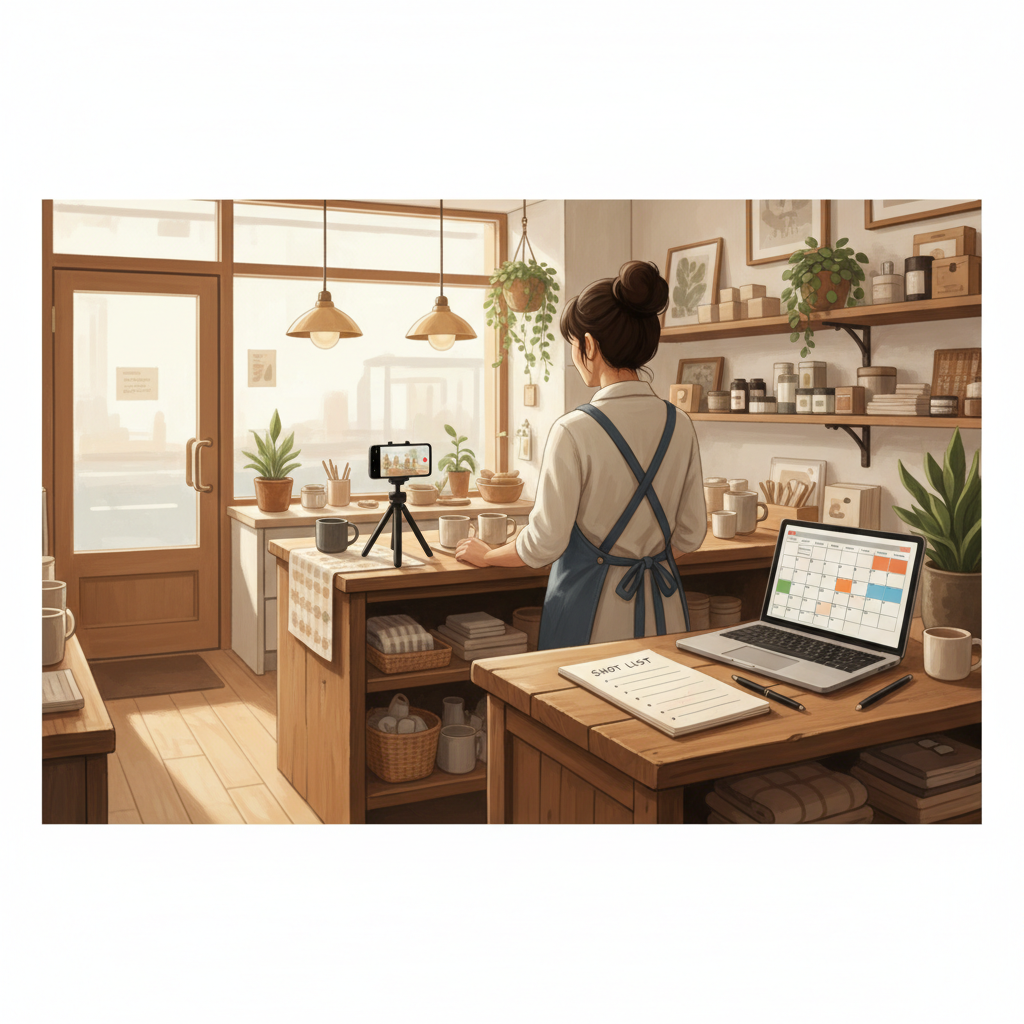
How to Get a Month of Local Content in One 60‑Minute Session
If you’re juggling customers, deliveries, and an inbox, posting consistently feels impossible. This playbook shows a 60-minute weekly session that produces 20–30 local posts, with exact scripts and a repeatable checklist.
7 min read
BrandZilla EditorialReviewed by marketing operators· Updated Oct 29, 2026· 7 min read
You can't keep disappearing online and expect customers to remember you.
You also don't have time for an all-day content shoot or a social media manager. You need a reliable way to turn the handful of real things you do every day — a coffee pour, a smiling customer, a new shelf — into steady, trust-building content.
This is a practical hour-long workflow that busy local owners can do once a week. It gives you a month of posts (20–30 items) you can schedule in one sitting. No creativity pressure, no expensive gear, no vague strategy documents.
The promise and the constraints
This system is designed for a 60-minute weekly block. Real results if you do it every week for 6–12 weeks: more consistent local visibility, 10–30% lift in repeat visits or calls depending on baseline, and fewer lost posting days.
You don’t need to be a filmmaker. You need a plan, a simple recording checklist, and a small bank of captions that work for local customers.
Reality check: Most small businesses post 3x then quit. Consistency beats creativity 9 times out of 10.
The 60-minute structure (exact timing)
Use a timer. Set aside one uninterrupted 60-minute block each week. Follow this schedule exactly.
10 minutes — Plan the anchor piece
Choose one “anchor” for the week: a 30–60 second video or a long-form photo + story. This is something customers care about: a behind-the-counter moment, a before/after, a quick how-to, or a staff story.
Decide the single message: what you want people to know/do after watching.
25 minutes — Capture the anchor (video or photos)
Film 3 quick angles or take 8–12 photos. Keep clips to 10–20 seconds each.
Use natural light and a steady surface; don’t overthink audio.
10 minutes — Create 4 derivatives
From the anchor, make 4 short versions: a 15-sec clip, a 30-sec clip, a photo carousel (3 images), and a story-format vertical clip.
Write one line of context for each derivative.
10 minutes — Caption bank and CTAs
Write 8–12 captions using the templates below. Each caption includes a soft CTA.
5 minutes — Schedule or queue
Put everything into your scheduler (or draft on Instagram/Facebook) for the week. Keep the posting days set (e.g., Mon, Wed, Fri, Sat).
Why this works
Anchor-first saves time: film once, publish four ways.
Predictable output: 5–8 published items per week from one hour of work.
Repetition builds recognition; local customers need multiple touches.
Quick win: Repurpose one customer review into a 3-post mini series this week.
What to shoot during that 25-minute capture window
Use this shot list. It fits most local businesses (cafés, salons, plumbers, retail, fitness).
1 wide establishing shot (30 sec) — shows place and energy.
1 close skill shot (15–20 sec) — hands making coffee, scissors cutting, wrench on pipe.
1 personal clip (15 sec) — owner/staff talking 1 line: “We do X because Y.”
2 detail photos (products, signage, price list).
1 customer moment (with permission) — handshake, smile, finished product.
Keep angles quick. If you're nervous on camera, use the owner script below and run it twice; the second take will be better.
Exact scripts and caption templates (copy-paste)
Use these as-is and swap bracketed text.
Video script (owner):
"Hi, I'm [name] from [business]. We [what you do] so [who gets what benefit]. Today I'm showing you [one tip or moment]. If you need [service], pop in or call [phone]."
15-second hook (spoken or caption):
"Quick tip: [one-line fix or benefit]. Want to see this in person? We're at [neighborhood]."
Caption templates (short):
Template A: "We help [audience] [outcome] without [pain]. Here's how → [short detail]. Book: [link or phone]."
Template B: "Behind-the-scenes: [one detail]. We do this so [customer benefit]. Drop a 🙌 if you want to see more."
Template C (testimonial): "What a week — [customer name] said '[one line]'. Here's why that matters: [one-sentence reason]."
Template D (offer): "Weekdays 2–4pm: [offer]. Pop in and mention this post."
Use the exact CTA lines below where appropriate:
"Call to book: [phone]"
"Tap directions" / "Link in bio to reserve"
Steal this template: "We help [audience] [outcome] without [pain]. Here's how →"
Turn one anchor into 4 weeks of posts (what to schedule)
Roundup post: "Here’s what people liked this month" (Fri)
This pattern gives you at least 12 posts directly from one anchor plus stories and short clips. Do this four times and you’ll have 48 posts for the quarter.
Example: How it looked for a neighborhood coffee shop
Joe's Coffee in Portland blocked one hour every Tuesday for eight weeks. Each hour produced:
7–9 usable assets (videos + photos)
8 captions ready to schedule
5 scheduled feed posts and daily stories for the next week
By week 6 Joe's reported a 22% uplift in midday orders on weekdays and a 15% increase in new Instagram profile visits. Their social posting went from intermittent to reliable because they only had to show up once a week.
Common mistake: Treating Instagram captions like tweets — context outperforms one-liners for local businesses.
Quick checklist to print and bring to the 60-minute session
Phone charged, clean lens
Small tripod or steady surface
Shot list printed (wide, detail, staff, customer)
Pre-written scripts/captions in notes
Branding elements ready (logo, hours, link)
Scheduling app open (Buffer, Later, Facebook, or native drafts)
Follow this checklist and you won't waste time deciding what to film.
Practical shortcut: You can build this system manually — or use BrandZilla to stay consistent without hiring a social media manager.
Editing & scheduling tips (10-minute hacks)
Keep edits light: trim to remove gaps, add one title card, and one caption overlay when needed.
Batch captions in a single document and copy-paste to scheduler.
Use 2–3 posting times you repeat each week instead of guessing new times.
Save a reusable set of hashtags and local tags in your notes app.
Measuring what matters
Track two metrics weekly:
Local actions (calls, direction clicks, booking link clicks).
Don’t obsess over likes. If calls/bookings are steady or increasing, the system works. Expect 6–12 weeks to see reliable lift; social signals compound.
When to change the anchor
Rotate your anchor when engagement drops for two consecutive weeks or you run out of things to show. That usually happens every 3–6 weeks. New product, seasonal shift, or a behind-the-scenes update are natural anchors.
What actually works: A 5-post weekly rhythm built from one anchor piece — not daily improvisation.
FAQ
Q: What if I don't have time to post every day?
A: You don’t need to post daily. The goal is consistent weekly output — 3–5 feed posts plus stories per week is plenty. Next step: block the 60-minute session on your calendar now and treat it like an appointment.
Q: Can I reuse old content without looking repetitive?
A: Yes. Refresh captions, change the hook, and combine old clips into a carousel. Add a new local line (event, special, holiday) to keep it current. Next step: pick one good post from last month and rewrite the caption using Template A.
Q: Do small businesses actually need a content calendar?
A: Yes — a simple one helps you avoid last-minute posts and mixed messages. You can keep a one-column calendar with dates, anchor title, and primary CTA. Next step: make a weekly row for your next four anchors.
Q: How long before posting consistently actually brings in customers?
A: Expect to see local signals (more profile visits, direct calls) within 4–8 weeks; measurable foot traffic or bookings more likely by 8–12 weeks. Next step: track calls or bookings for the next 12 weeks to measure impact.
Small businesses win with systems, not every new trend. One focused hour most weeks creates visible momentum: more trust, more repeat visits, and fewer days where you “can't post.” Keep it simple, use the templates above, and make that hour non-negotiable.
If you want a plug-and-play way to organize the scripts, captions, and scheduler in one place, there are content systems built for small businesses that do exactly that without the overhead.
The real objections — answered straight, no fluff.
BrandZilla Editorial Team
SMB MarketingContent Strategy
Practical playbooks written and reviewed by people who actually run content programs for small and local businesses — not generic AI output. Every guide is pressure-tested against what real operators do on Instagram, Facebook, LinkedIn and Google.
Used by 1,000+ businessesLast updated Oct 29, 20267 min read
Get weekly content ideas for your business
Join business owners getting practical, ready-to-post BrandZilla content prompts every week. No spam.