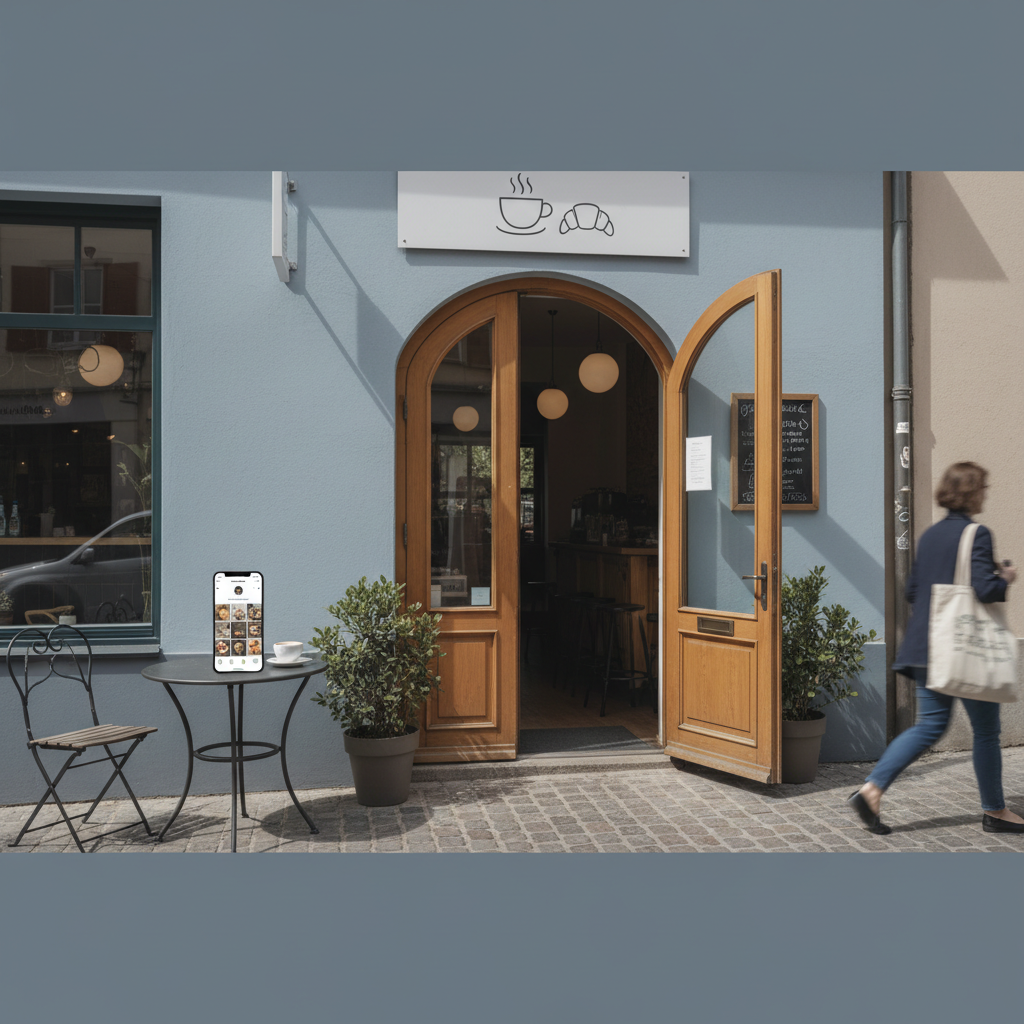
Instagram Bio & Profile: Turn Followers into Customers
Your Instagram profile is a tiny landing page that either makes people call or scroll on. This guide shows exact bio lines, link tactics, highlight setups and scripts to turn followers into bookings.
7 min read
BrandZilla EditorialReviewed by marketing operators· Updated Jul 27, 2026· 7 min read
Your profile should answer three customer questions in the first five seconds: Who are you? Where are you? How do I buy or visit? If it doesn't, people swipe past. Small businesses lose customers every day because they treat the bio like a clever slogan instead of a mini-conversion page.
This guide gives a compact, practical checklist plus exact wording you can copy and paste. No marketing fluff — just profiles that get calls, clicks, directions and bookings.
The 5-second checklist (do these first)
Name field: include neighborhood + primary service. This is searchable on Instagram.
Profile photo: clean logo or storefront shot that reads at 40px. No busy scenes.
One-line bio: clear audience, benefit, and a one-step CTA.
Action buttons: enable call, email, and book if you take bookings.
Link strategy: one action, one goal. Use direct links to booking or menu, not link hubs by default.
Reality check: Most small businesses post 3x then quit. Consistency beats creativity 9 times out of 10.
Exact fields and what to write
Use these formulas and pick the closest to your business.
Username (@): Keep it as close to your real business name as possible. If taken, add one short word (city or service): @greenlightcafe or @greenlight.coffee
Name field (the headline under your avatar): Use: Business name • Neighborhood • Main service
Why it matters: Instagram’s search matches this field. People search “coffee near Sunnyside”.
Bio line (2–3 parts, 150 characters max): Audience + benefit + one-step CTA
Template: We serve [audience] [benefit]. Open [hours]. Tap to [primary action].
Example: Neighborhood espresso + fresh pastries. Open 7am–3pm. Tap for menu & hours.
CTA button wording (if using): Use clear verbs: Call, Email, Directions, Book
Business category: Pick the most specific Instagram option (e.g., "Bagel Shop", "Hair Salon"). It appears under your name and helps discovery.
Quick win: Repurpose one customer review into a 3-post mini series this week.
Link strategy that actually converts
Many businesses default to a link landing page with five choices. That dilutes clicks. Pick one goal per week and link directly to it.
Goal examples by business type:
Bookings: link to booking page (Resy, Square, Acuity, or website booking)
Menu/orders: link to online ordering or menu PDF
Calls/walk-ins: link to Google Maps directions
Email list: link to a short signup page with an immediate offer
When to use a link hub: Only if you truly need multiple equal-priority actions (seasonal events + shop + bookings). Otherwise, link directly to the top conversion.
Use UTM tags for tracking: ?utm_source=insta_bio&utm_medium=profile&utm_campaign=spring
Example: Coffee shop
Target goal this week: increase morning takeout orders.
Link: greenlightcafe.com/order-mornings
Bio CTA: Tap for morning menu & order → (link)
Common mistake: Treating Instagram captions like tweets — context outperforms one-liners for local businesses.
Highlights: evergreen content that answers repeat questions
Highlights are the best use of screen real estate. Use 4–6 highlights and keep them updated.
Mandatory highlights: Menu, Hours & Holidays, How to Order, Reviews/Press, FAQs/Policies
Optional: Specials, Behind the Counter, Staff Picks, Events
Write short cover titles (1–2 words): Menu, Hours, Order, Reviews.
Use 3–5 short story slides per highlight; each slide answers a single question.
Book highlight: 3 stories — how to book, cancellation policy, walk-in availability
Pinned posts: the forgotten conversion tool
Pin 3 posts that sell. These are what people see when they land on your profile.
Pin suggestions:
A 15–30 second video showing the experience (walk-through, how product is used)
A testimonial with a clear result and CTA to book
A current offer or seasonal service with a booking link in bio
Exact caption for a pinned testimonial:
"Jenny came in for a quick color and left with fewer bad-hair days. Book a consult — link in bio."
Copy templates you can paste (short and local-ready)
Use these for bios, highlight intros, pinned captions and quick replies.
Bio (coffee shop): Neighborhood espresso + fresh pastries. Open 7am–3pm. Tap for menu & order →
Bio (plumber): Local plumber in [Neighborhood]. Fast same-day repairs. Tap to call or get a free estimate →
Pin caption (special): Weekend roast sale — 20% off bags. Order ahead: link in bio. Pick-up 9–1 Sat.
DM quick reply to price question: Thanks — our basic [service] starts at $X. I can send availability; when works for you?
Steal this template: "We help [audience] [outcome] without [pain]. Here's how →"
Stories scripts (30–60 seconds) that get action
People skip long content. Use this 3-part script: Hook — Proof — CTA.
Hook (3–5s): "Need a quick haircut before work?"
Proof (15–30s): Show a before/after, a customer smiling, or a quick clip of the space.
CTA (3–5s): "Tap our bio to book the 8am slot."
Repeat that exact CTA in text overlay and call button if available.
Small-business example (concrete numbers)
A bakery in Brooklyn used this exact system over 6 weeks: tightened their name field to include "Brooklyn", switched the bio to a single CTA (order morning bagels), pinned a customer review and a morning menu, and changed their bio link to a direct order page. Results after 6 weeks:
Phone orders for morning pickup: from 2/day to 11/day
Online orders: +35% week over week
New followers: +420
They did this with 30 minutes of work per week.
Local business example: A bakery in Brooklyn moved from 2 walk-ins/day to 11 by posting one behind-the-counter reel each morning.
How to test changes (a practical 3-week plan)
Week 1: Baseline. Record current daily calls/walk-ins for 7 days and current link clicks.
Week 2: Implement profile changes — update name field, bio CTA, link, pin 2 posts, and add/refresh highlights.
Week 3: Monitor calls, bookings and link clicks. If calls/bookings +20% vs baseline, keep the changes. If not, swap the link to a different conversion (e.g., from menu to booking page) and test another 7 days.
Measurement: Use Instagram Insights for link clicks and reach, and your phone or booking logs for calls/walk-ins.
Common mistake: Treating Instagram captions like tweets — context outperforms one-liners for local businesses.
What actually works: A 5-post weekly rhythm built from one anchor piece — not daily improvisation.
Practical shortcut: You can build this system manually — or use BrandZilla to stay consistent without hiring a social media manager.
Quick checklist to finish in 20 minutes
Update name field with neighborhood and service.
Rewrite bio using the template and include one clear CTA.
Change link to your top conversion for the week and add UTM.
Pin 2 conversion-focused posts.
Create or refresh 4 highlights (Menu, Hours, Order, Reviews).
Frequently asked questions
Q: What if I don't have time to post every day?
A: You don't need daily posts. Keep your profile optimized and pin three posts that sell; use stories 2–3x/week. Next step: schedule one story every Tuesday and Friday for two weeks.
Q: Can I reuse old content without looking repetitive?
A: Yes — repurpose strong posts as pins and highlights. Update captions with a current CTA so it feels fresh. Next step: pick two top-performing posts and pin them.
Q: Do small businesses actually need a content calendar?
A: A simple one-column calendar (This week's goal + 3 posts + 2 stories) is enough. It keeps your link and CTA focused. Next step: write this week's goal and set your bio link to match.
Q: How long before posting consistently actually brings in customers?
A: You can see movement in as little as 2–6 weeks if your profile and CTA match a real need (bookings, menu, directions). Next step: run the 3-week test above and record results.
If you want templates for bios, highlight covers, and pin captions you can reuse, those are straightforward to build and keep in a folder for weekly updates. If staying consistent is the hard part, you can use a system to keep the tasks in one place — it saves time and keeps the bio working as your tiny landing page.
BrandZilla offers simple profile templates that local teams copy and use week to week.
A profile isn't a shrine to your brand; it's a tool to capture interest and make the next step obvious. Tighten the fields, pick one weekly conversion, and watch small, repeatable gains add up.
#Instagram#Local Marketing#Small Business#Instagram Bio#Content Strategy#Social Media
Questions business owners actually ask
The real objections — answered straight, no fluff.
BrandZilla Editorial Team
SMB MarketingContent Strategy
Practical playbooks written and reviewed by people who actually run content programs for small and local businesses — not generic AI output. Every guide is pressure-tested against what real operators do on Instagram, Facebook, LinkedIn and Google.
Used by 1,000+ businessesLast updated Jul 27, 20267 min read
Get weekly content ideas for your business
Join business owners getting practical, ready-to-post BrandZilla content prompts every week. No spam.