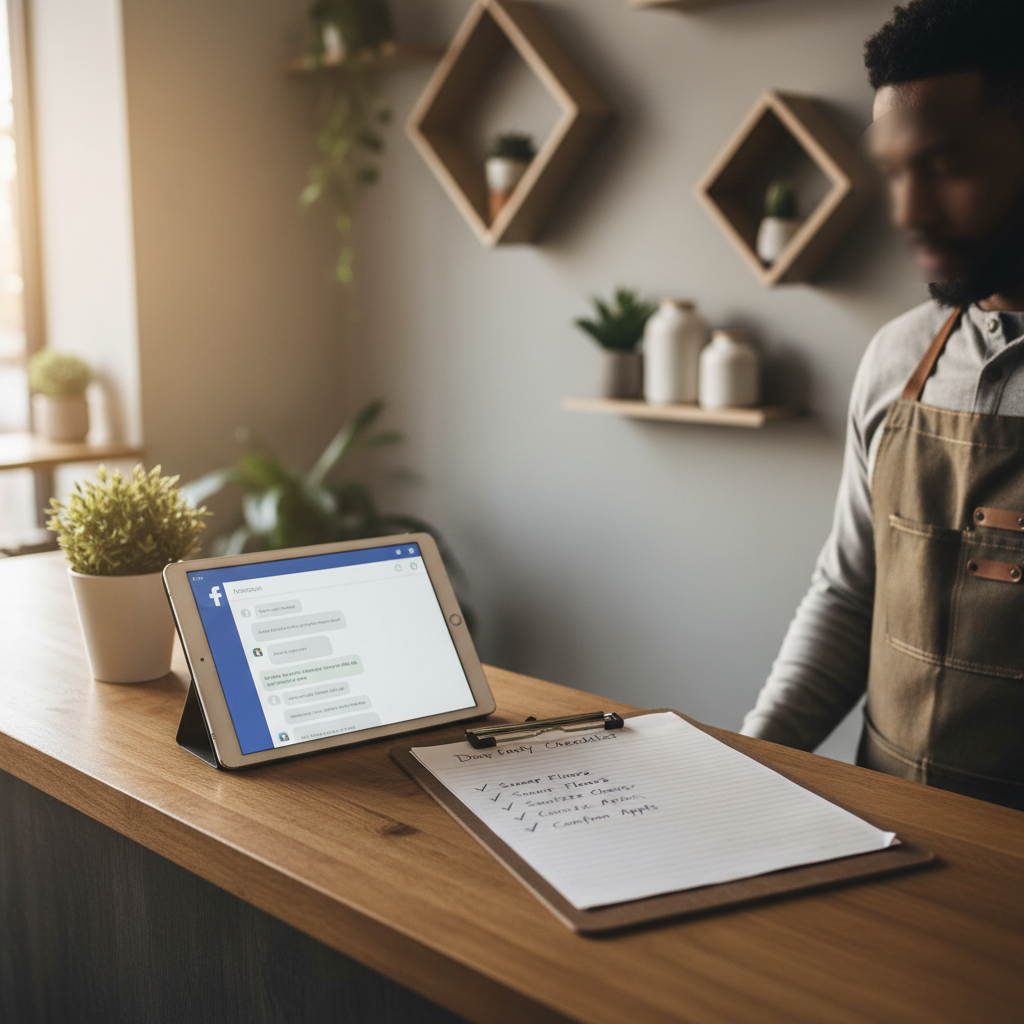
Turn Facebook Messages into Bookings for Local Businesses
If customers message your Facebook page and you don't have a system, they leave. This playbook gives exact scripts, timing rules, and a 30‑day routine to convert messages into bookings.
6 min read
BrandZilla EditorialReviewed by marketing operators· Updated Sep 2, 2026· 6 min read
People message our page and we answer later — or not at all. Then they book with someone else.
I try to keep up, but with walk‑ins and the phone ringing, Facebook messages slip through. If only there was a simple script and a routine that worked.
If this sounds like you, this guide is the practical fix: short rules for response time, exact reply scripts for six common message types, a weekly checklist, and a simple way to measure whether Facebook is actually bringing customers.
Start with three rules customers notice
Short rule set, nothing fancy. Post these in your team's brief so everyone knows what to do.
Respond within 60 minutes during business hours, 4 hours otherwise. Fast responses increase booking likelihood by roughly 3×.
Always ask one qualifying question before offering availability (keeps conversations short and sane).
Close with a single call to action: Link to booking, phone, or an exact appointment time.
Reality check: Most small businesses post 3x then quit. Consistency beats creativity 9 times out of 10.
A simple 3-step message workflow (use every time)
Follow this workflow for the first 10 messages of the day and treat the rest as variations.
Acknowledge + qualify.
Offer options (1–2 clear next steps).
Confirm and lock the booking.
Use these exact timing targets:
Within 60 minutes: send Acknowledge + qualify.
Within 12 hours: send Offer options if they haven’t replied.
Within 24 hours: send a final confirm or close message.
Exact scripts — copy, paste, tweak
These are short, human, and address the customer's likely next move. Replace [SERVICE], [NAME], [DATE/TIME], [LINK].
A. New inquiry (hours):
"Hi [NAME]! Thanks for reaching out — we can help with [SERVICE]. Quick question: is this for today or a future date?"
B. Pricing request:
"Great question — our price for [SERVICE] is $[PRICE]. Want me to check next available times for you?"
C. Booking request (no link):
"Perfect — we have openings [DATE/TIME] and [DATE/TIME]. Which works best? If you prefer, book directly here: [LINK]."
D. Booking via link — customer says booked:
"Thanks [NAME]. I see your booking for [DATE/TIME]. We’ll send a reminder the day before. Any special requests?"
E. No response follow-up (12 hours):
"Just checking — did you still want a spot for [SERVICE]? I can hold [OPTION] for one hour."
F. Closed or referred away:
"No problem. If plans change, reply here and we’ll do our best to fit you in. Thanks for checking with us."
Quick win: Repurpose one customer review into a 3-post mini series this week.
Handle these six difficult situations (scripts included)
Customer asks for a price list for ‘everything’. Stop the endless chat with:
"I can share the main prices. Which two services are you deciding between so I send exact pricing?"
Customer wants discount right away:
"We keep prices simple so we can give every customer consistent value. For first-time visitors we offer [SMALL INCENTIVE]. Would you like that for this booking?"
Customer sends photos for a quote:
"Thanks — that helps. I’ll review and text back in 30 minutes with a clear price range. If you prefer a firm quote, come in for a 10‑minute consult for $[AMOUNT] which we put toward the service."
Customer asks for same-day but you’re full:
"We’re booked this morning, but can do [LATER TIME] or tomorrow at [TIME]. If you’d like, I’ll add you to our waitlist and text if a slot opens."
Customer keeps asking questions without booking:
"I want to make sure you have what you need. If you’d like, I can hold a spot for one hour while you decide — which option should I hold?"
Customer cancels or no-shows often:
"We understand plans change. For repeat no-shows we ask for a $[DEPOSIT] to hold premium slots — would you like to schedule with that in place?"
Common mistake: Treating Instagram captions like tweets — context outperforms one-liners for local businesses.
Use Messenger tools without sounding robotic
You don’t need to build a chatbot. Use Facebook’s quick replies and saved replies for speed, but keep messages conversational.
Quick replies: 2–3 choices only (Example: "Today", "Tomorrow", "Next Week").
Saved replies: use only for the first acknowledgement and the confirm message.
If you use an auto-reply outside hours, set it to:
"Thanks for your message. Our hours are [HOURS]. We’ll reply within 4 hours during business hours. If this is urgent, call [PHONE]."
Measurement: What to track (no spreadsheets required)
Track these three numbers weekly:
Conversations started (messages received).
Conversations that asked for availability (interest).
Confirmed bookings from Messenger.
Target: move to a 20% conversion rate (messages → booking) within 30 days if you consistently follow the scripts and response times.
After applying the scripts and 60-min response rule: Week 4: 35 messages, 12 asked for availability, 7 booked (20% conversion). Walk-ins remained steady; bookings increased by 5 per week.
A weekly routine you can handle in 60 minutes
Every business owner needs a lightweight rhythm. Do this once per week + daily quick checks.
Weekly (45–60 minutes):
Review last week’s three numbers.
Create two saved replies based on real messages.
Update availability on your booking link if needed.
Draft one short post reminding customers you reply fast on Messenger (example copy below).
Daily (10–15 minutes):
Check messages within the first hour of opening. Respond to new messages using the scripts.
Clear follow-ups at closing: send the 12-hour no-response message.
Post copy you can use immediately:
"Need a last-minute spot? Message us on Facebook — we reply within an hour during business hours and hold a spot for one hour."
What actually works: A 5-post weekly rhythm built from one anchor piece — not daily improvisation.
Where this breaks and how to fix it
If conversions don’t improve after 30 days, check these three things:
Response time: are replies actually within 60 minutes? Use timestamps to verify.
Qualification question: are you asking one quick qualifier? It prevents long chat threads.
Clear CTA: are you giving a single next step (book link or offer times)? Too many choices kill conversion.
If only one thing is wrong, fix that. If more than one, spend a week focused on response time and saved replies.
Steal this template: "We help [audience] [outcome] without [pain]. Here's how →"
Practical shortcut: You can build this system manually — or use BrandZilla to stay consistent without hiring a social media manager.
Final checklist before you close a message
Did I acknowledge within target time?
Did I ask one qualifying question?
Did I offer 1–2 clear next steps — not 8?
Did I confirm the booking and promise a reminder?
If yes to all, move the conversation to bookings and mark the message as handled.
FAQ
What if I don't have time to reply within 60 minutes?
Reply as fast as you can, but set expectations with an outside-hours auto-response and a clear phone number for urgent requests. Next step: designate a staff member for first-hour responses.
Can I reuse saved replies without sounding repetitive?
Yes — personalized snippets work if you add one detail (customer name or service). Change one sentence to match the customer and it feels human. Next step: keep a list of 6 saved replies and rotate.
Do I need to move everyone to an online booking tool?
No. Online booking helps, but many customers just want a quick answer and a held spot. Use both: give a booking link + offer times in messages. Next step: add your booking link to your saved confirm reply.
How long before Facebook messages actually bring customers?
You should see movement in 2–4 weeks if you keep response times and scripts consistent. If nothing changes, audit timing and CTA clarity. Next step: measure week‑over‑week conversations and bookings.
A final note: the difference between losing a customer and gaining one is often a single clear message sent quickly. Small changes — a 60‑minute rule and a few scripts — can turn a noisy inbox into reliable bookings.
If you'd rather not build the system from scratch, BrandZilla offers templates and scheduling tools that match this exact playbook.
The real objections — answered straight, no fluff.
BrandZilla Editorial Team
SMB MarketingContent Strategy
Practical playbooks written and reviewed by people who actually run content programs for small and local businesses — not generic AI output. Every guide is pressure-tested against what real operators do on Instagram, Facebook, LinkedIn and Google.
Used by 1,000+ businessesLast updated Sep 2, 20266 min read
Get weekly content ideas for your business
Join business owners getting practical, ready-to-post BrandZilla content prompts every week. No spam.