Turn Facebook Messages into Booked Customers — Local Playbook
Most local businesses get messages but never turn them into bookings. This playbook shows the exact setup, message scripts, and a week-long follow-up that converts casual questions into confirmed customers.
7 min read
BrandZilla EditorialReviewed by marketing operators· Updated Nov 1, 2026· 7 min read
You get a message: “Do you have availability this week?” and then nothing happens. Or worse — you answer three different ways, and the customer books elsewhere.
Facebook Messenger is the place customers start conversations. Too many local businesses treat it like a comment box or a voicemail — inconsistent replies, slow responses, no next step. That wastes demand.
This guide gives a simple system for turning Facebook messages into booked customers: the setup checklist, five message templates you can copy, a 7-day follow-up sequence, and the exact wording to use for common objections.
The short operating principle
Customers want answers and next steps. Make it fast, clear, and frictionless to book. If a message stalls, follow up within 48–72 hours with a short, specific ask.
Reality check: Most small businesses reply once, then forget. A single 48-hour follow-up can double your booking rate.
The three-part framework to convert messages
Be fast and specific (response < 4 hours, ideally < 1 hour for inquiries about availability).
Use short scripts that push toward one next step (book, call, or visit).
Follow up with a 3-message, 7-day sequence when prospects go quiet.
This framework keeps the human touch but removes improvisation.
Setup checklist (15 minutes)
Turn on Page Inbox and connect Messenger to your phone.
Set a Short Greeting (what visitors see before they message): 20–30 words — who you are, primary service, hours.
Enable Away Messages with an ETA when you're offline.
Link your contact and a booking link (or phone number) in the profile and in the first reply.
Tag incoming messages (Lead, Booking, Question) so you can filter and follow up.
Quick win: Repurpose one customer review into a 3-post mini series this week.
Exact message templates (copy-paste)
Use these as your saved replies. Replace bracketed items.
First response to availability
Hi [First name]! Thanks for asking — we have slots on [days]. Is morning or afternoon better for you? You can also tap our booking link: [short link].
Why it works: gives options, asks a one-word preference, and includes a direct booking link.
Pricing or menu request
Great question — our [service/item] starts at $[price]. Want me to send today's options or a quick video of what that looks like? If you’re ready, I can hold a spot for [day/time].
Why it works: answers and moves to action (options, media, hold a spot).
I need more time / “Thinking about it”
Totally understandable. If it helps, I can hold a tentative spot for 24 hours — no charge — while you decide. Want me to hold [day/time]? Or should I text you a reminder in 24 hours?
Why it works: low-commitment offer and a concrete next step.
No-show or cancellation follow-up
Hi [First name], we missed you today. If you’d like, we can reschedule for a time this week — what day works best? We can also keep you on our priority list for cancellations.
Why it works: friendly, assumes interest, offers options.
Quick directions / logistics
We’re at [address]. Free street parking is usually on [street] after 5pm. If you prefer, I can text a quick photo of our storefront so you don’t miss it.
Why it works: practical details reduce friction to arrive.
Common mistake: Treating Facebook captions like tweets — context outperforms one-liners for local businesses.
The 7-day follow-up sequence (when they go quiet)
Use this when someone has asked a question or you sent availability and they haven't replied.
Day 0 (initial): Use template #1 or #2 above.
Day 2 (48 hours): Quick nudge — Hi [Name], just checking — do mornings or afternoons work better for you this week? Still holding [best slot].
Day 5: Value plus ask — We’ve got a quick how-to video about prep for [service] that customers love. Want me to send it? Also have a 4pm slot on Friday if that helps.
Day 7: Last short nudge — Happy to keep a spot open for 24 hours if you’re interested. If not, no problem — let us know when you’re ready.
Keep each message under 30 words. The goal is one simple, binary move: yes/no or pick a time.
Handling the three most common objections (scripts)
Objection: “Price is too high.”
Reply: I hear you — we price to match the experience and materials. If budget is tight, I can fit you in a shorter option for $[lower price] or add you to our discount list for next month.
Objection: “I need to check with someone.”
Reply: No rush. Want me to hold a tentative slot until [specific time]? If they confirm before then I’ll keep it, otherwise I’ll release it.
Objection: “I’ll call instead.”
Reply: Perfect — my direct line is [number]. If it’s easier, tell me a good time and I’ll call you at that time.
Steal this template: "We help [audience] [outcome] without [pain]. Here's how →"
Quick scripts for staff handoff (when you’re not the one replying)
If you must hand off to a teammate, paste this at the top: "Quick handoff: [customer name], asked about [topic], we offered [availability]. Can you confirm?" Then paste the last message thread.
For voicemail-to-message: "Sorry we missed you — saw your voicemail about [topic]. We have openings [days]. Want to reply here or should we call?"
This keeps replies consistent across staff and reduces dropped threads.
Mini example: The coffee shop that converted window shoppers into 30 bookings in 8 weeks
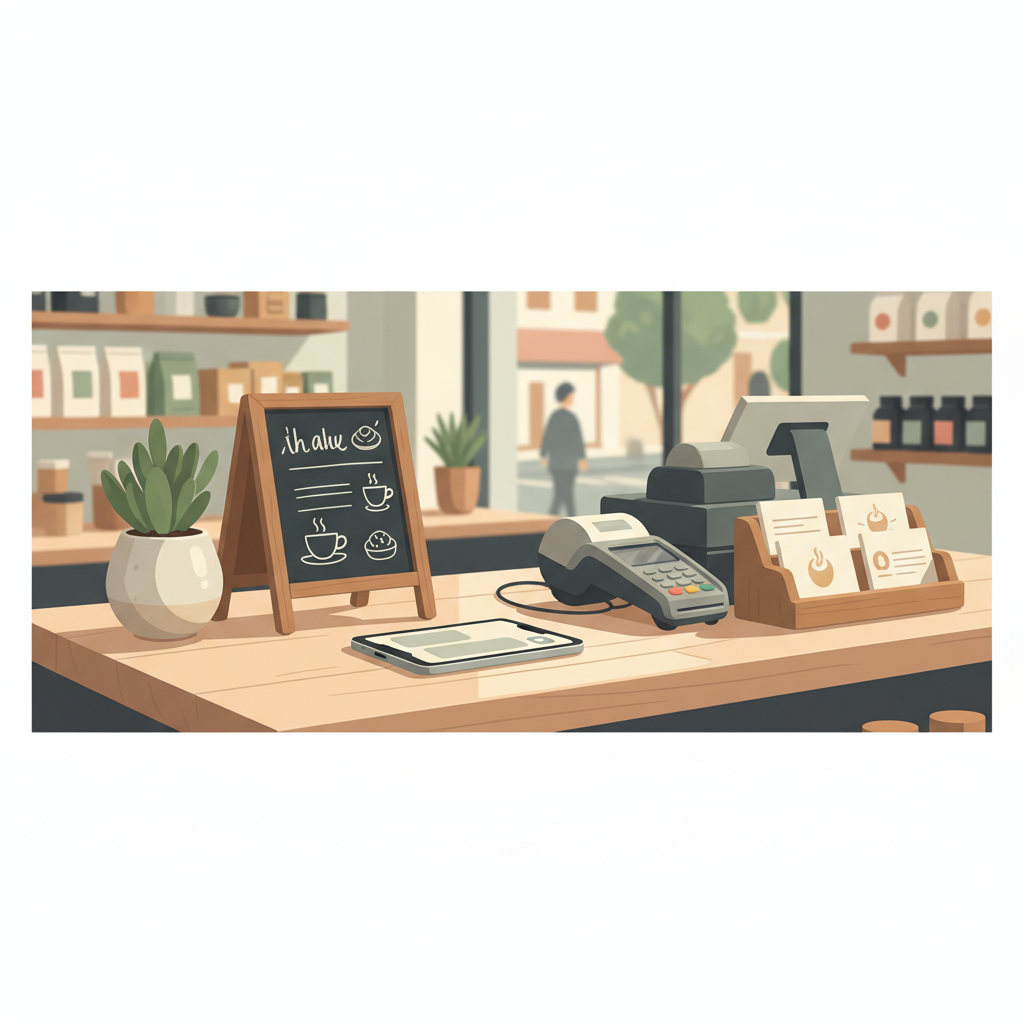
A neighborhood coffee shop in Seattle added a small sign: “Message us for today’s pastry box (reserve with a quick reply).” They used the first-response template and a Day 2 nudge. In 8 weeks they went from 2 reserved pastry boxes per week to 30 — about a 15x increase — with the same team. Most customers replied within an hour and chose a pick-up time.
Why it worked: a specific product, tight reply scripts, a clear pickup process.
Practical shortcut: You can build this system manually — or use BrandZilla to stay consistent without hiring a social media manager.
Measurement and simple KPIs
Track three things for 30 days:
Messages that led to booking (count) — goal: +20% month-over-month.
Response time median — aim for under 60 minutes on business hours.
Follow-up conversion rate (Day 2 and Day 7 combined).
Run a quick weekly review: flag message patterns that need new saved replies and one recurring objection to rewrite.
When to automate vs stay human
Automations good for greeters, FAQs, and to capture contact info. Never automate the final booking step when a nuanced question is involved. A short human message increases conversion.
When your volume is > 50 booking-related messages/week, consider a lightweight scheduler app — otherwise saved replies + the 7-day sequence is enough.
Staff checklist for daily shifts (5 items)
Check Inbox first thing and reply to any new messages under 1 hour.
Flag new leads as Booking/Question/Follow-up.
Send Day 2 or Day 5 messages for any quiet threads due that day.
Update saved replies if a question repeats more than three times in a week.
End-of-day note: list two threads to follow up tomorrow.
FAQs
Q: What if I don't have time to reply within an hour?
A: Set expectations with an away message: "Thanks for messaging — we respond within 4 business hours." Use Saved Replies to answer fast. Next step: set a 30-minute block each morning and afternoon to clear messages.
Q: Can I reuse old messages without looking repetitive?
A: Yes — rotate three variations of your saved replies so repeat customers don’t see identical copy. Keep the core ask the same (choose a time or click the link). Next step: create three versions of your availability reply today.
Q: Do small businesses actually need a content calendar for Messenger?
A: Not a full calendar — but plan two recurring message triggers: weekly promos and a monthly follow-up for past customers. Next step: schedule one promotional message each Friday.
Q: How long before posting consistently actually brings in customers?
A: Expect to see results in 4–8 weeks if you reply fast and follow up. Track bookings tied to messages and optimize one script each week.
Common mistake: Treating Instagram captions like tweets — context outperforms one-liners for local businesses.
A small system that respects speed, clarity, and follow-up will make Messenger one of your reliable local channels. If you want templates and a simple calendar to copy from, BrandZilla includes these playbooks and a ready-to-use messaging sequence to drop into your page.
Keep it simple: set expectations, reply quickly, and ask for one clear next step.
The real objections — answered straight, no fluff.
BrandZilla Editorial Team
SMB MarketingContent Strategy
Practical playbooks written and reviewed by people who actually run content programs for small and local businesses — not generic AI output. Every guide is pressure-tested against what real operators do on Instagram, Facebook, LinkedIn and Google.
Used by 1,000+ businessesLast updated Nov 1, 20267 min read
Get weekly content ideas for your business
Join business owners getting practical, ready-to-post BrandZilla content prompts every week. No spam.