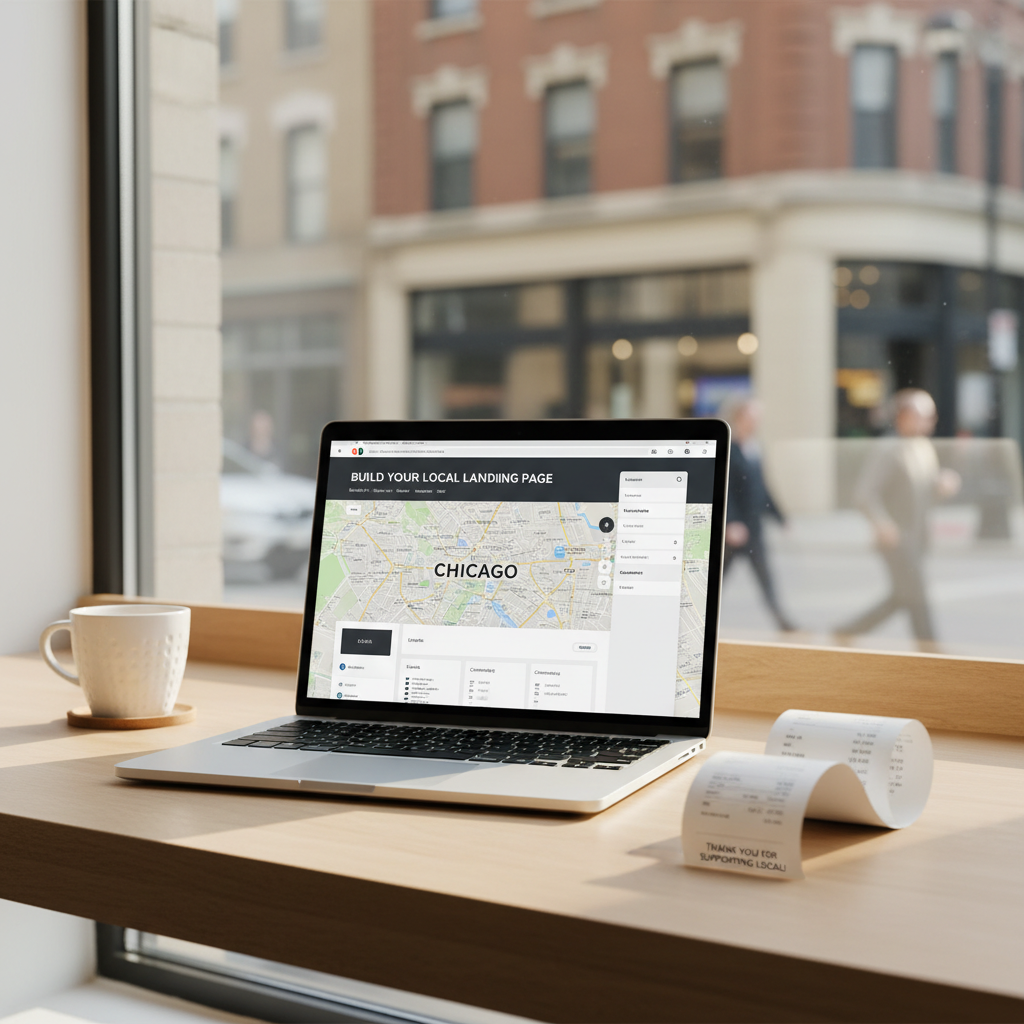
Build City Pages That Rank: A Practical Local SEO Playbook
City-specific pages still move the needle for small businesses when done right. This guide gives exact templates, title/meta examples, content structure and a 6-week roadmap.
8 min read
BrandZilla EditorialReviewed by marketing operators· Updated Aug 2, 2026· 8 min read
Start with the problem in the owner’s words:
You want people in nearby towns to find you when they search for the service you do — but your website mostly ranks for the town you live in. You’ve tried adding a list of service areas on one page, but it didn’t help. Creating a page for every town sounds like a scary duplicate-content trap.
This is the exact problem most local owners face: how to create a small number of city or neighborhood pages that actually rank and bring customers — without wasting time on pages that never get traffic.
Below is a straightforward, 6-week system you can follow. It includes what to write, exactly how to title pages, what schema to add, link strategy, and copy-paste snippets you can use tonight.
The simple rule before you start
Not every city needs a page. Only build pages where you can actually serve customers and where searches exist.
Quick checklist to decide if a city page is worth it:
There are at least 20 monthly searches for a service + city phrase (use Google Keyword Planner, or check Search Console).
You can realistically deliver service there within a normal travel time.
You can get at least one local link or mention from a business, event, or directory in that town.
Reality check: Most small businesses post 3x then quit. Consistency beats creativity 9 times out of 10.
6-week plan (what to do, when)
Week 1 — Research & pick 3–5 target cities. Do quick keyword checks and local competitor scans.
Week 2 — Draft one anchor service page for each primary service (this will power city pages).
Week 3 — Build the first two city pages using the template below (publish them).
Week 4 — Add local proof: photos, at least one customer quote that mentions the town, and structured FAQ.
Week 5 — Internal linking push and directory mentions. Ask partners in those towns for a mention or link.
Week 6 — Monitor Google Search Console, fix meta/title tags, iterate content length and internal links.
This keeps the work focused and measurable — no endless page churn.
Page structure that actually ranks (use this template)
Every city page should follow the same logical blocks. Keep it 500–900 words to start, with local specifics.
Title tag: [Service] in [City] — [Business Name]
Meta description: Short benefit + service + neighborhood. Example: “Fast plumbing repairs in Boise — same-day hot water heater fixes. Call for a free estimate.”
H1: [Service] in [City]
2–3 short intro paragraphs (what you do, areas you serve, travel time)
Local proof (customer quote that mentions the city, a photo with alt text that includes city)
Services offered (2–6 bullets specific to that city)
Quick FAQ (3 targeted Qs for that city)
CTA: phone, online booking link and a line about response times
Schema: LocalBusiness schema plus FAQPage JSON-LD
Exact copy you can paste and edit
Title tag example (replace):
Plumber in Meridian — Fast Hot Water Heater Repair | River City Plumbing
Meta description example (replace):
Same-day hot water heater repair in Meridian. Licensed plumbers, fair pricing, and a guaranteed fix. Call 208-555-0190 for same-day service.
H1 example:
Plumber in Meridian — Hot Water Heater Repair
Intro paragraph (150 words max, edit):
We fix hot water heaters for Meridian homeowners and businesses. Whether it’s no hot water, leaks, or strange noises, our licensed plumbers arrive with parts and get most jobs done the same day. We serve Meridian plus nearby neighborhoods inside a 25‑minute drive.
Local proof snippet (use a real customer quote):
“River City came out same day to Meridian and replaced our hot water heater. Fast, clean, and the price was fair.” — Jen R., Meridian
Service bullets (edit to match you):
Same-day hot water heater repair and replacement
Diagnostic and leak repairs
Emergency calls and scheduled installs
FAQ snippet (paste into the page and into JSON‑LD FAQ schema):
Q: Do you offer same-day service in Meridian?
A: Yes. We offer same-day service for most common hot water heater problems. Call before noon for the best chance of same-day arrival.
Q: Do you replace gas and electric heaters?
A: We install and repair both gas and electric water heaters and can advise on the most energy-efficient option.
Q: Do you charge extra to travel to Meridian?
A: No travel fee for Meridian within our normal service radius. We’ll tell you any travel charges before we start work.
Quick win: Repurpose one customer review into a 3-post mini series this week.
On-page details that matter (don’t skip these)
Use the city name naturally in the first 100 words and in one subheading.
Add a photo from the town or a screenshot of a local permit or receipt (alt text: “hot water heater repair in Meridian”).
Include an internal link from your main services page: “Hot Water Heater Repair — Meridian” and a link back to the service anchor page.
Add an “Areas we serve” map or list with the city linked to the city page.
Put business name, address and phone in the footer and in LocalBusiness schema on every page.
FAQ schema: copy-paste JSON-LD starter
Paste this inside a <script type="application/ld+json"> block (replace placeholders):
{
"@context": "https://schema.org",
"@type": "FAQPage",
"mainEntity": [
{
"@type": "Question",
"name": "Do you offer same-day service in [City]?",
"acceptedAnswer": {
"@type": "Answer",
"text": "Yes. We offer same-day service for common issues. Call before noon for the best chance of same-day arrival."
}
},
{
"@type": "Question",
"name": "Do you charge for travel to [City]?",
"acceptedAnswer": {
"@type": "Answer",
"text": "No travel fee for [City] within our normal service radius. Any travel charges will be disclosed before work begins."
}
}
]
}
Common mistake: Treating Instagram captions like tweets — context outperforms one-liners for local businesses.
Links & local signals (how to get them)
A city page won’t rank on its own — it needs local signals:
Internal links: Link from your main services page, blog posts about relevant jobs in that city, and a service-area list.
Local mentions: Ask the town’s hardware store, chamber of commerce, or a partner business for a small mention on their site.
Directories: Add the specific city to any directory descriptions, not just your main city. Avoid mass-submitting identical descriptions — customize the city line.
Reviews: Try to get reviews that reference the city name (e.g., “Installed our heater in Meridian”).
Mini example with numbers:
Joe’s HVAC in Spokane created 4 city pages: Spokane Valley, Liberty Lake, Sandpoint, and Coeur d’Alene. Each page was 600–800 words and included a customer quote mentioning the town. After 8 weeks, the pages brought a total of 18 calls — Joe estimates 5 became paying jobs worth $3,400 in extra revenue.
Monitoring & tests (what to watch for)
Search Console: Check impressions and clicks per city page (allow 4–6 weeks to see movement).
Ranking: Track the main target phrase (e.g., “hot water heater repair Meridian”) weekly.
Engagement: If a page’s bounce rate is very high, add more local detail or another testimonial.
Conversion: Add a hidden UTM in links shared to local partners to measure traffic and calls.
Steal this template: "We help [audience] [outcome] without [pain]. Here's how →"
Practical shortcut: You can build this system manually — or use BrandZilla to stay consistent without hiring a social media manager.
How to expand without creating duplicates
Don’t copy-paste the same paragraph across city pages. Use the same structure but change the intro, the customer quote, and 2–3 lines of local specifics (nearby landmarks, traffic patterns, or typical job types there).
Canonical: If a city page is thin and you prefer to keep a single master page, use rel=canonical pointing to the master. But that removes the local ranking chance — only use canonical when you truly only want one page indexed.
Consolidate: If two nearby towns have tiny search volume, combine them on one page titled “[Service] in [Town A] and [Town B]”.
Quick checklist before you publish a city page
Title and meta include service + city.
H1 exists and includes city.
500–900 words with at least one local quote or photo.
FAQ JSON-LD added.
Internal link from the main services page.
One local mention or directory entry referencing the specific city.
FAQ (short answers to real owner questions)
Q: What if I don't have time to write 5 city pages?
A: Start with two: your biggest missed-opportunity town and the nearest high-potential suburb. Use the template above to write them in under 90 minutes each. Next step: publish one this week.
Q: Can I reuse old content without looking repetitive?
A: Yes — reuse structure and services, but write a unique 100–200 word intro, swap the testimonial, and add a local detail. That keeps pages distinct.
Q: Do small businesses actually need a content calendar for city pages?
A: Not for every city page. But schedule a review every 6–8 weeks to refresh testimonials, update photos, and check keywords. Next step: add two calendar entries for content refresh this quarter.
Q: How long before posting consistently actually brings in customers?
A: Expect 6–12 weeks to see ranking movement and then more calls in month 3–6. Track clicks in Search Console and calls to measure ROI. If nothing moves after 12 weeks, test different headings and local links.
If you'd like a folder of ready-made title tags, FAQ JSON-LD snippets and H1 templates built to this plan, there are templates that follow this exact system to help you stay consistent.
A short practical final thought: Build fewer pages, make each one local and useful, and spend the time getting one real mention in the town. That small extra effort is what separates pages that sit unread from pages that bring customers.
If you want ready-made templates and a folder you can copy into your site, BrandZilla has a local-page pack that follows this exact plan — use it or do it by hand, but don't let the pages sit unpublished.
The real objections — answered straight, no fluff.
BrandZilla Editorial Team
SMB MarketingContent Strategy
Practical playbooks written and reviewed by people who actually run content programs for small and local businesses — not generic AI output. Every guide is pressure-tested against what real operators do on Instagram, Facebook, LinkedIn and Google.
Used by 1,000+ businessesLast updated Aug 2, 20268 min read
Get weekly content ideas for your business
Join business owners getting practical, ready-to-post BrandZilla content prompts every week. No spam.