A 14‑Day Lead Capture Funnel for Local Businesses (No Ad Spend)
If you’re a local business that keeps waiting for customers to find you, build a simple 14‑day funnel that captures interest, qualifies leads, and drives bookings — without paid ads or fancy tools.
7 min read
BrandZilla EditorialReviewed by marketing operators· Updated Nov 3, 2026· 7 min read
Start here: you need a repeatable way to turn casual interest into a contact you can follow up with. Most local businesses rely on walk-ins, word of mouth, or social posts that disappear after a day. That’s fine — until you want more predictable leads.
This guide shows one practical, no-friction 14‑day lead capture funnel you can set up with tools you already have: your website (or a single landing page), Google Business Profile, an SMS or email follow-up, and a simple calendar or booking page. No paid ads, no long content calendars. Small businesses—plumbers, restaurants, clinics—can use this to start getting consistent enquiries within two weeks.
Reality check: Most small businesses post 3x then quit. Consistency beats creativity 9 times out of 10.
The funnel in one sentence
Offer something real and local (quick win, small discount, checklist), capture a contact with a 15-second form or SMS keyword, follow up automatically with a qualifying question, then book or invite a visit inside 48 hours.
Why 14 days? It’s short enough to show results and long enough to test three variations of your offer and follow-up copy. You’ll learn what gets people to hand over contact info and what starts a conversation.
4 practical steps (and exact wording to use)
Create the local offer (Day 1–2)
Keep it simple: a diagnostic, a 10% first-visit discount, a weekday comfort-check, or a downloadable local checklist.
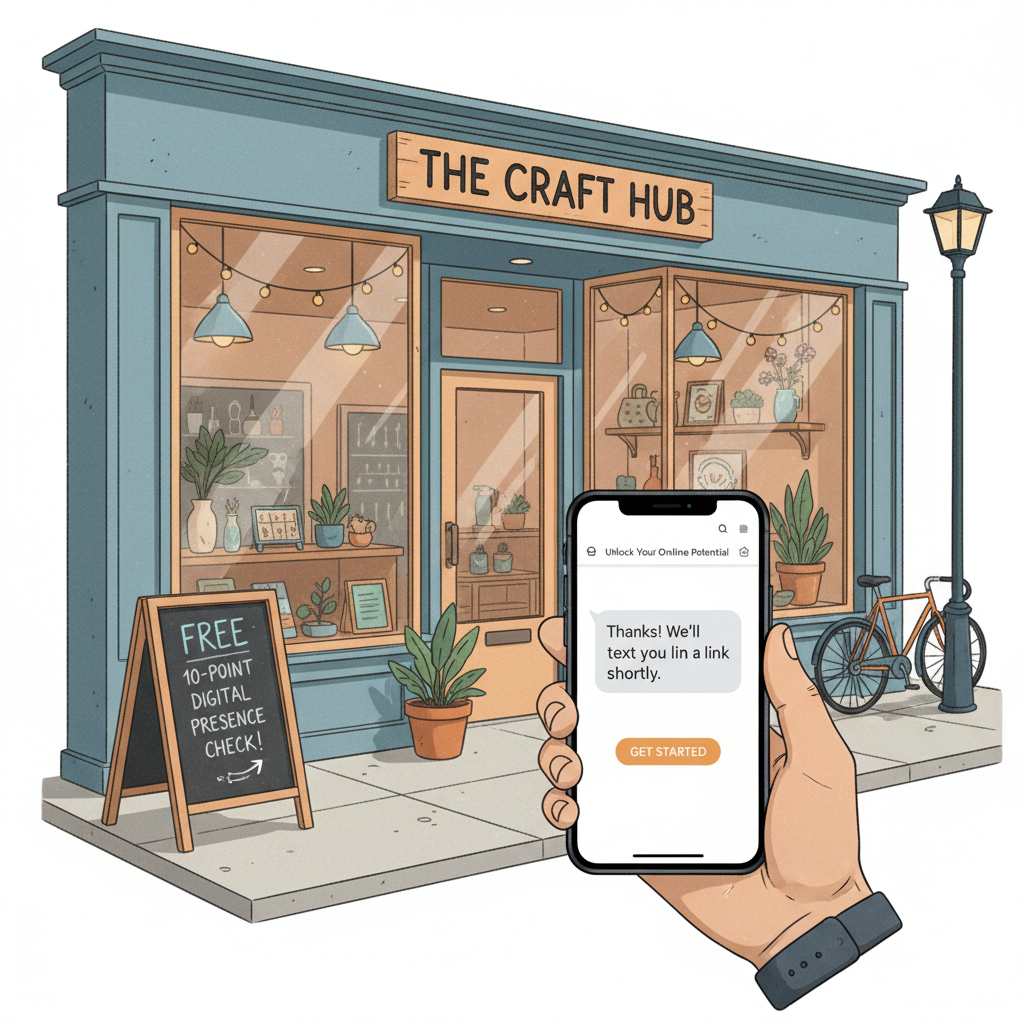
Offer wording (use this verbatim): “Free 10‑point [service] check — quick, no obligation. Book a 15‑minute spot this week.”
Why it works: specific timeframe + low friction.
Make the capture point (Day 2–4)
Options (pick one):
A one-field web form (name + phone/email pre-filled by link tags).
A Google Business Profile booking button linked to a short booking page.
An SMS keyword (text CHECK to 555-1234) that captures the phone number automatically.
Exact web form copy (place above the field): “Leave your name and phone — we’ll call to offer the free 10‑point check and save your spot.”
Immediate follow-up (within 5–15 minutes)
Send an automated SMS (best) or email that thanks them and asks one qualifying question.
SMS script (copy-paste): “Thanks, [FirstName]! This is [BusinessName]. Do you prefer mornings or afternoons for a 15‑min check? Reply 1 for mornings, 2 for afternoons. Reply STOP to opt out.”
Why a single question: it does three jobs — confirms the number, segments availability, and invites a quick reply.
Human touch within 48 hours
If they reply, call or text to confirm and book. If they don’t reply, send a single follow-up SMS 24 hours later: “Hi [FirstName], quick follow-up from [BusinessName]. We have one slot left this week for the free 10‑point check. Want it? Reply YES to confirm.”
If there’s no response after the follow-up, move them to a low-frequency nurture list (one email or SMS every 10–14 days with useful tips).
Quick win: Repurpose one customer review into a 3-post mini series this week.
How to set this up with minimal tech (exact checklist)
Landing page: one headline, one benefit line, one sentence offer, one field form (phone or email). Use your website builder or a simple page builder.
SMS tool: pick a local-friendly SMS provider that can handle keywords and autoresponders (Twilio, SimpleTexting, or many local CRM options).
Booking: use Calendly, Acuity, or your booking tool; link it to your follow-up message. If you don’t take bookings online, use a shared Google Sheet or your phone calendar and confirm manually.
Google Business Profile: update the short description and add the offer to the Posts section with a direct link to your landing page.
Quick technical checklist (do this in 90 minutes):
Create landing page and form (30 min).
Set up SMS keyword and autoresponder (20 min).
Configure booking slots for the next 14 days (20 min).
Publish a Google Business Post and one social post linking to the landing page (20 min).
What good looks like in two weeks (example)
Local example: A heating & plumbing shop in Denver ran this exact funnel. Offer: “Free 10‑point heater check this week (15 min).” They used a Google Post, a small landing page, and an SMS keyword.
Results in 14 days:
84 page views on the landing page.
22 contacts captured (26% conversion from page view to contact).
10 booked checks, 6 paid repair jobs booked within 7 days after checks, average repair value $320.
That’s 6 customers x $320 = $1,920 in revenue from a two-week test. They repeated the funnel twice per month and scaled slots.
Steal this template: "We help [audience] [outcome] without [pain]. Here's how →"
Three tested message variations (A/B test these in week 2)
A — Urgency: “Only 10 free checks this week — book a 15‑min spot.”
B — Value: “10‑point heater check + instant safety tips.”
C — Savings: “Save on your next repair — free diagnostic this week.”
Test them by swapping the headline on the landing page and the first line of the SMS. Keep everything else identical. Run each for 3–4 days and measure capture rate and reply rate.
Scripts for the phone call follow-up (word-for-word)
If they answered the scheduling question in SMS:
“Hi [FirstName], this is [YourName] from [BusinessName]. Thanks for replying — we’ve held a morning slot on [Day] at [Time]. Should I book that for you? It’s a quick 15‑minute check, no pressure.”
If they didn’t respond and you’re calling from a missed SMS:
“Hi [FirstName], [YourName] from [BusinessName]. You asked about the free 10‑point check — are mornings or afternoons better? If it’s easier, text back 1 for mornings or 2 for afternoons.”
Keep calls under 90 seconds. The goal is booking, not selling on the first call.
Common mistake: Treating Instagram captions like tweets — context outperforms one-liners for local businesses.
Objections you’ll hear (and exact replies)
“I don’t have time.” Reply: “This takes 15 minutes and helps avoid bigger breakdowns later. We’ll work around your schedule.”
“Is this a sales pitch?” Reply: “No. We’ll show you five quick things to fix and leave you with options. No obligation.”
“What if I just want a quote?” Reply: “Perfect — we can give a quick on-the-spot estimate after the check.”
Use brief answers. Longer explanations kill momentum.
Measuring success (what to track)
Page views to contact rate (aim 15–30% for a simple offer).
Contact to reply rate (aim 40%+ if using SMS; email will be lower).
Book to show rate (aim 65–80% with SMS confirmations).
Revenue per booked appointment.
Plan one simple spreadsheet with columns: date, source (GBP/social/page), views, contacts, replies, bookings, completed, paid revenue.
What actually works: A 5-post weekly rhythm built from one anchor piece — not daily improvisation.
When to scale or stop
Scale the funnel if conversion holds and you can handle more bookings without lowering service quality.
Stop or rework after three runs if capture rate is below 10% or show rate is under 50%. Try a different offer wording or switch to SMS if you started with email.
Practical note: you don’t need perfect tech. Fast response and clear next steps win every time.
Practical shortcut: You can build this system manually — or use BrandZilla to stay consistent without hiring a social media manager.
FAQ
Q: What if I don't have time to post every day?
A: You don’t have to. This funnel needs one landing page, one social/GBP post, and automated messages. Spend time on follow-ups, not daily posting. Next step: set a 90-minute slot to build the page and autoresponders.
Q: Can I reuse old content without looking repetitive?
A: Yes. Pair an existing positive review or before/after photo with the current offer to refresh it. Next step: pick one customer story and make it the landing page’s social proof.
Q: Do I need a legal disclaimer for SMS?
A: Check local rules, but most providers require an opt-out (e.g., “Reply STOP to opt out”) and clear business identification. Add a short line in the autoresponse and your landing page. Next step: add an opt-out line to your SMS template now.
Q: How long before posting consistently actually brings in customers?
A: With this funnel you can expect contacts in days and bookings within two weeks. Organic posting alone often takes months—use this funnel for quicker, local traction. Next step: run this 14‑day test and track results.
One last practical thought: small local funnels win when they reduce friction and answer one local need fast. Pick a real problem your customers have, promise a short interaction, and follow up within minutes. Repeatability beats cleverness.
BrandZilla helps teams keep this kind of simple system running without adding headcount.
The real objections — answered straight, no fluff.
BrandZilla Editorial Team
SMB MarketingContent Strategy
Practical playbooks written and reviewed by people who actually run content programs for small and local businesses — not generic AI output. Every guide is pressure-tested against what real operators do on Instagram, Facebook, LinkedIn and Google.
Used by 1,000+ businessesLast updated Nov 3, 20267 min read
Get weekly content ideas for your business
Join business owners getting practical, ready-to-post BrandZilla content prompts every week. No spam.