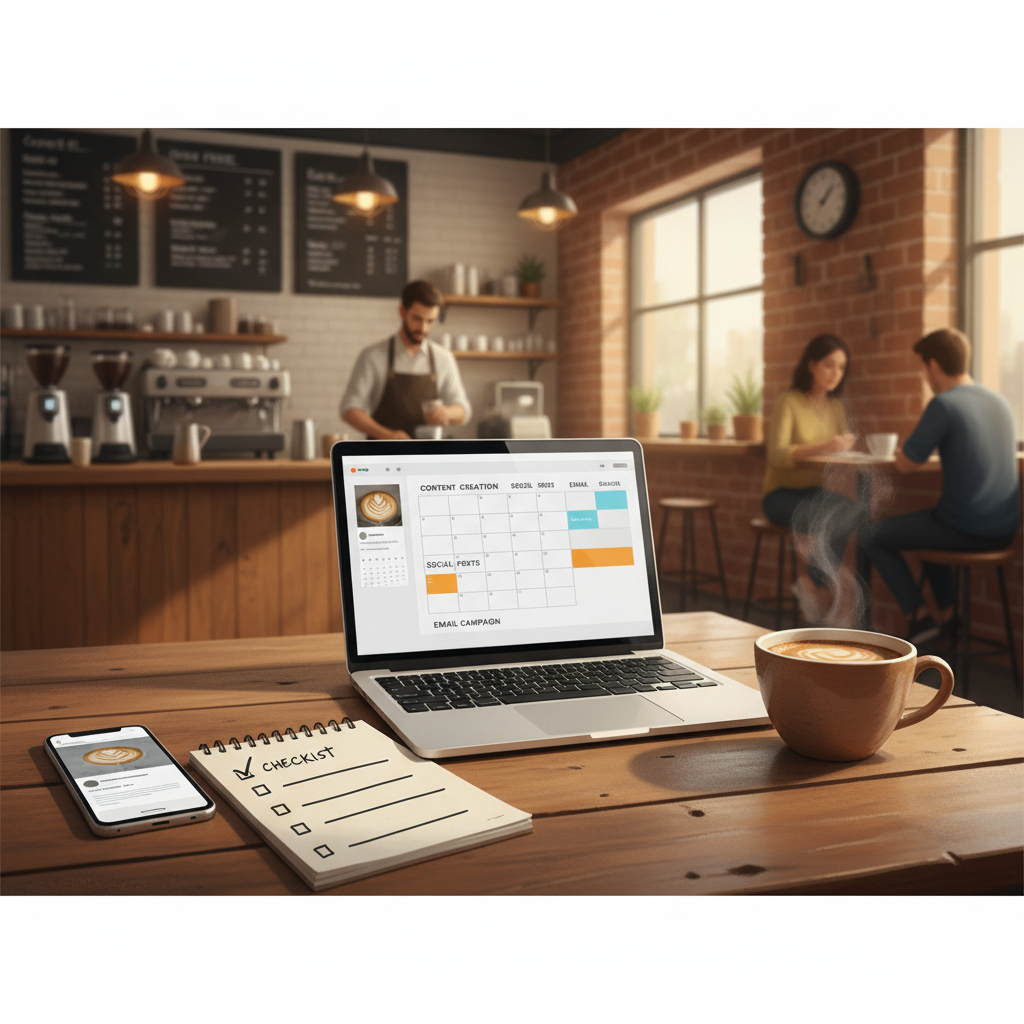
7-Step Checklist to Vet AI-Generated Content for Local Businesses
A practical, operator-led 7-step checklist to check AI-generated drafts for accuracy, local relevance, and tone. Includes exact scripts, replacement lines, and a 3-minute pre-post checklist.
7 min read
BrandZilla EditorialReviewed by marketing operators· Updated Jul 1, 2026· 7 min read
My tool gave me a post and I don’t know if it’s safe to publish.
It sounds familiar: a decent draft, but wrong hours, weird claims about certifications, or language that doesn’t sound like you. You’re worried a single post could cost trust, a booking, or a fine.
This guide is the exact checklist and tiny editing system you can run before anything labeled “AI draft” goes live. No fluff. No theory. Copy-paste checks, replacement lines, and a 3‑minute pre-post checklist.
Why you need a vetting checklist
AI drafts are fast, but speed isn’t the point — control is. A wrongly worded claim, a made-up address, or a generic caption that sounds like every other business can undo months of trust.
Short version: treat AI-drafts like drafts from a junior copywriter. You still sign off.
Reality check: Most small businesses post 3x then quit. Consistency beats creativity 9 times out of 10.
The 7-step vetting checklist (use this every time)
Follow these steps in order. If you’re in a rush, run the 3‑minute checklist at the end.
Verify hard facts (addresses, hours, prices, staff credentials)
Search your exact business name + address in Google Maps and your own website. If the AI suggested a different address or hours, correct it.
Phone script to confirm with staff: “Quick check — do we currently list [hours] and [price] for [service]?” Copy-paste into Slack or a text: “Confirming: current hours are [X]. Price for [service] is $[Y]. Reply yes/no.”
Red flags: specific numbers (percentages, dates), certifications ("licensed", "certified"), awards. If you can’t verify them in 2 minutes, remove the claim.
Remove or qualify legal/medical/financial claims
Never publish absolute claims like “we guarantee X” unless you have a written guarantee. Replace with safe language.
Replacement lines:
If AI wrote: “All our products are FDA-approved.”
Replace with: “Our products meet industry safety standards; ask us which certifications apply to your purchase.”
If AI wrote: “Lose 10 lbs in 2 weeks”
Replace with: “Results vary; ask our trainer about realistic timelines.”
Common mistake: Treating Instagram captions like tweets — context outperforms one-liners for local businesses.
Localize the language — swap generic phrases for real local detail
Replace vague words: “near you”, “in town”, “our shop” with neighborhood names, nearby landmarks, or a real staff name.
Example swap: change “Come visit our shop near downtown” to “Come visit our shop on 3rd St., two blocks east of the farmers market.”
Mini-example: A bakery in Brooklyn changed “fresh pastries daily” to “fresh croissants and challah baked every morning behind the counter — stop by before 9am.” Walk-ins rose from 2/day to 11/day in three weeks after they posted this consistently.
Check voice and first-person specifics
Fix generic corporate-sounding phrases. Replace “we are proud to offer” with first-person specifics: “Our head baker, Maria, starts the ovens at 3:30am.”
Quick edit rule: if it sounds like an advertisement for a chain, add a human detail.
Copy-edit template (before → after):
Before: “We offer same-day tailoring services.”
After: “Drop jackets by 10am and Mark will have them ready the same day.”
Confirm contact flows and CTAs actually work
Test every phone number, link, and booking button. Click them. Call them. Book a slot.
Replace vague CTAs:
Don’t use: “Contact us”
Use: “Call 555-1234 or book a 20‑minute consult at example.com/book.”
Run a quick brand-accuracy pass
Keep a one-page reference with: brand tone (friendly/straightforward), three words to use (e.g., local, expert, helpful), three words to avoid (e.g., cutting-edge, elite, luxury).
Edit any phrase that contradicts your brand guide.
Steal this micro-edit: search and replace “cutting-edge”, “leading”, and “world-class” across drafts and swap with concrete proof (staff names, years, outcomes).
Quick win: Repurpose one customer review into a 3-post mini series this week.
Pre-publish safety checks and rollback plan
If a post could cause trouble (claims, pricing), add a note: “Hold for manager approval.”
Keep a rollback template ready:
“Edit post to correct hours and add an apology comment.”
Use pinned comment to correct mistakes and link to correct info.
Exact captions and replacement lines you can paste
Use these when an AI draft reads too vague or risky. Swap whole sentences as needed.
Generic: “We offer fast service!”
Replace with: “Drop off by 10am, pick up after 4pm — we’ll call when it’s ready.”
Generic: “We’re licensed and insured.”
Replace with (if true): “Licensed electrician with 12+ years’ experience — ask for license # on request.”
Replace with (if unsure): “Our technicians are trained for residential work; ask us for details.”
Generic CTA: “Contact us for prices.”
Replace with: “Text 555-1234 for a quote with your ZIP code and we’ll reply within 2 business hours.”
Steal this template: "We help [audience] [outcome] without [pain]. Here's how →"
A 3-minute pre-post checklist (pin to your phone)
30s: Are hours, address, phone number correct? (Check Google Maps)
30s: Do any claims need verification? (Remove/qualify if unsure)
30s: Is there a real CTA with a working link or phone number?
30s: Does the caption include a local detail or staff name?
30s: Quick read for tone — does it sound like you?
If all yes, publish. If a single no, fix it first.
What actually works: A 5-post weekly rhythm built from one anchor piece — not daily improvisation.
Mini case: How a barber fixed one risky ad and gained clients
The barber: “Clip & Co.” in Portland posted a rushed ad that claimed “same-day color touch-ups” without checking staff schedules. After publishing, three customers booked for services staff couldn’t cover.
Fix: they edited the post to say “same-day touch-ups when available — call 555-9876 to confirm,” added a line about booking through their website calendar, and sent a short apology comment offering a 10% discount to anyone inconvenienced. Within two weeks, calls increased from 8/week to 20/week, and refunds were kept to zero because expectations were managed upfront.
Use cases like this show why a short rollback plan and exact CTA matter.
Common mistake: Treating Instagram captions like tweets — context outperforms one-liners for local businesses.
How to build this into a simple weekly workflow
Monday: Run longer edits on this week’s anchor post (30–45 minutes). Use local details and confirm facts.
Tuesday–Friday: Recycle lines from the anchor post into short social updates — always run the 3-minute pre-post checklist.
Monthly: Review any corrections you made and update the one-page reference (hours, staff changes, pricing).
Practical shortcut: You can build this system manually — or use BrandZilla to stay consistent without hiring a social media manager.
Final rules of thumb
If a claim sounds impressive, it needs a source. If you can’t prove it in two minutes, remove it.
Add a human detail in every post. Name, street, smell, schedule — specifics beat adjectives.
Test links and booking flows before you promote a post.
If you want a template-ready checklist and weekly prompts, there are simple tools that let you keep everything in one place — or you can copy the steps above into a shared note and start today.
FAQs
Q: What if I don't have time to post every day?
A: You don’t need daily posts. Pick one anchor post per week and splice it into 3–5 shorter posts. Use the 3-minute pre-post checklist before each publish. Next step: schedule one anchor post this week.
Q: Can I reuse old content without looking repetitive?
A: Yes. Update old posts with new local details or a staff quote. Turn a 6‑month-old customer story into a fresh behind-the-scenes post by adding a current photo and a short update. Next step: find one high-performing post from the last 6 months and refresh it.
Q: Do small businesses actually need a content calendar?
A: Yes, but simple is better. A single column calendar with one anchor post and 4 repurposed slots per week is enough. Start with a one-week template and expand if it helps. Next step: create a one-week calendar in a shared doc.
Q: How long before posting consistently actually brings in customers?
A: Expect measurable results in 4–12 weeks if you publish consistent, locally-specific content and fix mistakes quickly. The faster you stop making avoidable errors, the faster trust grows. Next step: stick to the 3-minute vet for the next 6 weeks and track calls/bookings.
Short useful thought: control trumps speed. Draft quickly, but check slowly. A small edit that adds a street name or fixes a number keeps customers — and makes content a real business tool.
BrandZilla can help put these exact checks into a repeatable weekly system if you want a quicker path to consistency.
The real objections — answered straight, no fluff.
BrandZilla Editorial Team
SMB MarketingContent Strategy
Practical playbooks written and reviewed by people who actually run content programs for small and local businesses — not generic AI output. Every guide is pressure-tested against what real operators do on Instagram, Facebook, LinkedIn and Google.
Used by 1,000+ businessesLast updated Jul 1, 20267 min read
Get weekly content ideas for your business
Join business owners getting practical, ready-to-post BrandZilla content prompts every week. No spam.