

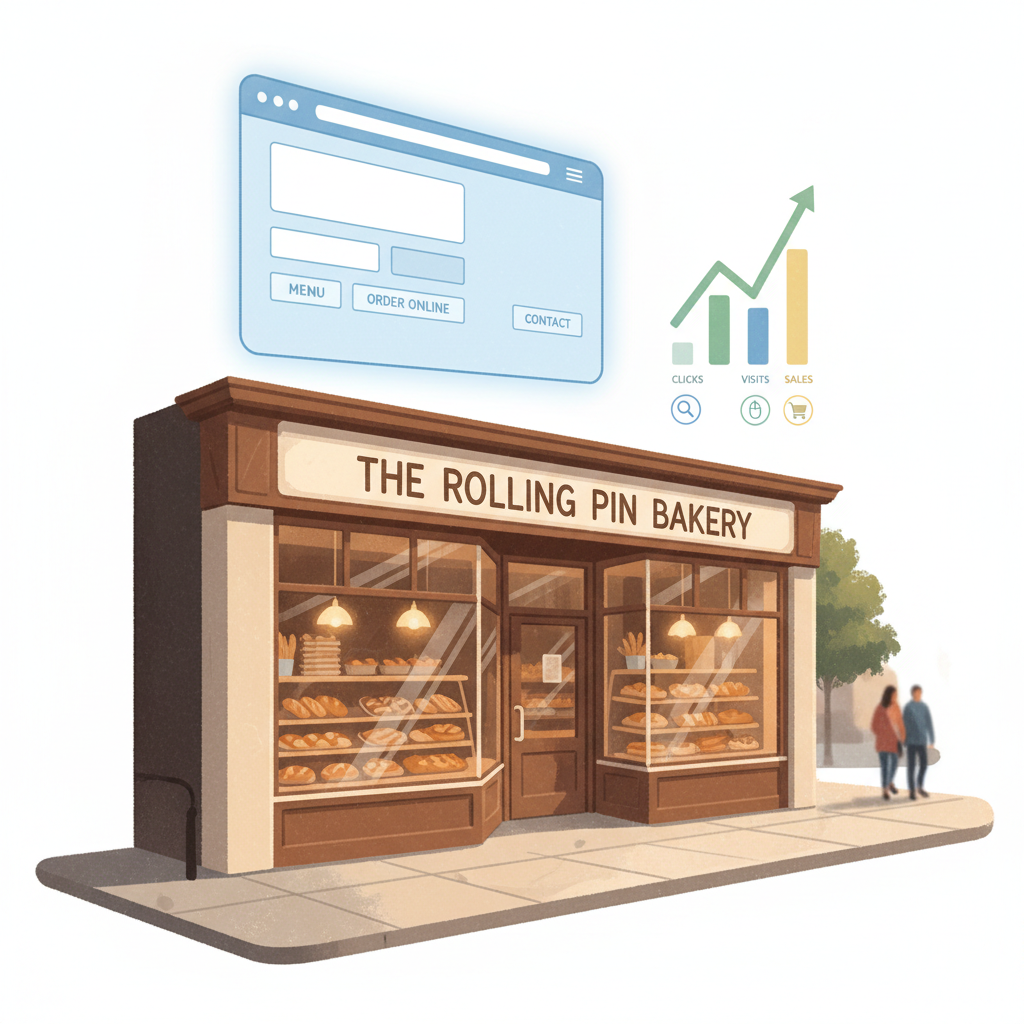
If your website gets visits but no calls, you're probably thinking: "My site exists—why aren't people booking?" Or: "I posted once and Google ignored me." Most small business owners blame luck or competition, when the real issue is small writing and structure mistakes on your own pages.
This isn't a theory guide. These are practical fixes you can make in a day or two that bring clearer listings, better click-through rates, and more enquiries. No jargon, no expensive consultants — just a checklist and exact copy you can paste into your CMS.
Why this matters: on-page SEO controls how search engines read your pages and how customers decide whether to click. Fix the easy wins first; they often move the needle faster than chasing backlinks.
Reality check: Most small businesses post 3x then quit. Consistency beats creativity 9 times out of 10.
The 7 mistakes and how to fix them (with exact wording)
For each item below you'll get: what it looks like, the exact fix, and a copy template you can paste.
1) Title tags are either missing or generic
What it looks like: your home page title is "Home" or "Business Name | Services" with no location or benefit.
Why it hurts: searchers decide to click from the title. A vague title gets skipped.
Exact fix: use this pattern — Primary service + location + customer benefit.
Steal this template for a service page title:
[Primary service] in [City] — [Specific benefit or trust signal]
Examples to paste:
- "Emergency Plumber in Austin — Fast Same-Day Repairs"
- "Main Street Bakery, Brooklyn — Fresh Bread Daily"
Length: keep titles under ~60 characters so search engines show the whole thing.
Quick win: Repurpose one customer review into a 3-post mini series this week.
2) Meta descriptions don’t sell the click
What it looks like: meta copy is auto-generated or repeats the first sentence of the page.
Why it hurts: lower click-through rate from search results means fewer visits and weaker ranking signals.
Exact fix: write a 140–155 character benefit-led description with a clear call-to-action.
Meta template (paste and edit):
"[Service] in [City]. [One-sentence benefit]. Call [phone] or book online for [quick promise]."
Example:
"Gutter cleaning in Portland. Prevent leaks and ice dams—trusted technicians. Call 503-555-0123 or book same-week online."
3) H1s aren't focused on intent
What it looks like: H1s read like the business name or are missing. They don't tell searchers what the page is about.
Why it hurts: search engines use the H1 to understand the main topic; your H1 should match the user's intent.
Exact fix: write an H1 that matches the query type — service + location + outcome.
H1 template:
"[Service] for [audience] in [City] — [Outcome]"
Example:
"Residential Roof Repair in Raleigh — Leak Fixes That Last"
4) URLs and page structure are messy
What it looks like: long numeric URLs, inconsistent slugs (example.com/page?id=123), or too many pages targeting the same keyword.
Why it hurts: users and search engines prefer clear, readable URLs. Duplicate targeting confuses ranking.
Exact fix: use short slugs, one target keyword per page, and a consistent hierarchy: /services/, /services/[service-name]/
URL template:
example.com/services/[service-name]-[city] — only if you serve a single city. Otherwise use example.com/services/[service-name].
Example: example.com/services/auto-glass-repair
5) No local signals on service pages
What it looks like: your site relies on the contact page for location details or your footer only has an address image.
Why it hurts: search engines need repeated, structured local signals (NAP — name, address, phone) across key pages.
Exact fix: add a local block near the top of service pages with name, city, and a short map or link to your Google Business Profile.
Local block template to paste below the H1:
"Serving [City] and nearby neighborhoods. Call [phone] or view hours and directions on our Google listing."
Mini-example:
A small HVAC shop in Tampa added a local block to three service pages and updated titles. In 6 weeks organic calls rose from 4/week to 12/week — no paid ads.
6) Images lack useful alt text and captions
What it looks like: images named IMG_1234.jpg with empty alt text.
Why it hurts: images are a secondary SEO signal and help with accessibility. Proper alt text also appears in image search.
Exact fix: name files descriptively and write brief alt text that includes the service and location when natural.
Alt text template:
"[Service] in [City] — [short description]" (keep under 125 characters)
Example: "Kitchen remodel in Denver — new quartz counters installed"
7) Pages have weak internal linking and no clear next step
What it looks like: each page is an island — no links to related services, FAQs, or booking pages.
Why it hurts: internal links distribute authority and guide users toward conversion.
Exact fix: add 3 internal links per service page — one to your booking or contact page, one to a related service, and one to a helpful FAQ or case study.
Link text template (exact anchor text to paste):
- "Book a [service] appointment" → /book
- "Related: [related service]" → /services/[related-service]
- "See how we fixed [problem]" → /case-studies/[short-slug]
Common mistake: Treating Instagram captions like tweets — context outperforms one-liners for local businesses.
A 30-day cleanup plan (what to do, week-by-week)
Week 1 — Quick site triage (1–2 hours)
- Run a site map crawl (free tools available) for obvious broken pages.
- Fix the top 5 title tags and H1s on pages that get any traffic.
- Add local blocks to your 3 highest-priority service pages.
Week 2 — Meta, URLs, and images (2–4 hours)
- Rewrite meta descriptions for the top 10 pages you want to rank.
- Rename 10 image files and add alt text.
- Clean up 3 messy URLs and set redirects.
Week 3 — Internal links and content polish (2–3 hours)
- Add 3 internal links per service page.
- Add a short FAQ section (3–5 Qs) to each service page answering real customer questions.
- Add book-now CTA above the fold.
Week 4 — Test and measure (1–2 hours)
- Track clicks and impressions in Google Search Console for pages you changed.
- Note any pages with +10% clicks and double down on their templates.
- Repeat the top 5 fixes on the next batch of pages.
What actually works: A 5-post weekly rhythm built from one anchor piece — not daily improvisation.