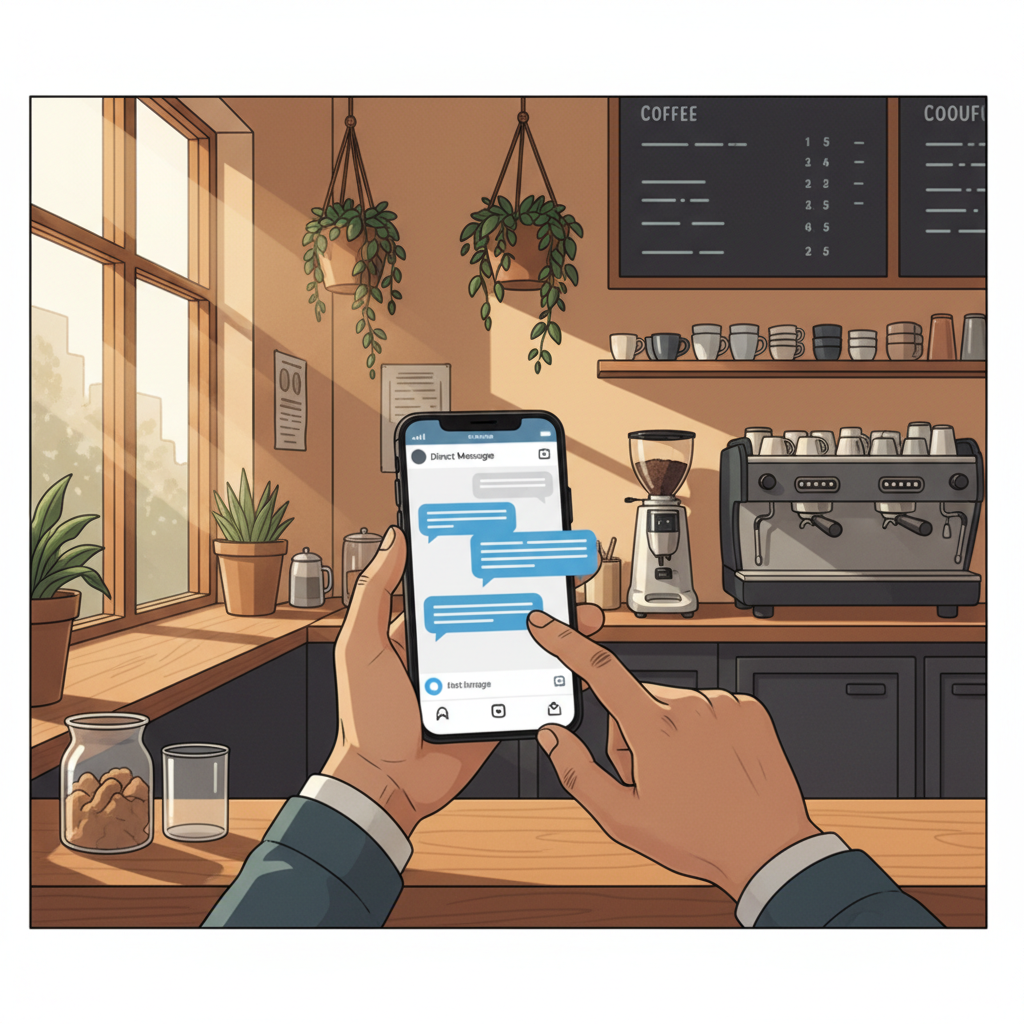
How to Turn Instagram DMs Into Paying Customers: Scripts & Sequences
Stop leaving sales in your inbox. Use exact scripts, reply cadences, and simple saved replies to turn Instagram conversations into appointments and paying customers.
7 min read
BrandZilla EditorialReviewed by marketing operators· Updated Oct 15, 2026· 7 min read
I can't keep up with the DMs. Customers ask for prices or availability and then they disappear.
I don't want to sound salesy, but I need those messages to become bookings.
I also don't have time to write a different reply every time—my team needs a predictable process that actually closes.
If this sounds like you, this guide is the practical answer: exact scripts, a repeatable cadence, and the setup checklist to turn conversations into paying customers without sounding pushy.
Why Instagram DMs matter for local businesses
DMs are often the closest step to a sale. People message because they're already thinking about buying—asking price, booking, or if you can do a job today.
Compared with comments or likes, DMs have higher intent and faster decision windows. A prompt, useful reply will convert at rates that public posts won't.
Most small businesses treat DMs as noise. Treat them as a funnel instead.
Reality check: Most small businesses post 3x then quit. Consistency beats creativity 9 times out of 10.
The 3-part DM-to-booking framework (short and practical)
Keep every DM conversation working through three goals: qualify, confirm, close.
Qualify: Quickly understand budget, urgency, and service needed.
Confirm: Repeat the appointment window, cost range, or what you need from the customer.
Close: Offer a simple next step—book a slot, click a link, or reply with "YES" to confirm.
The trick is to keep each message 1–2 sentences and always include a single clear next action.
Core scripts (copy-paste)
Initial reply to a generic inquiry (e.g., "Do you do [service]?")
Hi [Name], yes — we do [service]. When do you need it: today, this week, or next week? If you tell me the neighborhood and a short description, I’ll send availability and an estimate.
If they ask price only
Thanks—typical jobs like that run between $[low]–$[high] depending on scope. Want me to send a quick estimate if you share a photo or short description?
If they ask "Do you have availability today?"
We have one slot at [time] and one at [time]. Which works better? If neither, tell me 2 windows that fit your day and I’ll find the next open slot.
When they’re ready to book (close)
Great — I’ve tentatively held [date/time]. To secure it I need a $[amount] deposit (card/PayPal/venmo). Reply YES and I’ll send the payment link.
When they ghost after an estimate (first follow-up)
Hey [Name], checking back—did the estimate look ok? If you want, I can free up the tentative slot after today.
Quick win: Repurpose one customer review into a 3-post mini series this week.
A 7-message follow-up cadence that actually works
Use this sequence over 14 days. Keep each send short and human.
Immediate (0–30 min): Confirm receipt and ask 1 qualifying question.
Same day (3–6 hours): Offer two clear time slots or a price range.
Next day: Short reminder—"still available" message.
3 days later: Add social proof—"FYI, we did a job like this yesterday, link/photo"
7 days later: Scarcity—"last open slots this week".
10 days: Helpful tip—free advice related to their request + soft invite.
14 days: Final nudge—"If you're not ready, no problem. If you are, reply and I'll pick a time."
Exact copy for message 5 (scarcity)
Hi [Name], we have two last slots this week (Wed 10am or Fri 3pm). Reply with the day that works and I’ll hold it for 30 minutes.
Mini-example: A plumbing company in Austin used this 7-message cadence. They started with 3 booked leads/week and, after improving reply times and using the scripts above, reached 9 booked jobs/week within six weeks. Their conversion rate from inquiry to booking rose from about 18% to 45%.
Saved replies, quick replies and staff handoff
Set up 6–8 saved replies in Instagram (quick replies). Name them clearly: "Price-Range", "Book-Today", "Deposit-Link", "Ask-Photo", "No-Show-Reschedule", "Follow-Up-3days".
Checklist to implement in one hour:
Write and save 6 replies using the scripts above.
Train one person to be first responder for 9am–5pm.
Set an SLA: reply to any new DM in 1 hour during business hours.
Review the week every Monday: which messages closed, which stalled.
Common mistake: Treating Instagram captions like tweets — context outperforms one-liners for local businesses.
Handling the four most common DM situations (with exact wording)
Price shoppers
"Thanks for asking — most jobs like that are $[low]–$[high]. If you can send a quick photo, I’ll give a tighter estimate in your DMs in under 30 minutes."
Urgent jobs
"We can usually do same-day for urgent issues. Are you available between [time]–[time] today? If yes, reply ASAP and I’ll hold a slot while you confirm."
‘Can you send more info?’
"Absolutely—what’s the best phone number to text a short estimate? Or if easier, send a photo here and I’ll reply with a 1-minute quote."
Price negotiation
"I can keep costs down by [option A]. If you want the premium option, we do [option B] for $[price]. Which would you prefer?"
A few scripts to stop the back-and-forth (exact phrasing)
When they keep asking questions but won’t book
I can answer everything here, or I can save you time—pick a 15-minute slot and I’ll call so we can lock your date. Which works better for you?
If they say they want to think about it
Totally fine—I’ll hold that tentative spot until [deadline/time]. If someone else books before then, I’ll let you know. Want me to hold it?
What actually works: A 5-post weekly rhythm built from one anchor piece — not daily improvisation.
Measuring success (numbers to aim for)
Track these three metrics for 30 days after you implement the system:
Response time: aim for <60 minutes during business hours.
Conversion rate from DM to booking: target 25–40% initially.
Booked jobs/week: set a baseline and aim to double it in 6–8 weeks.
A good local service shop often sees most gains from faster replies and clear calls-to-action rather than prettier posts.
Steal this template: "We help [audience] [outcome] without [pain]. Here's how →"
Quick checklist to roll this out this week
Pick one person to reply for weekdays.
Save the 8 quick replies in Instagram and name them.
Copy the 7-message cadence into your notes app.
Run a small test for 2 weeks and measure: replies, booked jobs, replies that need tweaking.
Practical shortcut: You can build this system manually — or use BrandZilla to stay consistent without hiring a social media manager.
Caption prompts that drive DMs (use one per week)
"Send us a photo and we’ll reply with a 60‑second quote."
"DM ‘ESTIMATE’ and we’ll text you options with prices."
"Need it this week? DM with your neighborhood and we’ll check slots."
Place the prompt at the end of the caption and add: "We reply within one hour during business hours."
When to escalate to a phone call or booking page
If the job involves scope, photos, or price discussions (bathroom remodels, custom orders), move to a 10–15 minute call. For standard services (cleaning, quick repairs), keep it in DMs and use a deposit link to close.
Local business example: A bakery in Brooklyn moved from 2 walk-ins/day to 11 by posting one behind-the-counter reel each morning.
Frequently people worry about sounding pushy. Ask for a small commitment (a deposit or a single “YES”) and you're not being pushy—you’re saving time for both sides.
FAQs
Q: What if I don't have time to post every day?
A: You don't need daily posts to convert DMs—focus on consistent reply speed and good saved replies. Next step: set a 1-hour block once a week to update saved replies and review conversations.
Q: Can I reuse old content without looking repetitive?
A: Yes—repurpose customer photos and change your DM prompt. Rotate one anchor post each week with fresh captions. Next step: pick your best post and use it as this week's anchor.
Q: Do small businesses actually need a content calendar?
A: A light calendar helps, but for DM conversion the priority is response cadence and saved replies. Next step: make a 4-week calendar with one anchor post per week.
Q: How long before posting consistently actually brings in customers?
A: You can see improved booking rates within 2–6 weeks once reply times and scripts are in place. Next step: measure baseline for 2 weeks, implement scripts, then compare weeks 3–6.
Q: What if my staff won't follow scripts?
A: Run a 30‑minute role-play and show the time-savings. Make the responses their default in Instagram quick replies. Next step: pick one team member to pilot for a week and debrief Monday.
Wrapping up: DMs are not a random mess—they’re a conversion channel. The goal is to make it easy for customers to say yes: one clear next action per message, fast replies, and short, human scripts.
If you want to keep those messages consistent without hiring a full-time person, BrandZilla can help with templates and scheduling.
The real objections — answered straight, no fluff.
BrandZilla Editorial Team
SMB MarketingContent Strategy
Practical playbooks written and reviewed by people who actually run content programs for small and local businesses — not generic AI output. Every guide is pressure-tested against what real operators do on Instagram, Facebook, LinkedIn and Google.
Used by 1,000+ businessesLast updated Oct 15, 20267 min read
Get weekly content ideas for your business
Join business owners getting practical, ready-to-post BrandZilla content prompts every week. No spam.