

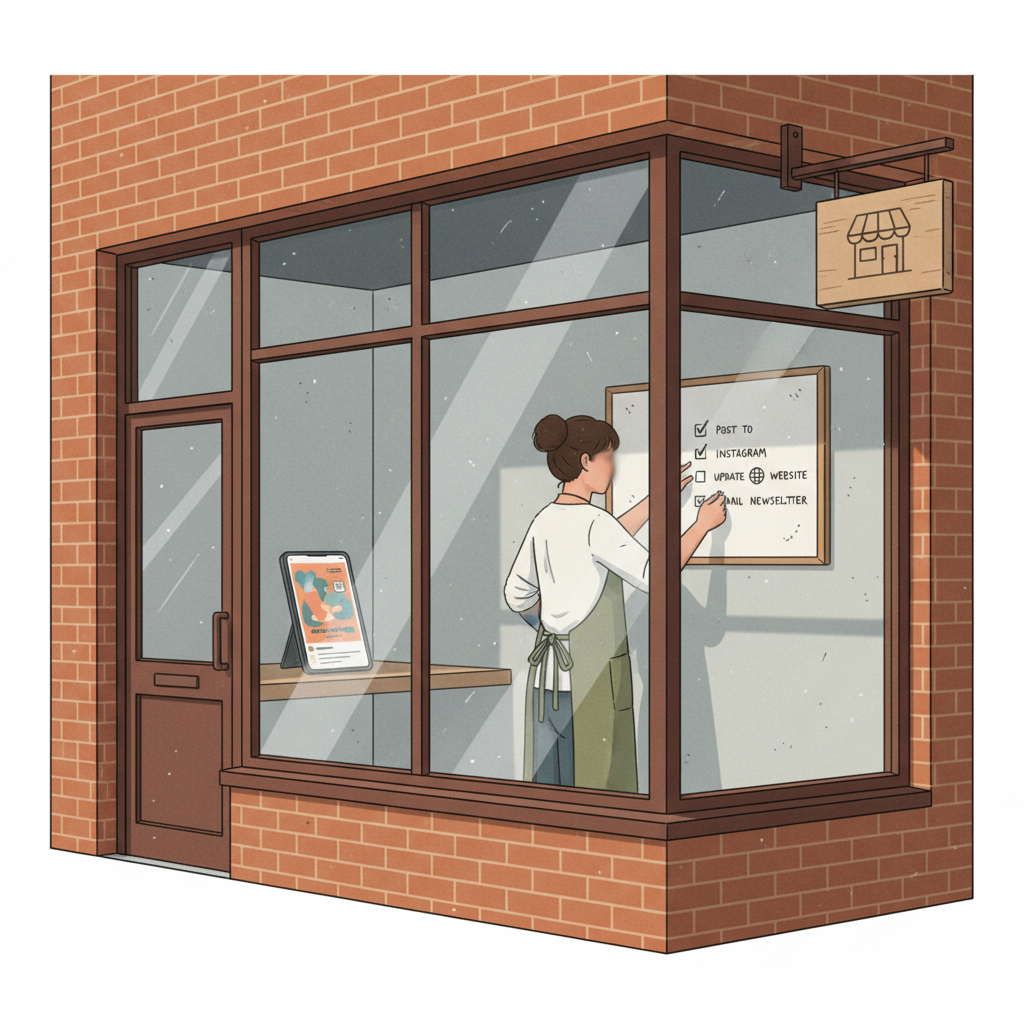
AI Marketing

7 Mistakes Small Businesses Make Using AI Tools (and How to Fix Them)

You tried using writing tools to save time and ended up with posts that sounded generic or off-target. Here are seven common mistakes small businesses make when using AI tools — and exact fixes you can apply this week.

7 min read
BrandZillaBrandZilla EditorialReviewed by marketing operators
7 Mistakes Small Businesses Make Using AI Tools (and How to Fix Them)

You tried a writing tool to save time and the next thing you know your socials sound like everyone else's. Or worse: you posted something that doesn't match your services, got no messages, and now you're skeptical about tools at all.

This guide is for small business owners who want the time savings without losing trust. It lists the seven most common mistakes people make when they use AI tools for marketing, with direct fixes, simple editing rules, exact caption templates, and a short review checklist you can run in five minutes.

Why this matters: local customers notice tone, details, and trust signals. Small errors cost you foot traffic and bookings faster than you think. Read the list, pick two fixes, and apply them this week.

The 7 most common mistakes — and how to fix each one

  1. Publishing verbatim outputs

Problem: You paste the tool's suggestion and hit post. Result: bland language, incorrect details, or claims you didn't mean.

Fix (5-minute edit):

  • Replace generic openings like "We offer" with a customer-focused action: "Get a same-day tire repair before 5pm."
  • Add one local detail (neighborhood, landmark, or weekday). Example change: "Now open" → "Open on Main St next to the post office, 8–4 today."
  • Remove any vague promises ("best", "guaranteed") unless you can prove them.

Quick, exact swap you can copy-paste:

  • Generic: "We make great coffee."
  • Local edit: "Hand-pulled espresso on 3rd Ave — $1 off before 9am today."

Reality check: Most small businesses post 3x then quit. Consistency beats creativity 9 times out of 10.

  1. Losing the human detail

Problem: The tool writes safe, neutral copy with no real human detail.

Fix: Add one micro-story (10–20 words). Describe a real moment from the day: a customer habit, a staff quirk, or a product detail.

Mini-example: "This morning Anna dropped in for her usual — black coffee and an almond croissant. We held the pastry back just for her." Use real first names only with permission.

  1. Forgetting call-to-action clarity

Problem: The post hints at an action rather than clearly asking for it.

Fix: Use exact CTAs with time and next step. Avoid vague CTAs like "Learn more." Replace with "Call us to book a 30-minute consult today — 512‑555‑0199" or "Tap Book now for next-available slots."

  1. Not checking facts and availability

Problem: The tool lists services, times, or prices that don't match your business.

Fix: Always run a 60-second fact check: service names, prices, hours, and specific claims. Wrong facts damage trust faster than a typo.

Simple checklist (60 seconds):

  • Are hours correct today?
  • Is the price the same as on the register or menu?
  • Is the staff member mentioned actually scheduled today?
  1. Using generic imagery without local context

Problem: The image and caption don't match — a beach photo for a city locksmith, for example.

Fix: Use one consistent visual rule: show your place, your team, your product in real settings. If you must use a stock image, add a caption that ties it to a local detail: "Stock photo of a wrench — we use the same model at our downtown shop. Call 415‑..."

  1. Posting content that fails to answer local questions

Problem: Tools generate polished but useless content. Your audience asks, "Do you accept walk-ins?" and the post talks about brand values.

Fix: Make a short FAQ post series. Pick the 5 real questions people ask at your counter and answer them in single-sentence posts.

Example FAQ for a salon:

  • "Do you accept walk-ins?" — "Sometimes — call 24 hours to check the schedule."
  • "How long is a cut?" — "30–45 minutes depending on styling."

Quick win: Repurpose one customer review into a 3-post mini series this week.

  1. Forgetting to add a local voice check

Problem: Your posts sound global, not local.

Fix: Create a two-line 'local voice' rule and enforce it every post: (1) Name a local reference (street, neighborhood, event), (2) Add one concrete detail (price, time, seat count, day). If either is missing, edit.

Steal this two-line rule and pin it near your posting area.

A simple 5-step review workflow (5–10 minutes)

Use this every time a tool suggests copy. It turns a mechanical output into trusted local content.

  1. Read the output aloud (30 seconds). If anything sounds generic, mark it.
  2. Apply the 60‑second checklist (hours, price, staff).
  3. Add one micro-story or local detail (20–60 seconds).
  4. Insert a clear CTA with a next step (call, book, show up) and a deadline if possible.
  5. Preview the post with the image and read both together—edit until they feel specific.

Mini-template for a trimmed caption (use this for Instagram/Facebook):

[Opening hook about benefit or offer — 8–12 words] Local detail: [neighborhood/landmark or event — 6–10 words] Micro-story or proof: [15–20 words] CTA: [specific action + phone or link + deadline]

Concrete example for a bakery (use as-is):

Fresh buttery croissants — baked at 6am and still warm at 8. Located on Maple St next to the library. We sold 18 of 24 before 9am today; grab one before they’re gone. Tap Book to reserve or call 206‑555‑0124.

Steal this template: "We help [audience] [outcome] without [pain]. Here's how →"

Three exact caption formulas (copy-paste and adjust)

  1. Offer + Local Anchor + Scarcity

Get a free trim with any color today only. We’re at 402 Elm St, behind the hardware store. Seats limited — call 303‑555‑8300 to book.

  1. Proof + Micro-story + CTA

"My back pain eased after two sessions" — real review from Sarah, a teacher. Open evenings Mon–Thu for quick appointments. Book a 20-minute consult: link in bio.

  1. FAQ style (answers a real question)

Q: Can I pay with Apple Pay? A: Yes — all cards and Apple Pay accepted. Walk-ins welcome after 2pm.

Common mistake: Treating Instagram captions like tweets — context outperforms one-liners for local businesses.

A believable mini-example you can steal

Marta’s Bike Repair (neighborhood shop in Portland)

Problem: Marta used a writing tool for weekly posts. Copy sounded generic: "We fix bikes fast." Engagement fell.

Fix implemented over one week:

  • Switched to the 5-step review workflow.
  • Each post added a local detail (near the riverfront) and a micro-story (a commuter who fixed a flat on the way to work).
  • Clear CTA: "Bring the bike now for a 30-minute flat fix — $18. Open until 6pm."

Result in 30 days: walk-ins rose from 2/day to 8/day on weekdays; two recurring customers booked tune-ups. This cost Marta 20–30 minutes extra per week in edits.

The five-minute checklist you should pin

  • Is there a local anchor? (street, park, event)
  • Is the price or time correct and current?
  • Is the CTA a specific next step?
  • Did you include one small human detail?
  • Does the image match the caption?

If any answer is no, edit before posting.

Practical shortcut: You can build this system manually — or use BrandZilla to stay consistent without hiring a social media manager.

How to measure whether your edits matter (two quick metrics)

  1. Engagement rate change on edited posts vs prior month (likes+comments divided by impressions). Track 4 posts per week for 30 days. If engagement rises 30% or more, keep the edits.

  2. Direct response: calls, bookings, and walk-ins tied to a post. Ask customers, "Where did you hear about us?" and track for one month.

If both move up, your reviews and local details are working.

When to stop editing and hire help

If you regularly spend more than 2 hours a week editing and posting, consider outsourcing. Start with a single task hire: a local editor who knows the neighborhood and can check facts. Keep the review workflow — don’t give up the local details.

FAQs

Q: What if I don’t have time to post every day?

A: You don’t need daily posts. Pick a 3-post weekly rhythm: one offer, one proof/micro-story, one FAQ. Schedule them once per week and reuse the framework. Next step: pick the three post types and draft them in one sitting.

Q: Can I reuse old content without looking repetitive?

A: Yes — rotate details. Reuse the same offer or review but change the local anchor, micro-story, or CTA. That small reframe keeps posts fresh. Next step: take one high-performing post and rewrite it three ways this week.

Q: Do small businesses actually need a content calendar?

A: Yes, even a simple calendar reduces last-minute bland posts. Use a one-row spreadsheet with date, post type, CTA, and image. Next step: create a 4-week calendar with repeating slots.

Q: How long before posting consistently brings in customers?

A: You can see small effects (more messages, a few bookings) in 2–4 weeks if posts are specific and have CTAs. Bigger shifts in foot traffic usually take 6–12 weeks of consistent posting. Next step: measure calls and bookings for 30 days and compare.

Keep this practical: pick two mistakes from the list, use the five-minute review workflow, and run it for four weeks. You’ll save time and stop sounding like every other business online.

If you want a simple way to keep edits, scheduling, and local voice checks together, there are systems that bundle checklists and templates into a weekly routine — they make consistency less painful.

#small-business#local-marketing#ai-marketing#content-strategy#social-media

Questions business owners actually ask

The real objections — answered straight, no fluff.

BrandZilla

BrandZilla Editorial Team

SMB MarketingContent Strategy

Practical playbooks written and reviewed by people who actually run content programs for small and local businesses — not generic AI output. Every guide is pressure-tested against what real operators do on Instagram, Facebook, LinkedIn and Google.

Used by 1,000+ businessesLast updated Sep 7, 20267 min read

Get weekly content ideas for your business

Join business owners getting practical, ready-to-post BrandZilla content prompts every week. No spam.

No spam. Unsubscribe anytime.

Related articles