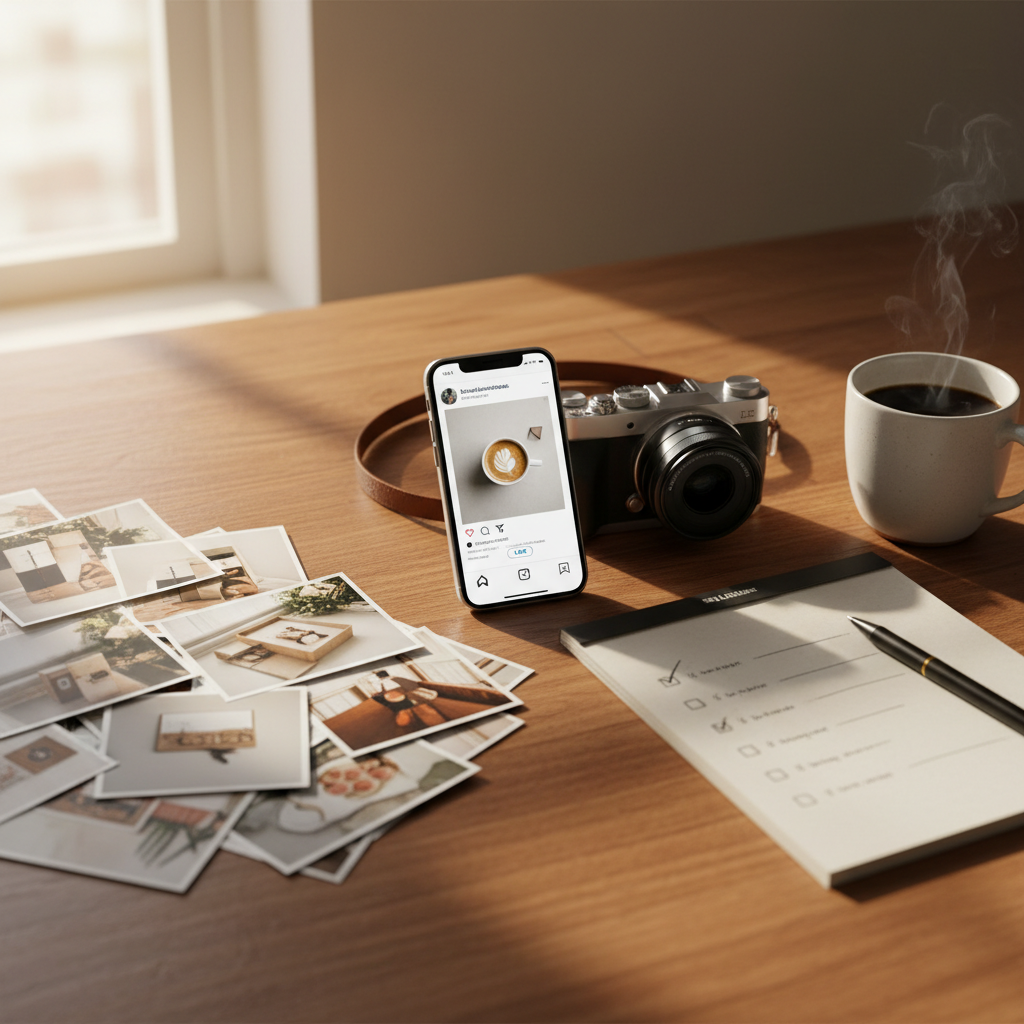
AI Images vs Real Photos: A Practical Guide for Local Businesses
Local business owners ask: should I use AI images, stock photos, or real customer pictures on social and local pages? This guide gives clear rules, captions, and a 5-step checklist so you pick the right image every time.
6 min read
BrandZilla EditorialReviewed by marketing operators· Updated Sep 1, 2026· 6 min read
Open with the real business problem in the reader's own words.
You know the problem: professional photos are expensive, stock images look fake, and AI-generated pictures feel modern but risky. You want visuals that bring people into your shop, not make them scroll past.
This article lays out clear rules for when to use AI images, stock photos, or real customer pictures. You'll get a practical decision framework, caption templates, an easy 5-post weekly plan, and a short checklist to keep posts trustworthy and legal.
Quick decision framework: when to use each image type
Make decisions fast with this simple matrix. Answer two questions: does this post need trust (customer-facing proof) and do I have a real image available?
Trust-critical + real image available = Use a real photo.
Trust-critical + no real image = Recreate a real photo (ask permission, stage it), don't use AI or random stock.
Not trust-critical + brand visual needed = Use tasteful AI images or branded stock.
Utility/promo graphics = Use designed graphics (logos, menus) — not AI people.
Why? Local customers base decisions on trust and familiarity. Real faces, real food, real before-and-after shots outperform stylized images when the post is about your product or service.
Reality check: Most small businesses post 3x then quit. Consistency beats creativity 9 times out of 10.
Legal and ethical quick checks (30 seconds before you post)
Do you have permission? (Customer, model release, or staff okay.)
Is the image accurate? (Matches the product/service you offer today.)
Could it mislead? (No fake before/after, no invented results.)
Is there a privacy risk? (Children, medical info — be careful.)
If any answer is no, either don’t post or use a clear caption that explains the image is illustrative.
Practical edits that make any photo perform better
Before you post, run a 90-second edit routine:
Crop to the focal point (remove empty background).
Brighten + increase contrast slightly (+10 to +15).
Add your logo in a corner at 400–800px wide for stories and posts.
Add a 2-line caption that names the customer or exact item.
Example caption structure (copy/paste):
Line 1: Quick hook: "Fresh out of the oven: Cinnamon Cardamom Loaf — $6"
Line 2: Local detail: "Baked at 8am by Sofia. Limited batch. Come by before 10am."
CTA line: "Call to reserve → (555) 123-4567"
Quick win: Repurpose one customer review into a 3-post mini series this week.
Real example — what actually moved customers
A small barbershop in Austin posted this plan for 6 weeks: three real images per week (before/after, clipper-in-action, friendly staff photo), one short video testimonial, one promo graphic. Results: appointments rose from 8 to 16 per week in six weeks; two customers booked after seeing a before/after post with exact pricing.
Why it worked: every real photo named the customer (with permission), showed price, and had a one-line trust note: "Cut by Marco — 12 years experience." People recognized neighbors and booked.
When AI or stock images are fine (and how to make them honest)
Use AI or stock when the post is aspirational, educational, or purely visual identity (brand colors, textures, mood). But follow these rules:
Label clear fiction: use "Image: illustrative" for any AI-generated or composite photo.
Keep people generic: avoid using AI people for staff photos or claimed testimonials.
Match your real world: color-scheme, signage, and menu items should align with what customers actually find.
Use stock for backgrounds, patterns, or stylized product shots — but overlay local text (neighbourhood name, hours).
Practical captions for illustrative images:
"Illustrative photo — our summer menu looks like this. Stop by to try the real thing."
"Mood shot: coastal coffee at our 3rd Ave shop. Actual cup design may vary."
Common mistake: Treating Instagram captions like tweets — context outperforms one-liners for local businesses.
5-post weekly plan that mixes real and created visuals
You don't need a photo studio. Use this repeatable rhythm that balances trust and polish.
Anchor post (real): Customer photo or product close-up. Long caption, price, CTA.
Behind-the-scenes (real): Staff at work, 10–20 sec video. Tag staff.
Educational (created): Branded graphic or tasteful AI image labeled "illustrative". Short tip.
Social proof (real): Review screenshot or short video testimonial. Add location.
Promo/utility (created): Menu update, hours, or upcoming special graphic.
Timing: post 5 times per week, reuse the same anchor post into smaller story clips across the weekend. This gives frequency without daily creative pressure.
What actually works: A 5-post weekly rhythm built from one anchor piece — not daily improvisation.
Exact text templates to use with each image type
Real photo — product: "[Item name] — $[price]. Baked by [staff name] at [time]. Limited today. Reserve → [phone]"
Real photo — testimonial: "'Best haircut I've had in years.' — [First name], [neighborhood]. Book with Marco → link in bio."
AI/stock/illustrative: "Illustrative image: shows the mood of our new summer menu. Real items vary. Available from Friday."
Promo graphic: "This weekend: 2-for-1 small pizzas. In-store only. 11am–3pm."
Alt text template (for accessibility): "[Business type] storefront on [street], daytime, with customers lined up; shows [main subject]."
Steal this template: "We help [audience] [outcome] without [pain]. Here's how →"
Short checklist before you publish (copy and paste)
Photo: real / staged / illustrative (mark which)
Permission secured (name + consent recorded)
Caption includes local detail (street, staff name, price or time)
Alt text written
Post labeled if illustrative
Practical shortcut: You can build this system manually — or use BrandZilla to stay consistent without hiring a social media manager.
Measuring what matters (simple metrics)
Track these weekly: reach, saves (or shares), direct messages about bookings, and calls. Ignore vanity likes alone. For local businesses, the signal that matters is: did a post trigger a booking, call, or foot traffic?
Example targets after starting this system:
Week 1–2: Maintain baseline and collect customer permissions.
Week 3–6: Expect 10–30% increase in DMs/calls from trust-focused posts.
Editing rules for AI images so you don't mislead customers
Never present an AI person as a real customer or staff member.
If the image shows a product you actually sell, ensure it can be produced the same day.
Use overlays (price, location) to show it's a visual concept, not a promise.
Short budget options for better photos
Ask a staff member with a modern phone to shoot morning light photos for 15 minutes once a week.
Offer a $5 coffee coupon for customers who allow quick before/after shots.
Use a one-hour session with a local photographer every quarter for hero shots.
Final practical routine (30 minutes weekly)
10 minutes: run the checklist and pick 5 posts from the week.
10 minutes: edit photos, write captions using templates above.
10 minutes: schedule posts and story reminders.
Few businesses fail because they’re creative—they fail because they quit. If you make photos a weekly habit, your feed will build trust faster than chasing perfect visuals.
If you want a hand turning these templates into a repeatable schedule, there are simple tools and systems that let you plan a month in one sitting and publish across profiles without hiring a manager.
A final note: treat photos like an asset. Save originals, keep a permission log, and build a small bank of real images (10–20) you can rotate. Over time those images become the reason new neighbors decide to walk in.
If you'd like a built checklist and calendar that fits this guide, think of it like a small operations manual — tools like BrandZilla are designed to hold those assets so you don't start over every month.
The real objections — answered straight, no fluff.
BrandZilla Editorial Team
SMB MarketingContent Strategy
Practical playbooks written and reviewed by people who actually run content programs for small and local businesses — not generic AI output. Every guide is pressure-tested against what real operators do on Instagram, Facebook, LinkedIn and Google.
Used by 1,000+ businessesLast updated Sep 1, 20266 min read
Get weekly content ideas for your business
Join business owners getting practical, ready-to-post BrandZilla content prompts every week. No spam.